Solved

Quick report is not getting data

  • March 9, 2026
  • 3 replies
  • 70 views

Forum|alt.badge.img

Hi,

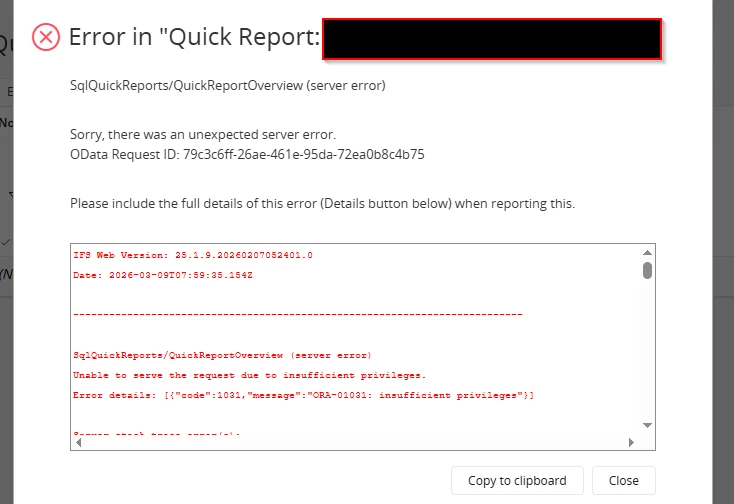
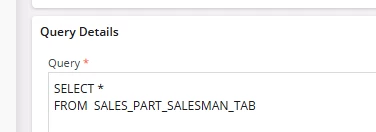
I ran a database script with views in Quick Reports and it worked. However, when I try to run it through the table directly, it gives an insufficient privilege error. I think this can be handled by granting the appropriate permissions, but can anyone please let me know which exact permission set I need to assign?

Thanks in advance

Regards
 

Best answer by knepiosko

Hi


You can’t get direct access to IFSAPP owner tables through Quick Reports.
Even though You are logged into IFSAPP user db session is created on IFSSYS db user. IFSSYS user has only access to views not tables from IFSAPP schema.

Moreover IFSAPP application user is not the same as IFSAPP db user.

3 replies

asanka1055
Hero (Partner)
Forum|alt.badge.img+9
  • Hero (Partner)
  • March 9, 2026

hi ​@Tharshan 


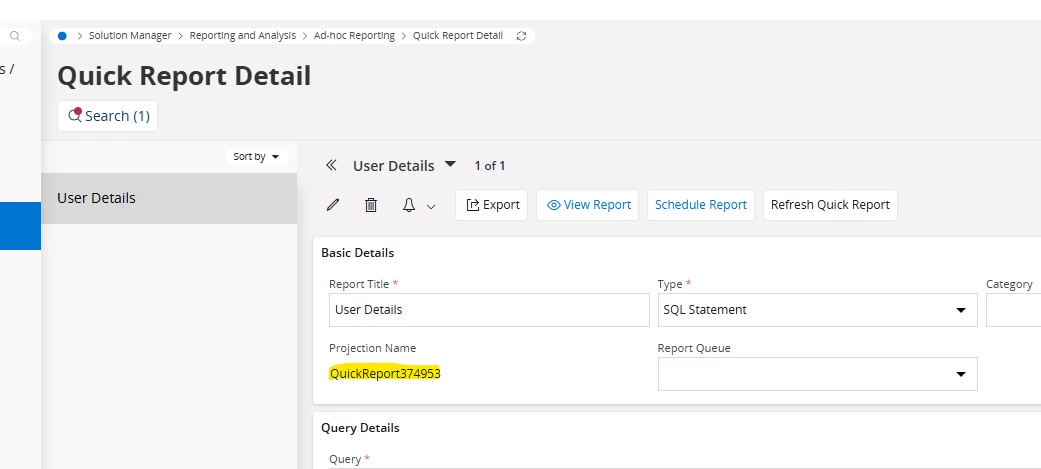
Copy the projection name from the quick report


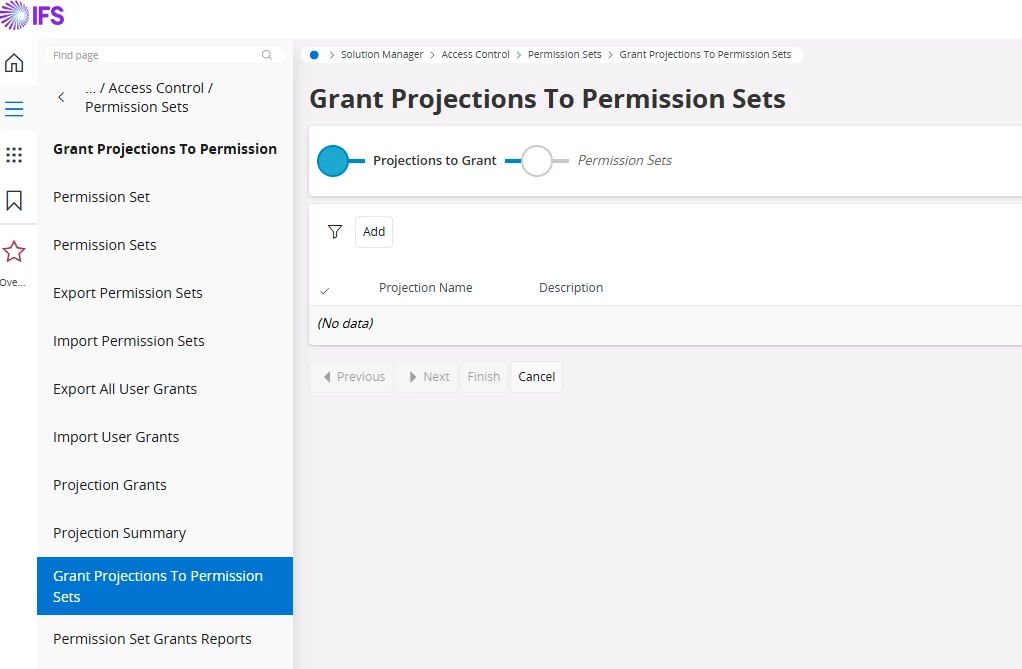
Go to Grants Projections to Permission Set screen and  add your projection and one of a permission set you want to grant. You can add to one of your existing permission set or a new one.


Forum|alt.badge.img
  • Author
  • March 9, 2026

Hi ​@asanka1055 

Thanks for your response. I tried it earlier this one and it didn't work, even after granting all permission sets to that projection. It seems there is no permission set that provides direct table access. Could you please let me know where I can define permission sets to allow direct table reads? That would be very helpful.

Regards


Forum|alt.badge.img+17
  • Superhero (Partner)
  • Answer
  • March 9, 2026

Hi


You can’t get direct access to IFSAPP owner tables through Quick Reports.
Even though You are logged into IFSAPP user db session is created on IFSSYS db user. IFSSYS user has only access to views not tables from IFSAPP schema.

Moreover IFSAPP application user is not the same as IFSAPP db user.