Solved

Astea Mobile Customizer not working

  • Nov 27, 2023 8:10 AM UTC
  • 5 replies
  • 148 views

Forum|alt.badge.img+6

Hi Team,
Astea mobile Customizer not working.
Site is up and running but receiving errors.
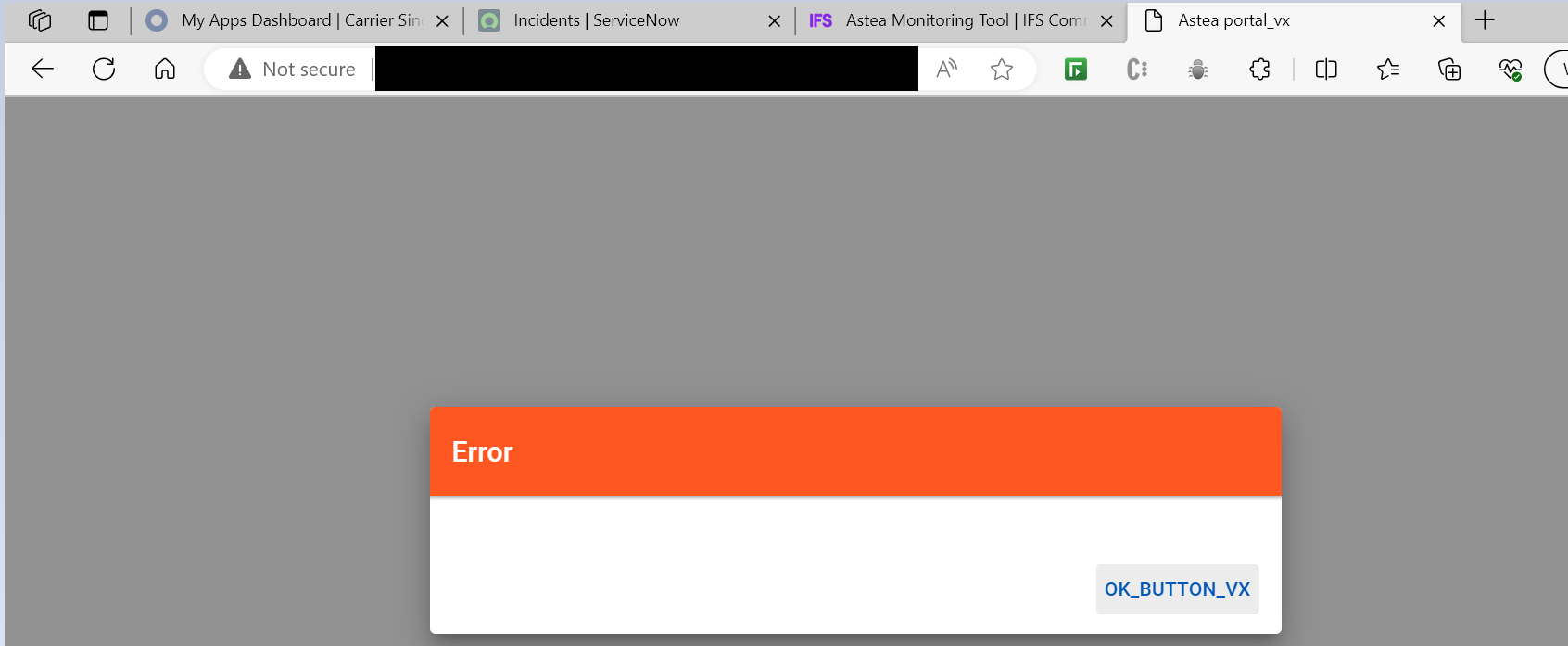
 

Errors in browser console:
1) Failed to load resource: 500 (http://server_fqdn/asteamobilecustomizer/api/locale/getLocale?lang=en-US&part=portal)
2) Failed to load resource: 500 (http://server_fqdn/asteamobilecustomizer/api/security/account)

After clicking OK Button, we get a continuous loading screen.


Any suggestion or advice to resolve the issue will be appreciated.

​​​​​​​

Best answer by Reid Gilbert

Is the Redis Cache service actually up and running in this environment?  Try stopping those services and restarting those to see if that helps.  Then go into the \Program Files\Alliance Mobile Edge\AsteaMobileCustomizer\ folder and run the UpdateAll.bat file as an Administrator (right-mouse-click and select the Run As Administrator option).  Then check the resulting .txt file to see if any errors are captured in there.
Thanks,
Reid

View original

5 replies

Forum|alt.badge.img+10
  • Hero (Employee)
  • Nov 27, 2023 9:23 AM UTC

Hi Narendran, 


Thank you for asking question. Have you tried the same URL from Astea Native mobile app. We don’t support the Edge browser, you should use the Windows Native App or the iOS or Android Native App.

Kind Regards,

Eisha 


Phil Seifert
Ultimate Hero (Employee)
Forum|alt.badge.img+24
  • Ultimate Hero (Employee)
  • Nov 27, 2023 10:06 AM UTC

In addition to Eisha's statement, I see your URL is http:// which Google took out Chrome support for the SQLDB in general across non-encrypted connections.  I mention this as Edge is also using the Chromium engine too. Please use the Native App.


Forum|alt.badge.img+6
  • Author
  • Do Gooder (Customer)
  • Nov 27, 2023 11:50 AM UTC

Hi Team,
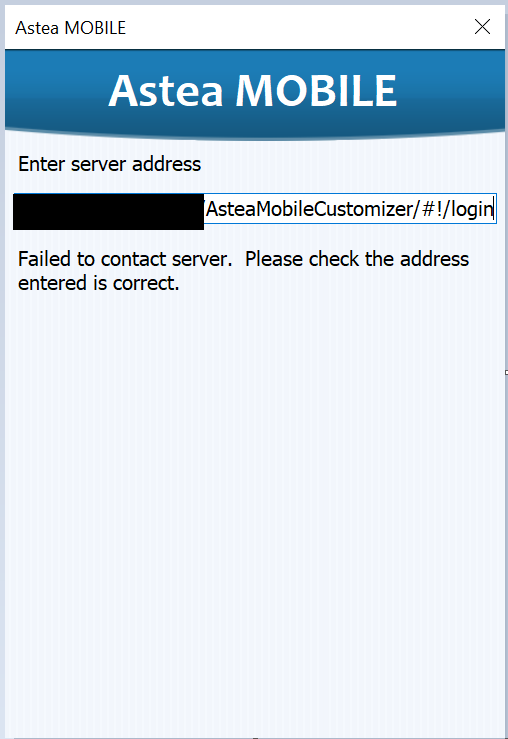
Thanks for the suggestion. However, even in native, I am receiving some error.
PFA screenshot for reference.
 

Any other checks I must be doing? Let me know if I am missing something.


Reid Gilbert
Superhero (Employee)
Forum|alt.badge.img+15
  • Superhero (Employee)
  • Answer
  • Nov 27, 2023 12:09 PM UTC

Is the Redis Cache service actually up and running in this environment?  Try stopping those services and restarting those to see if that helps.  Then go into the \Program Files\Alliance Mobile Edge\AsteaMobileCustomizer\ folder and run the UpdateAll.bat file as an Administrator (right-mouse-click and select the Run As Administrator option).  Then check the resulting .txt file to see if any errors are captured in there.
Thanks,
Reid


Forum|alt.badge.img+6
  • Author
  • Do Gooder (Customer)
  • Nov 29, 2023 10:11 AM UTC

Thanks for all your support.
By running updateAll.bat in utility server, the issue got resolved.