

Question

Reports not downloading automatically when Previewed

  • June 5, 2025
  • 9 replies
  • 212 views

ashenfdo
Sidekick (Customer)
Forum|alt.badge.img+8

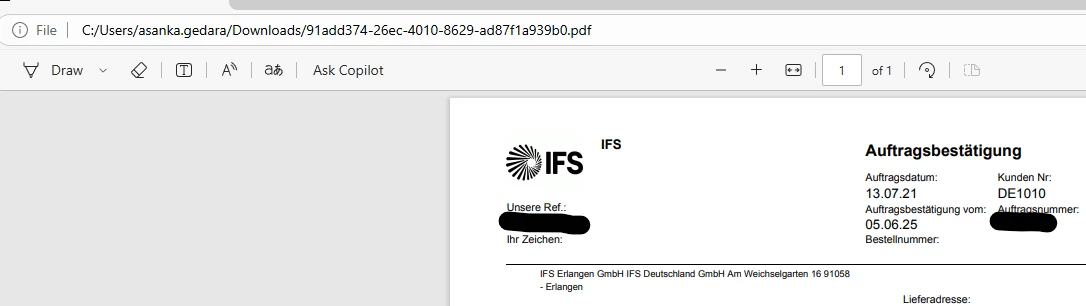
In IFS CLOUD 22R2 we have the functionality when we preview a report and it download automatically and saves in the downloads also opens in the browser. Now in 24r2 when we press preview it only opens in the browser but doesn’t download automatically.
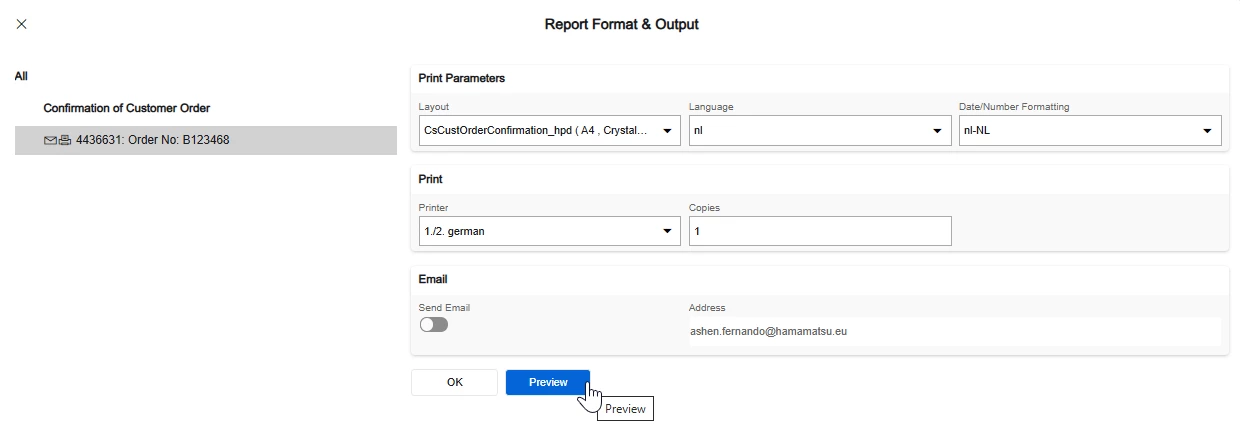


Is there a setting that we need to set for this?



9 replies

Forum|alt.badge.img+17
  • Superhero (Partner)
  • June 5, 2025

Do You use IFS Aurena Agent?


asanka1055
Hero (Partner)
Forum|alt.badge.img+9
  • Hero (Partner)
  • June 5, 2025

Hi ​@ashenfdo ,

I have noticed the same issue recently. Seems like a Bug to me in 24R2 or a compatible issue with browsers.

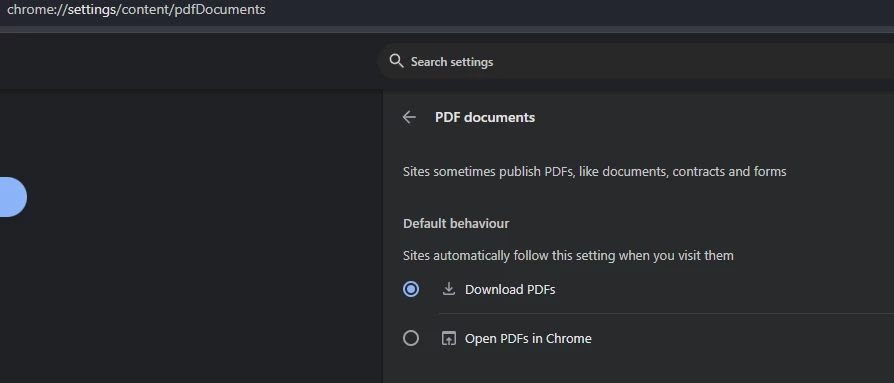
You can change the browser’s default behaviour in the settings. As a example in chrome like below.

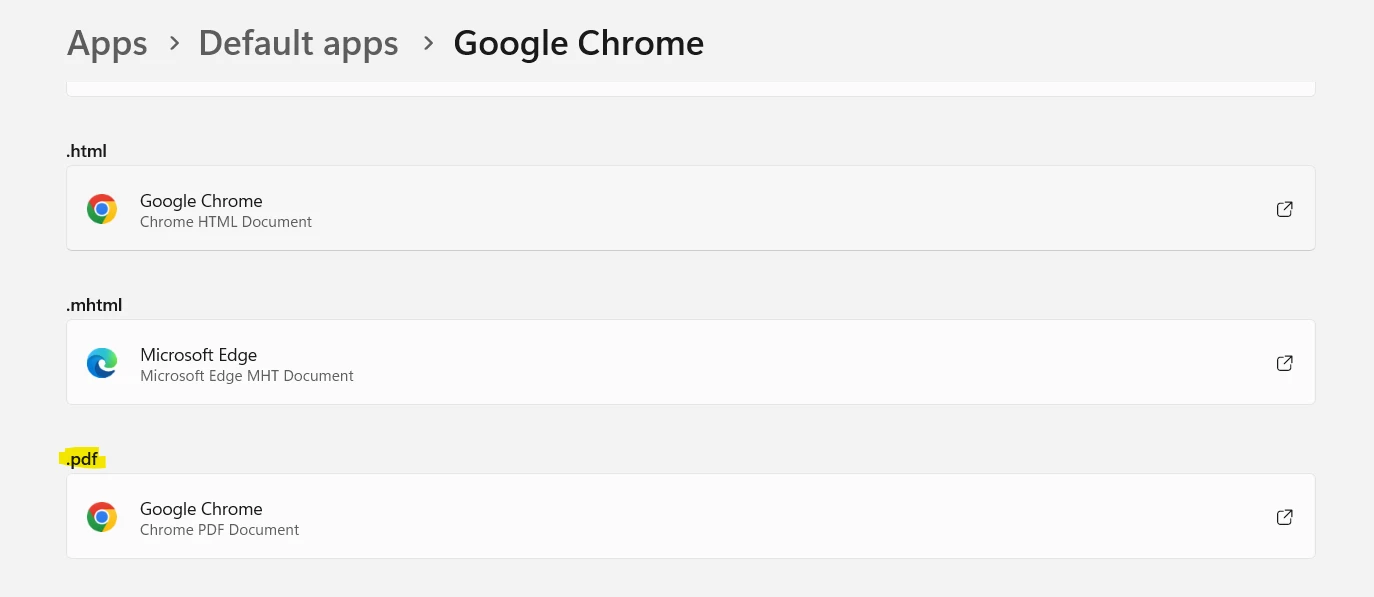
In your computer’s Default apps settings set Google Chrome as default for .pdf files.

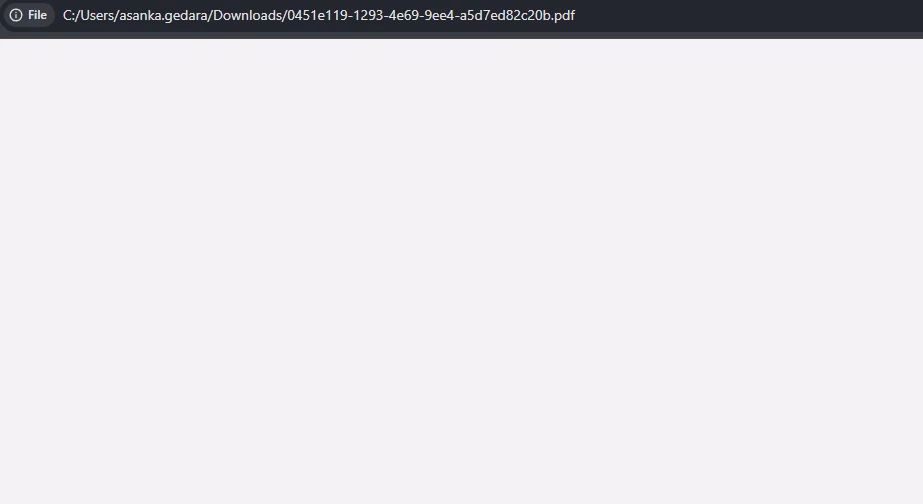
Normally this should work but unfortunately with 24R2 this will open an empty pdf view (see below). Seems like a Bug in 24R2.


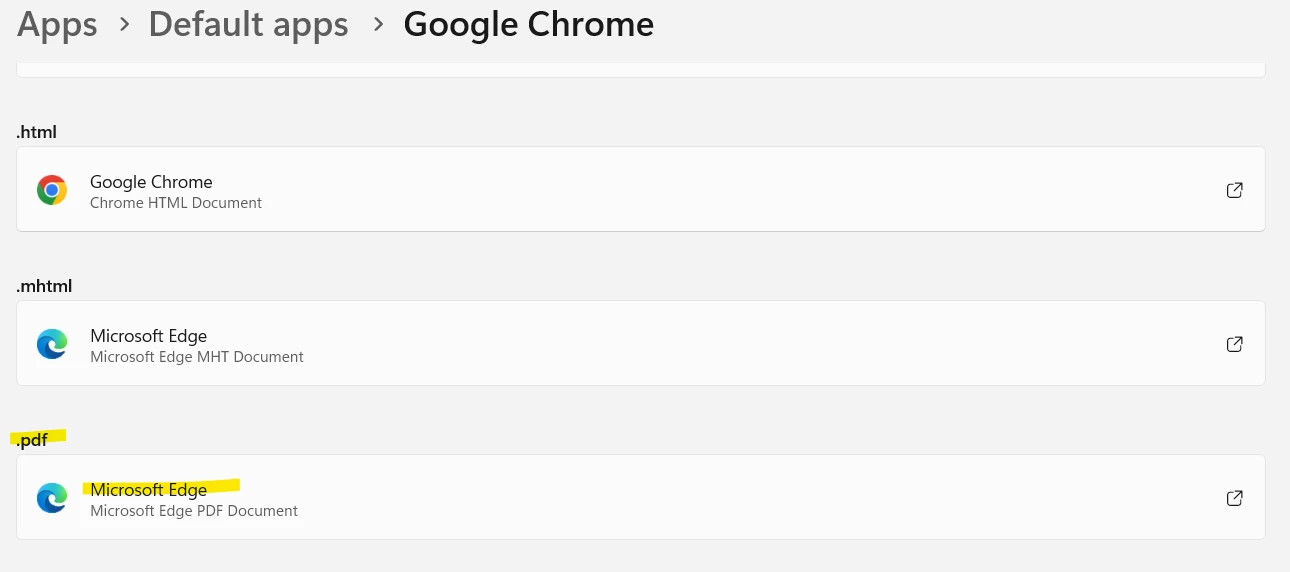
As a workaround if you now change your computer’s default app for .pdfs to different browser (edge) or Adobe Acrobat it will work. pdf will download and open in the other application. Disadvantage is you cannot download and open it now on same browser.


Forum|alt.badge.img+11
  • Hero (Partner)
  • June 6, 2025

Browser: Edge

Default PDF App in windows settings: PDF

Aurena Agent: Not Installed.

Cloud 24R2 SU 6

Works without any issues.


wahelk
Hero (Former Employee)
Forum|alt.badge.img+11
  • Hero (Former Employee)
  • June 6, 2025

Hi,

We had the issue with 23R2 that when we preview first time, it opens in browser and then next attempt it downloads. 

I think now this is fixed to open in browser instead download.

Best Regards,

Wasana


ashenfdo
Sidekick (Customer)
Forum|alt.badge.img+8
  • Author
  • Sidekick (Customer)
  • June 6, 2025

@knepiosko  yes we use aurena agent


ashenfdo
Sidekick (Customer)
Forum|alt.badge.img+8
  • Author
  • Sidekick (Customer)
  • June 6, 2025

@asanka1055 Thanks for the information but it is not working, Still the same issue The pdfs are downloaded and opened in 22r2 and only opened not downloaded in 24r2. It seems like a bug


asanka1055
Hero (Partner)
Forum|alt.badge.img+9
  • Hero (Partner)
  • June 6, 2025

@ashenfdo which browser are you using?


ashenfdo
Sidekick (Customer)
Forum|alt.badge.img+8
  • Author
  • Sidekick (Customer)
  • June 6, 2025

@asanka1055  both chrome and edge


Forum|alt.badge.img+6
  • Sidekick (Customer)
  • September 17, 2025

We’re having a bit of an opposite issue where the file downloads, but doesn’t pop open.

Chrome and Edge both do the following for me:

  • If the browser was freshly opened, it’ll successfully preview the first report with “preview”. 
  • Any subsequent report will download with the “preview” button but not open automatically.
  • If I close the browser, and reopen, it’ll repeat the same.