

Solved

MWO - Transport task not executed

  • June 23, 2026
  • 3 replies
  • 19 views

Charles
Sidekick (Partner)
Forum|alt.badge.img+5

Hello,

I’m testing MWO app on Windows on 25.2.5 and a transport task was created.

A mobile user have to receive the material so the transport task is visible in Move Stock>Incoming Stock – Direct :
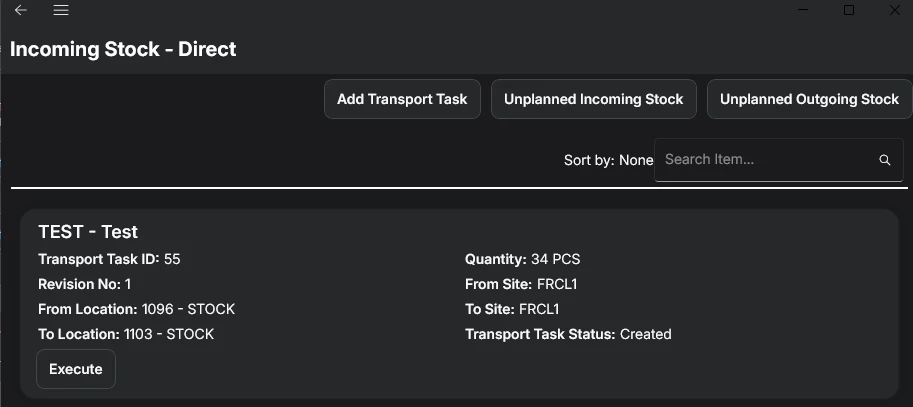
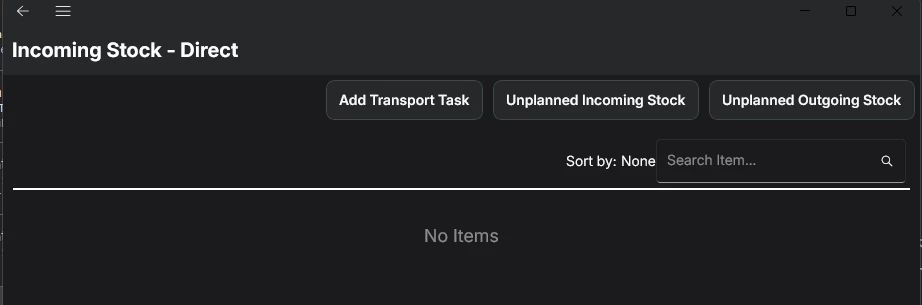
The user can execute the transport task, it removes the lines from the list.
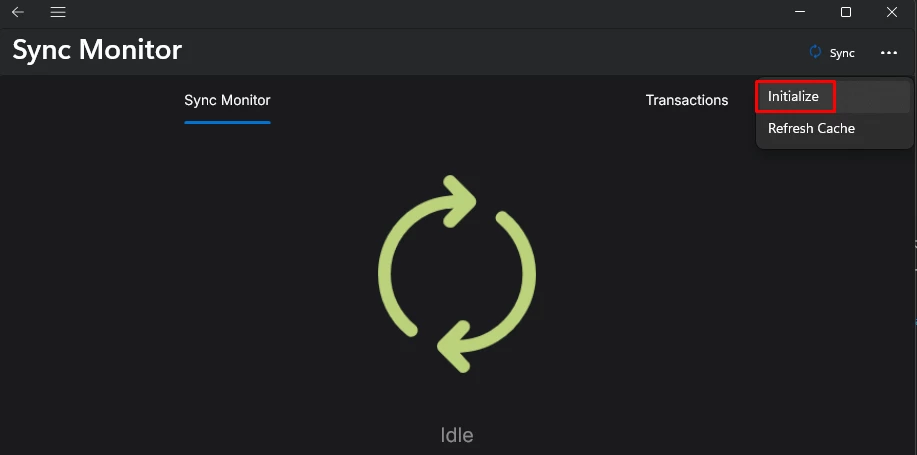
In order to see the transaction on the back offfice, I manually synchronize on the MWO app :
 

When the synchronization is finished, the transport task is again visible and ready to execute and no transaction was created.


What seems to be the problem here ?

Thanks for your help
Best answer by Charles

I found the issue.

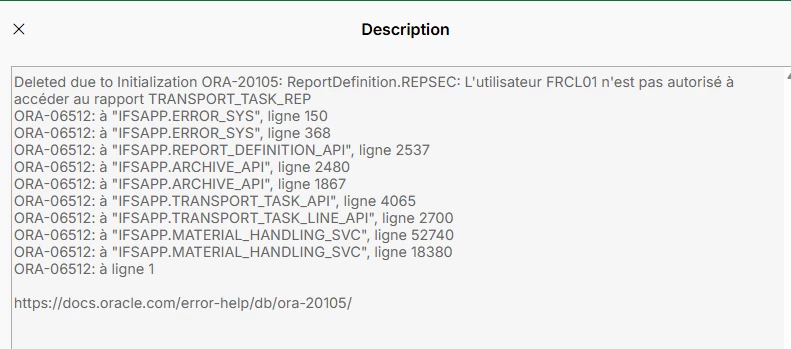
I don’t know why, but the failed transaction was on “Deleted Failed Transactions” page (I don’t know how it got deleted) and there was the reason : 

The error say that the user does not have access to a specific report.

After addind the projection to the permission set, it worked as expected 🙂

3 replies

Marcel.Ausan
Ultimate Hero (Partner)
Forum|alt.badge.img+22
  • Ultimate Hero (Partner)
  • June 23, 2026

@Charles did you check if you have an entry in the Failed Transactions page for the specific user? If there’s a faield transaction, you should be able to read the error message and figure out what’s going wrong. 


Charles
Sidekick (Partner)
Forum|alt.badge.img+5
  • Author
  • Sidekick (Partner)
  • June 23, 2026

Hello ​@Marcel.Ausan,

Thanks for your reply.

I checked the Failed Transactions page and no entry here (for any user).

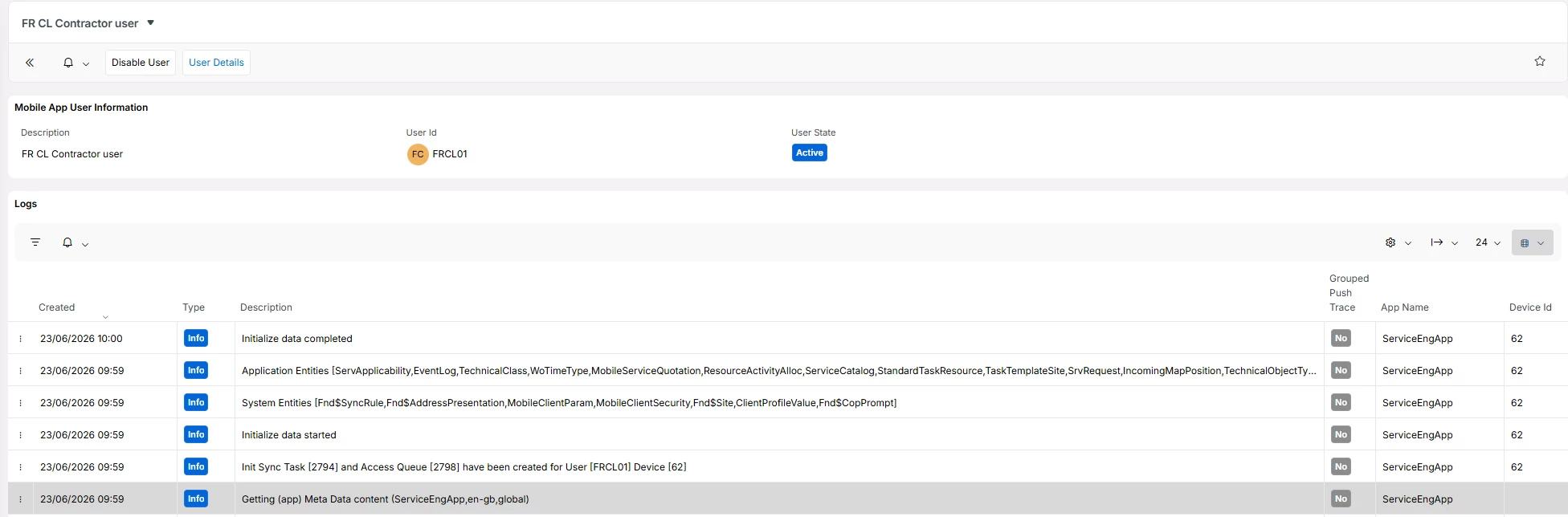
I checked also the logs on Mobile App User Details when I synchronized but no error : 


Charles
Sidekick (Partner)
Forum|alt.badge.img+5
  • Author
  • Sidekick (Partner)
  • Answer
  • June 23, 2026

I found the issue.

I don’t know why, but the failed transaction was on “Deleted Failed Transactions” page (I don’t know how it got deleted) and there was the reason : 

The error say that the user does not have access to a specific report.

After addind the projection to the permission set, it worked as expected 🙂