

Solved

MWO - Transport task not executed

  • Jun 23, 2026 9:45 AM UTC
  • 5 replies
  • 70 views

Charles
Sidekick (Partner)
Forum|alt.badge.img+5

Hello,

I’m testing MWO app on Windows on 25.2.5 and a transport task was created.

A mobile user have to receive the material so the transport task is visible in Move Stock>Incoming Stock – Direct :
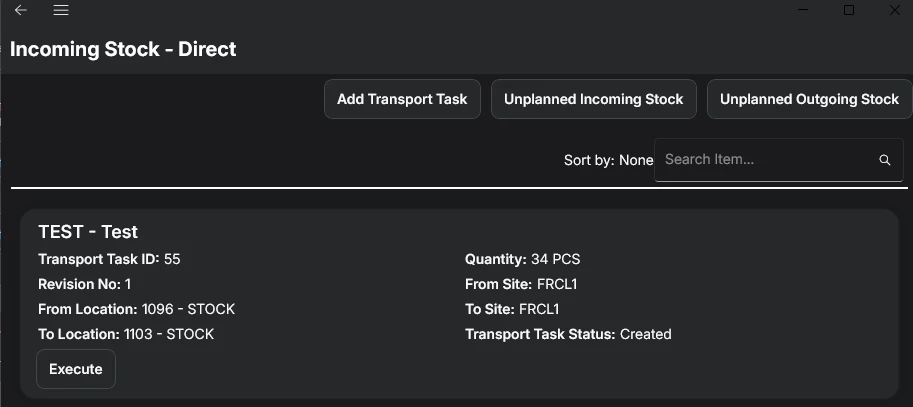
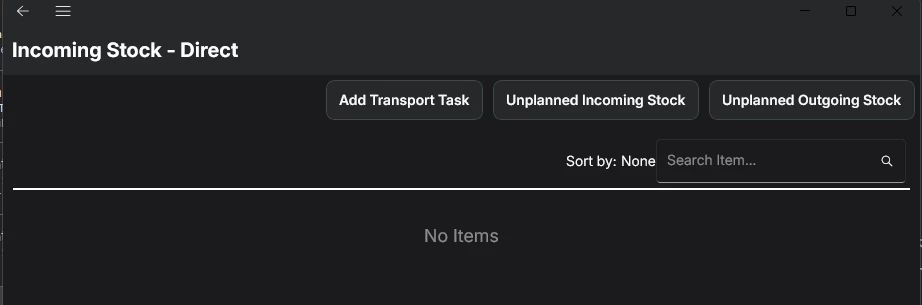
The user can execute the transport task, it removes the lines from the list.
In order to see the transaction on the back offfice, I manually synchronize on the MWO app :
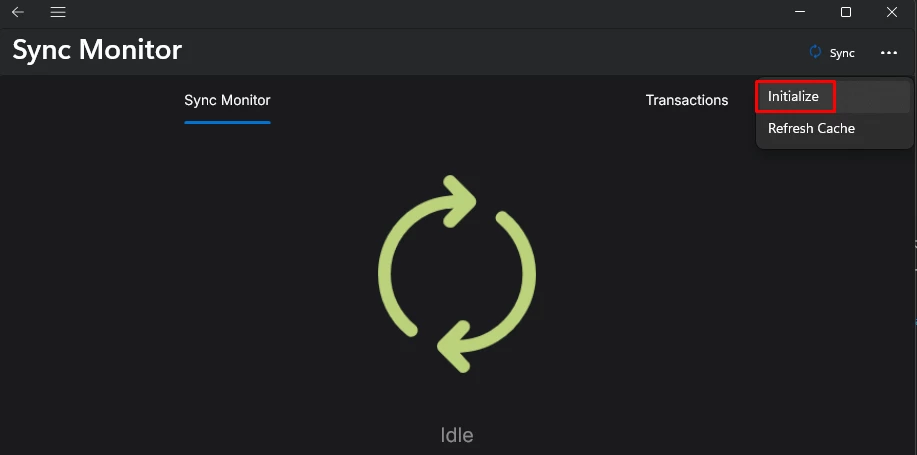
 

When the synchronization is finished, the transport task is again visible and ready to execute and no transaction was created.


What seems to be the problem here ?

Thanks for your help
Best answer by Charles

I found the issue.

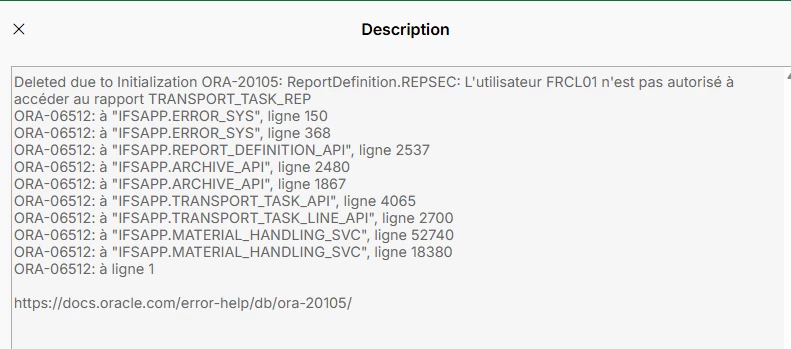
I don’t know why, but the failed transaction was on “Deleted Failed Transactions” page (I don’t know how it got deleted) and there was the reason : 

The error say that the user does not have access to a specific report.

After addind the projection to the permission set, it worked as expected 🙂

View original

5 replies

Marcel.Ausan
Ultimate Hero (Partner)
Forum|alt.badge.img+22
  • Ultimate Hero (Partner)
  • Jun 23, 2026 9:50 AM UTC

​@Charles did you check if you have an entry in the Failed Transactions page for the specific user? If there’s a faield transaction, you should be able to read the error message and figure out what’s going wrong. 


Charles
Sidekick (Partner)
Forum|alt.badge.img+5
  • Author
  • Sidekick (Partner)
  • Jun 23, 2026 10:01 AM UTC

Hello ​@Marcel.Ausan,

Thanks for your reply.

I checked the Failed Transactions page and no entry here (for any user).

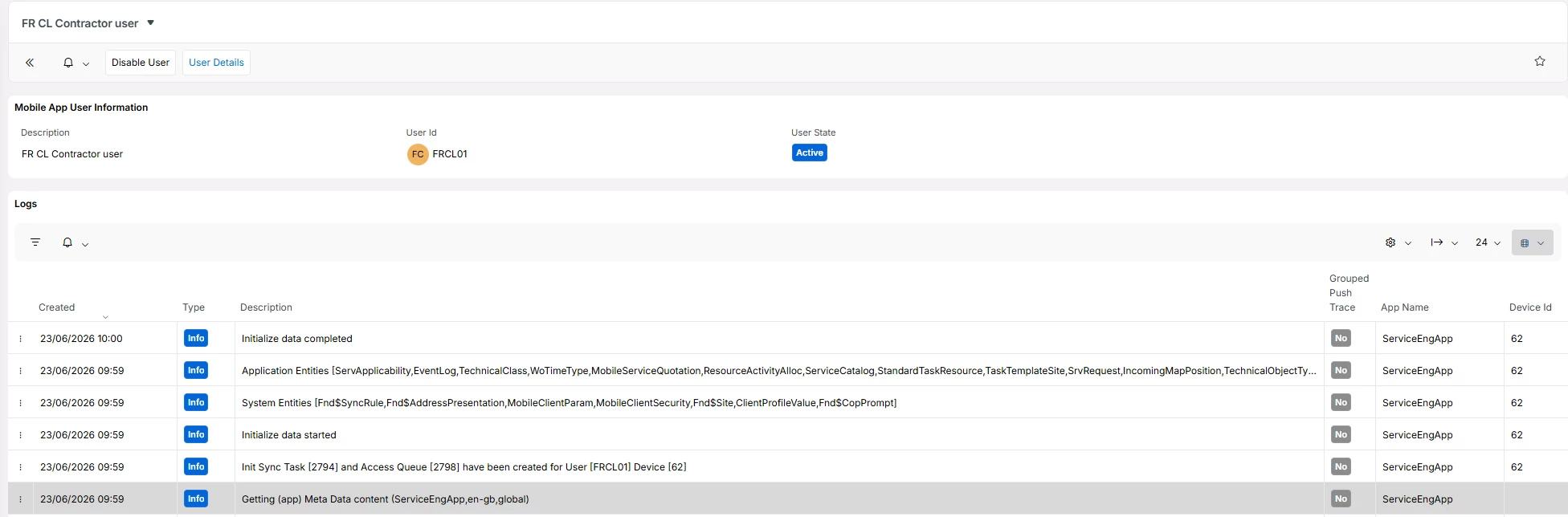
I checked also the logs on Mobile App User Details when I synchronized but no error : 


Charles
Sidekick (Partner)
Forum|alt.badge.img+5
  • Author
  • Sidekick (Partner)
  • Answer
  • Jun 23, 2026 3:21 PM UTC

I found the issue.

I don’t know why, but the failed transaction was on “Deleted Failed Transactions” page (I don’t know how it got deleted) and there was the reason : 

The error say that the user does not have access to a specific report.

After addind the projection to the permission set, it worked as expected 🙂


Marcel.Ausan
Ultimate Hero (Partner)
Forum|alt.badge.img+22
  • Ultimate Hero (Partner)
  • Jun 23, 2026 9:07 PM UTC

Strange, normally this should stay as Failed transaction unless someone moves it to delete failed transactions. Maybe there is a config in your environment to automatically move Failed Transactions to Delete Failed Transactions.

Anyways, good that you resolved the issue.


Forum|alt.badge.img+9
  • Hero (Employee)
  • Jun 29, 2026 10:33 AM UTC

Hi,

  1. The failed transaction above is a defect which has been corrected through CS0184944 previously. If you have applied MWO LTU permission set and the issue occurred even after this, can you raise a support ticket to RND for further investigations. 
  2. Failed transactions can get deleted as a result of initialisation. This explains why you see it under deleted failed transactions. 
  3. Intialising the app should only be done only when it is absolute necessary.  For e.g. system update, configuration changes, new deployement etc. The mobile application automatically synchronises transactions to backoffice.

/Uthpala