Question

Business Reporter Information Source - Dimension Colour

  • February 9, 2026
  • 1 reply
  • 21 views

Forum|alt.badge.img+2

Hello, 


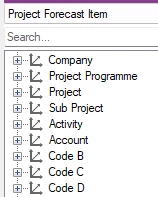
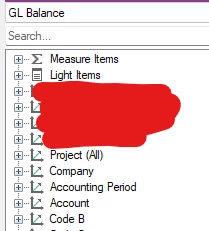
Does anyone have any insight into what the colours mean on the dimensions within the information sources? I’m building a report with two that have the same dimensions, one is coloured green, the other is grey and I can’t filter on the gray one without showing nothing for that dimension. I’ve compared the config and they look identical


Many thanks!

Will


1 reply

ChanakaEA
Do Gooder (Partner)
Forum|alt.badge.img+4
  • Do Gooder (Partner)
  • March 22, 2026

Hi ​@wmclennan ,
The color indicates how well the dimension and fact is connected with each other. 

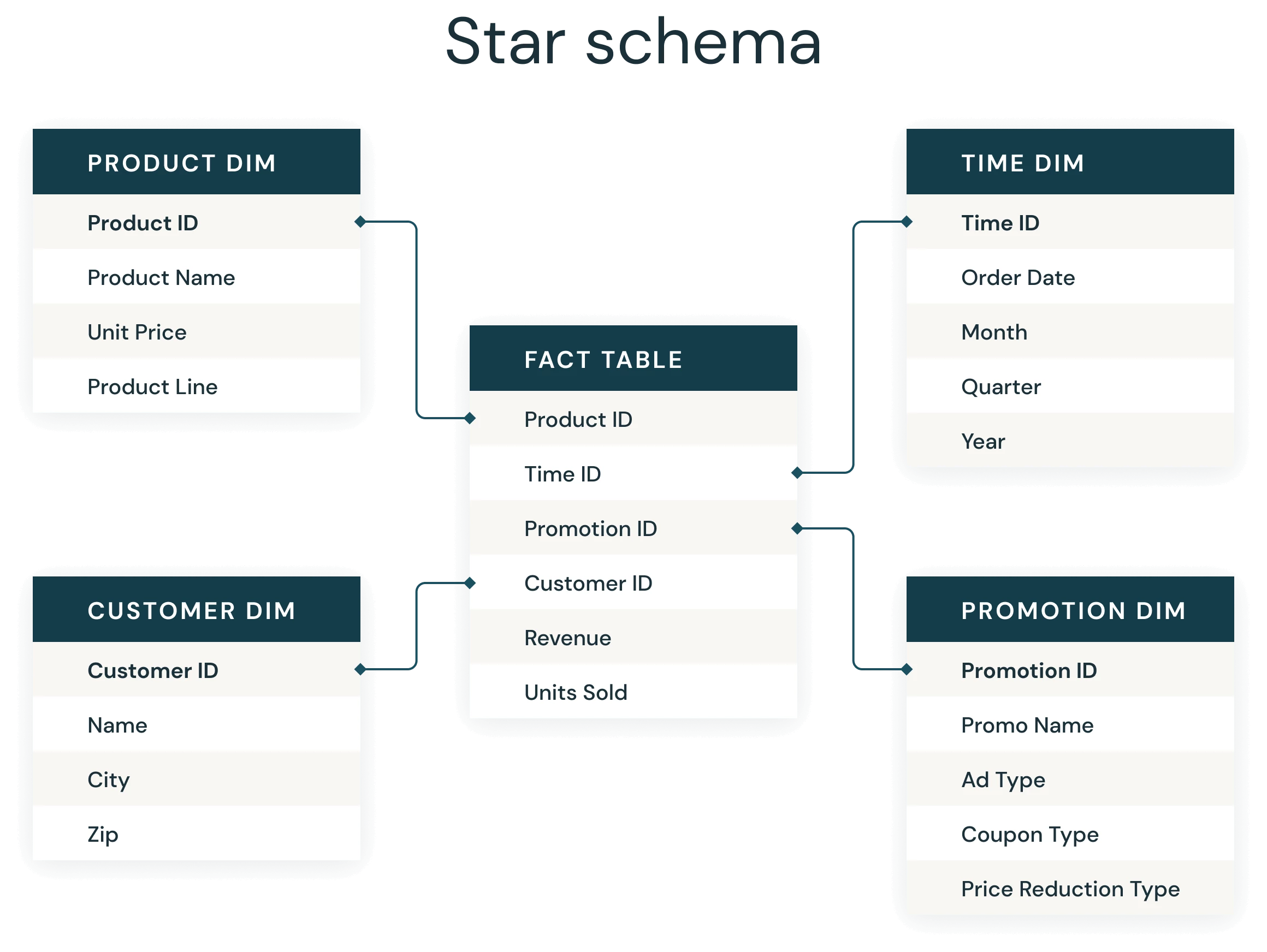
The information sources are developed based on a concept called ‘star schema’. The transaction table (here in this case Project Forecast Item) appears in the center and dimension tables are connected around it. 


When generating the queries these tables are joined using defined columns. 

When the both fact and the dimension joins using Keys it is indicated in green. Indicating key to key relationship. The performance is better when you use items from these dimensions.

If the dimensions is marked in red, that means it is using a derived column for the join. Then the performance can be poor when you use items from that dimension ( specially for filtering)

Dimension marked in Grey means its in between those two ends. Its not using keys but its also not using derived column as well. 

These indicators are nothing to do with the data you retrieved. 

Best regards,

Voshitha