Question

Monitoring Prometheus Grafana metrics

  • May 15, 2026
  • 4 replies
  • 55 views

Forum|alt.badge.img+10
  • Sidekick (Customer)

Hello,


I would ask you a question, what kind of metrics can I monitor in IFS Cloud through Prometheus/Grafana?


Thanks

4 replies

Yathartha Karunananda
Hero (Employee)
Forum|alt.badge.img+12

Hi ​@Ed22,

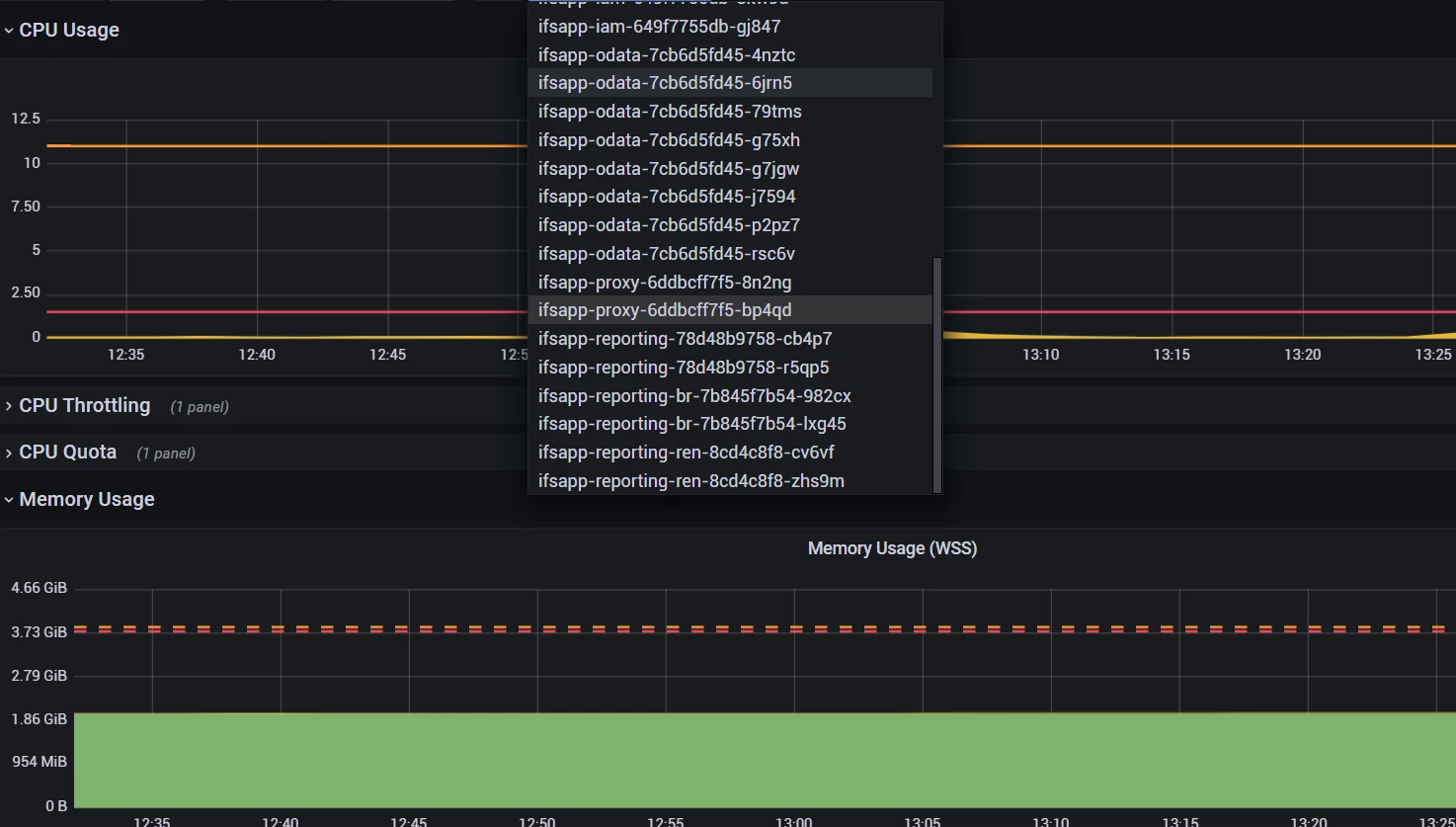
These are the core metrics automatically collected via Prometheus and visualized in Grafana dashboards.

1. Infrastructure Metrics

  • CPU, memory, disk, network
  • Node and container resource usage 

2. Kubernetes Metrics

  • Pods, nodes, namespaces, deployments
  • Job execution status

3. Application / Pod Health

  • Restart counts
  • CrashLoopBackOff, OOMKilled
  • Pod states (waiting, failed, evicted)

4. Database Metrics

  • Oracle DB performance indicators
  • General database health 

5. Platform / Environment Health

  • Cluster health
  • Node conditions
  • PaaS-level monitoring

6. Cloud / External Metrics

  • Azure resources
  • VM (Windows/Linux) metrics
  • Helm/deployment status

7. Alerts (Key Use Case)

  • CPU / memory thresholds
  • Pod failures & anomalies
  • Auto-alerts via PromQL + Alertmanager

Forum|alt.badge.img+11
  • Hero (Employee)
  • May 15, 2026

..but are any of these available to the customer in managed cloud?

The IFS technical organisation has access to them.

In a self-hosted remote deployment you would be able to access them through an URL if the optional features are installed.


Forum|alt.badge.img+9
  • Hero (Customer)
  • May 15, 2026

@Ed22 Grafana could be used to monitor the ressource consumption of the cluster 


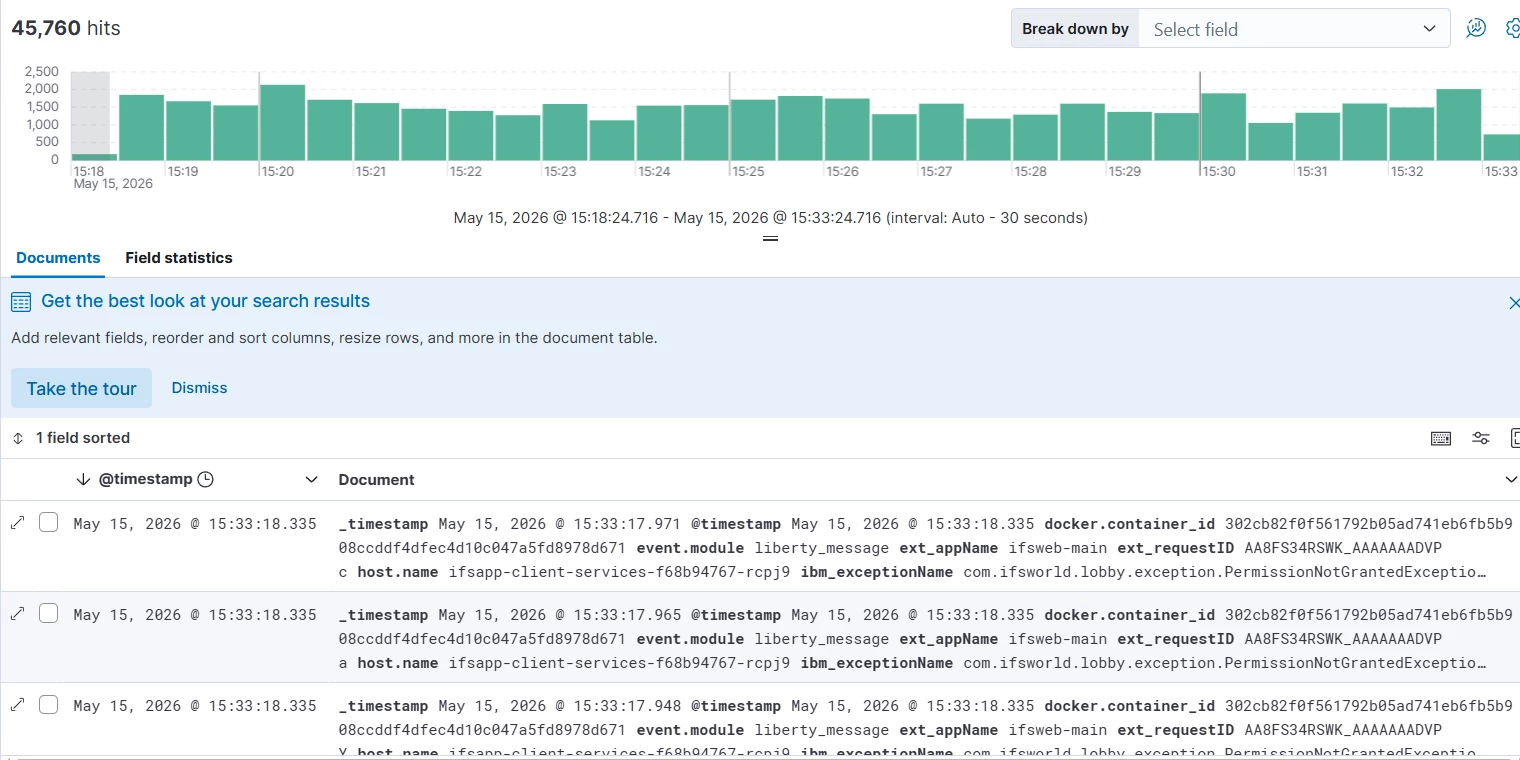
Kibana is more for getting pods logs.


Shehan Chandrasekara
Sidekick (Former Employee)
Forum|alt.badge.img+8

For IFS-managed cloud customers, IFS uses the EFK stack for log monitoring. You can surf your Kibana dashboard by entering the <hostname>/kibana 

A little KQL knowledge would be required to fetch more information from the Elastic Search.

For more info: https://docs.ifs.com/techdocs/23r2/070_remote_deploy/010_installing_fresh_system/030_preparing_server/54_log_monitoring/#efk_-_elasticsearch_fluentd_and_kibana