Question

Migrating Unstructered Data from External Application to IFS cloud


Forum|alt.badge.img+1

We are in progress of migrating data from our legacy application to IFS cloud, with respect to Unstructured data we have files such as Images, PDFs, documents and Certificates to be migrated. So while going through the IFS documentation we were able to see IFS cloud File migration tool has the capability to achieve our goal, However we saw contradicting statements in the documentations as below: 

“This tool copies BLOBs/files from almost any source database to Cloud File Storage” 
“the intended audience as customers upgrading from IFS Applications to IFS Cloud”
“the required FsMigTool.sql is ONLY meant to be installed in the IFS Applications source database.”


Could any one help to get a clarity here, also if there are any other approaches we should take mention that as well. 


7 replies

Mathias Dahl
Superhero (Employee)
Forum|alt.badge.img+33

I can verify that the IFS Cloud File Storage Migration Tool is only for customers that have an existing IFS installation.


Mike.Hollifield
Hero (Partner)
Forum|alt.badge.img+8

Hi ​@santhosh07 ,

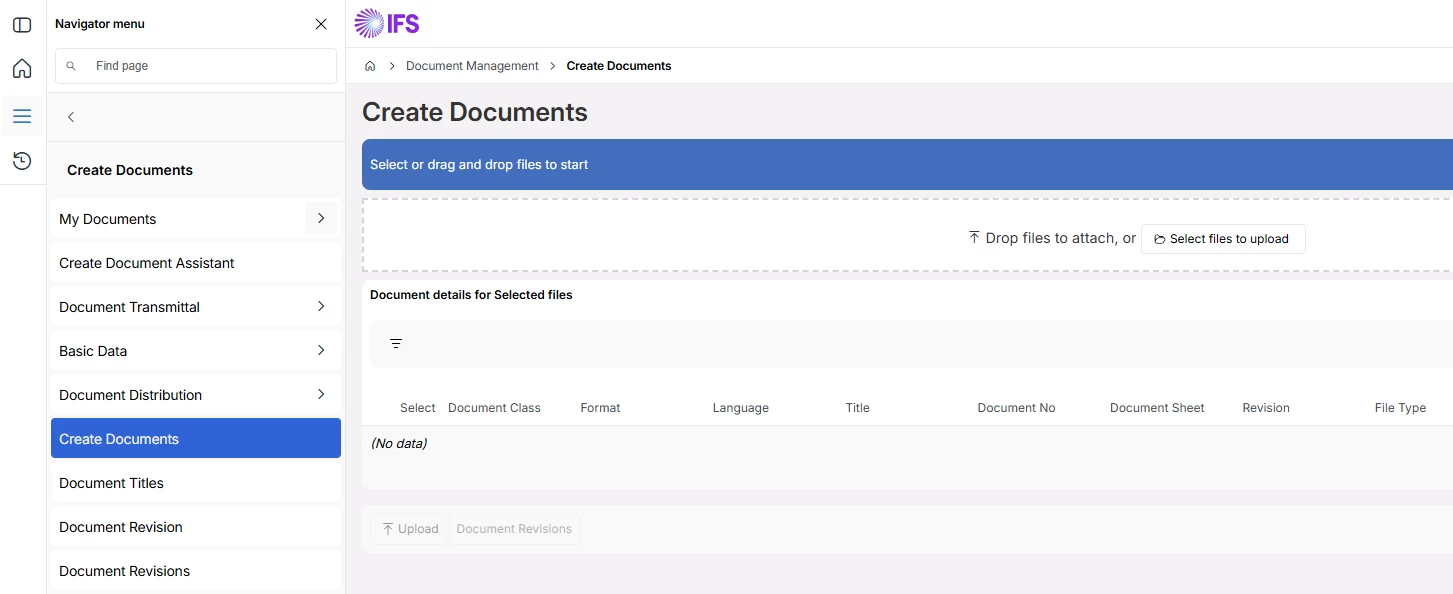
IFS allows you to upload documents in bulk using Document Management > Create Documents


The problem with this is that its very manual to connect to the related business objects(Customers, Suppliers, Parts etc..) within the system.

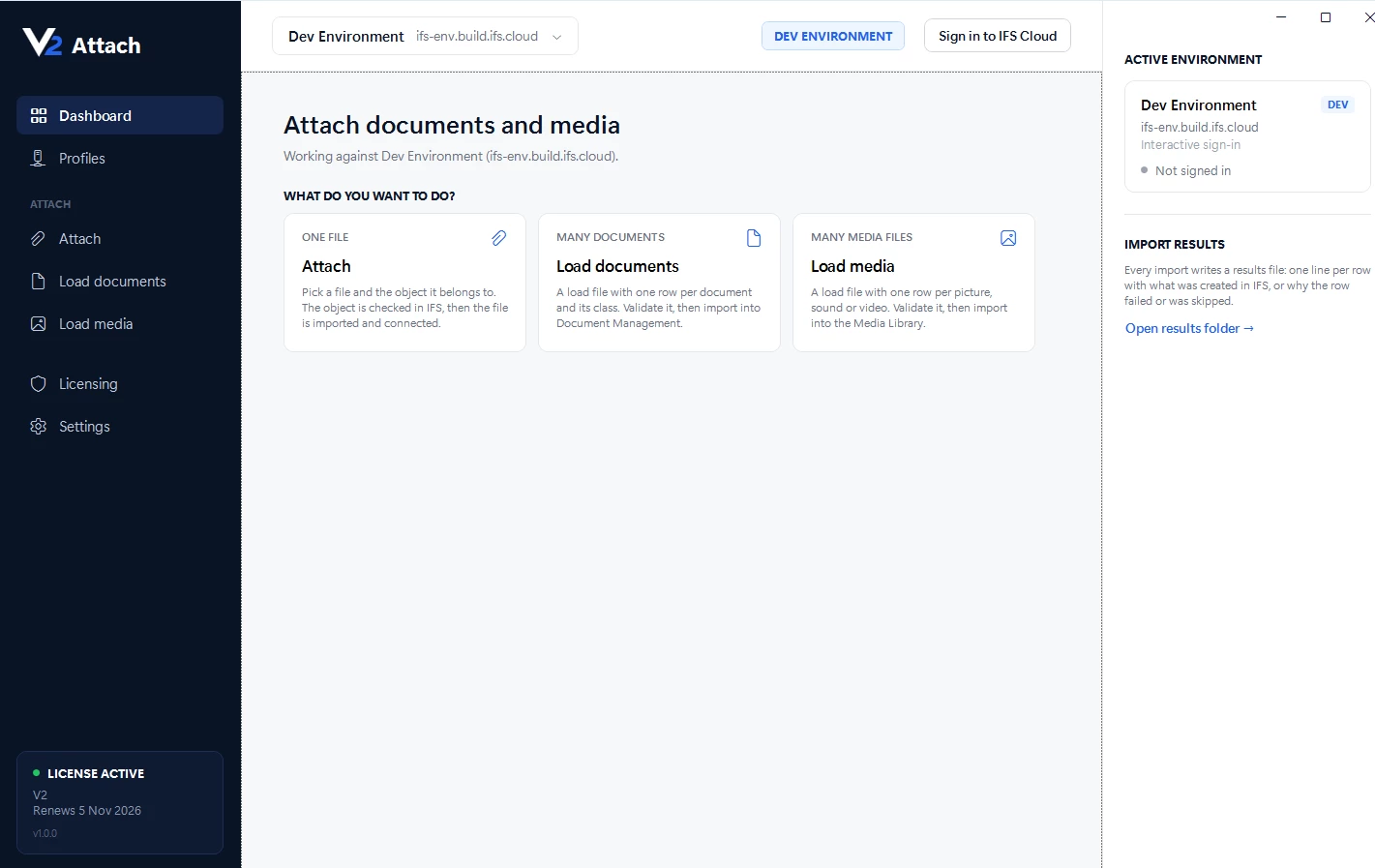
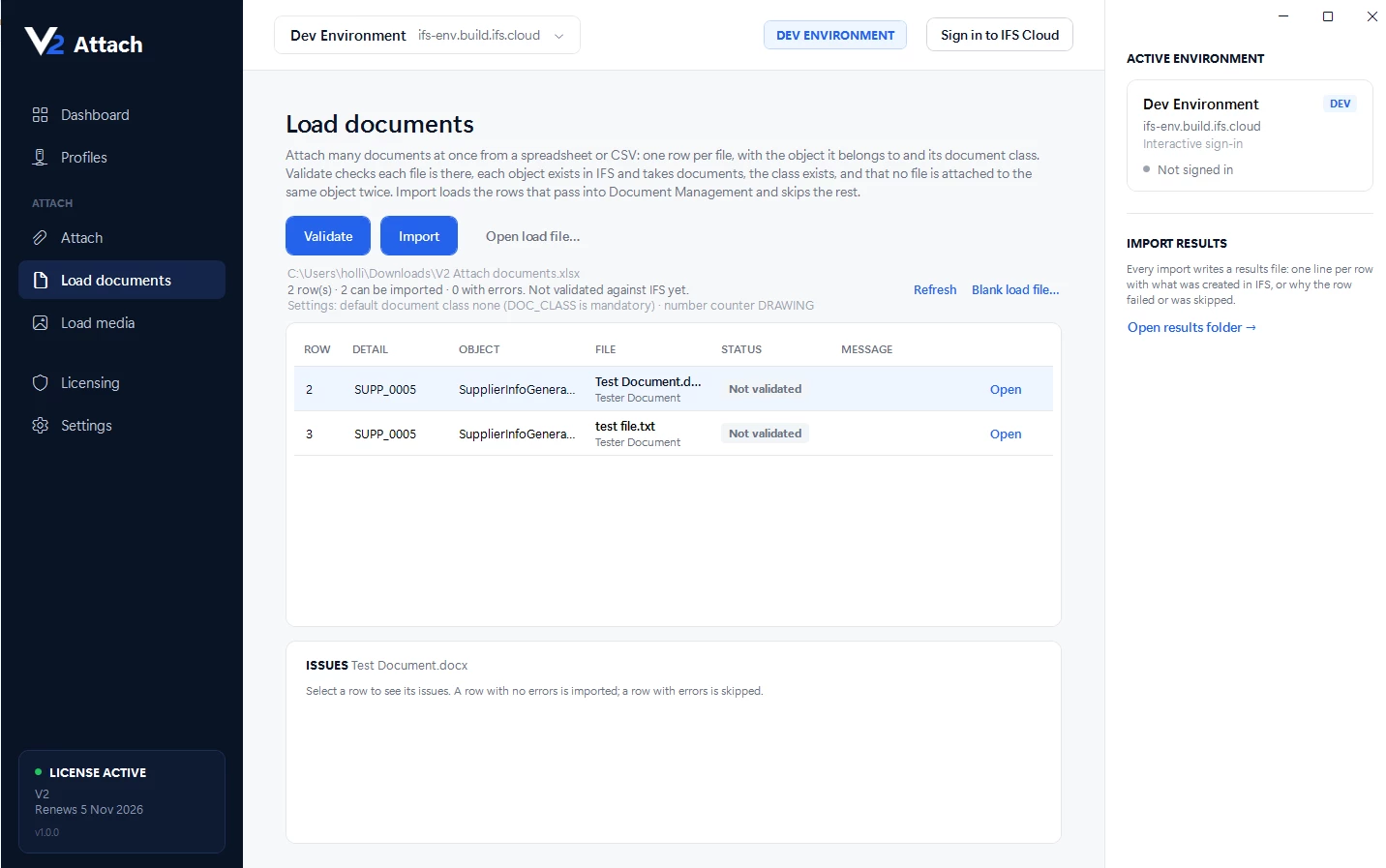
I have the below tool that allows you to upload documents in Bulk and specify the business object they should be connected to at the same time, it also supports IFS’s Media Library functionality.


Let me know if you would like to discuss.

Alternativley, you could always bulk import and then write a data migration job to read an index of whats been loaded and then create the object connections using DM.


Mathias Dahl
Superhero (Employee)
Forum|alt.badge.img+33

​@Mike.Hollifield Aaaah, the wonders of AI - love it! :-) People can now make Document Management import tools in an afternoon!


Mike.Hollifield
Hero (Partner)
Forum|alt.badge.img+8

​@Mathias Dahl this area of IFS has always been lacking, I’ve had a version of this tool all the way back to Apps8 using the .Net Access Providers, before AI was even a concept :-)

My first version didnt look anywhere near as nice though AI sure is a better help with the design, it was functional and did the job, even across UNC file paths, but it looked like Windows 3.1.


Forum|alt.badge.img+1
  • Author
  • Do Gooder
  • October 8, 2026

​@Mike.Hollifield  - Thank you very much for your review and response. We have around 7 TB of Unstructured data (Images, Videos, Documents etc.) to be migrated into IFS cloud, so I think the Document Management approach might not work in this case. Please correct me if I’m mistaken. Also I’m interested to see how the Tool you have works to import the documents and their respective metadata. Please let me know if we can discuss on the same. 


Mike.Hollifield
Hero (Partner)
Forum|alt.badge.img+8

​@santhosh07 if you are migrating that much of a footprint you need to ensure that you are using an external repository configuration and that your bulk is not stored in the default database repository. Otherwise you will enlarge your database and consume additional cost/time.


I'd also want to make sure that the data has a purpose in your ERP, putting documents there without a reason does not add any value to the solution.


My approach uses a multi threaded workload, so the only really bottle neck at transacting a large amount of data into the system becomes your WAN/LAN throughput.


Forum|alt.badge.img+1
  • Author
  • Do Gooder
  • October 13, 2026

Yes, the Unstructured data corresponds to the Work Order Management activities in our EAM Application which we need to migrate to IFS. So any idea which tool or application in IFS has the capability to connect to our legacy system and extract the data from Legacy system and import to IFS. Could you review and advise.