Solved

Lobby datasource using two views 24R2

  • March 16, 2026
  • 9 replies
  • 86 views

Forum|alt.badge.img+11

Hello all,


Hoping that the technical among you can help me get this SQL query into a lobby for me.

The below works in a quick report but that relies on the user to run it, ideally I need this to be on the users lobby page when they log in so that they can see what might need to be actioned.

select

INVENTORY_PART_IN_STOCK_UIV.part_no,

INVENTORY_PART_IN_STOCK_UIV.contract,

INVENTORY_PART_IN_STOCK_UIV.qty_onhand,

INVENTORY_PART_IN_STOCK_UIV.qty_reserved,  

INVENTORY_PART_IN_STOCK_UIV.expiration_date,

INVENTORY_PART_IN_STOCK_UIV.expiration_date - INVENTORY_PART.min_durab_days_co_deliv as Last_Despatch_Date,

INVENTORY_PART_IN_STOCK_UIV.lot_batch_no,

INVENTORY_PART_IN_STOCK_UIV.location_no


from INVENTORY_PART_IN_STOCK_UIV, INVENTORY_PART


where

INVENTORY_PART_IN_STOCK_UIV.part_no = inventory_part.part_no and

INVENTORY_PART_IN_STOCK_UIV.contract = 'RAL' and

INVENTORY_PART_IN_STOCK_UIV.qty_onhand >0 and

INVENTORY_PART_IN_STOCK_UIV.expiration_date is not null and

(INVENTORY_PART_IN_STOCK_UIV.expiration_date - INVENTORY_PART.min_durab_days_co_deliv) <= (TRUNC(SYSDATE) + 28);


I’ve tried using the above where clause in the datasource designer using the view as INVENTORY_PART_IN_STOCK_UIV but it doesn’t like it, any help much appreciated here.


Sarah

 

Best answer by Jarmo Kukka

Hi,
This works in IFSAPP10, don’t know if theres been any big changes to the data source designer
 
View: 

&AO.INVENTORY_PART_IN_STOCK_UIV


Where Condition: 

contract = 'RAL' 
and qty_onhand >0 
and expiration_date is not null
and (expiration_Date - ifsapp.inventory_part_api.get_min_durab_days_co_deliv(part_no,contract))
<= (SYSDATE) + 28


Select Columns:

PART_NO
CONTRACT
QTY_ONHAND
QTY_RESERVED
EXPIRATION_DATE
(expiration_Date - ifsapp.inventory_part_api.get_min_durab_days_co_deliv(part_no,contract))
LOT_BATCH_NO
LOCATION_NO

9 replies

Forum|alt.badge.img+1
  • Do Gooder (Customer)
  • March 16, 2026

you can create this into Query design and try to use query as lobby datasource


Forum|alt.badge.img+11
  • Author
  • Hero (Customer)
  • March 16, 2026

@avinpwc are you able to add a calculated field in query design, if so how as I can’t see an area to write any sql or am I in the wrong page?


Forum|alt.badge.img+1
  • Do Gooder (Customer)
  • March 16, 2026

@sholmes , no you cannot add  calculated field in query design. I totally missed that in your query.


Forum|alt.badge.img+2
  • Do Gooder (Customer)
  • Answer
  • March 16, 2026

Hi,
This works in IFSAPP10, don’t know if theres been any big changes to the data source designer
 
View: 

&AO.INVENTORY_PART_IN_STOCK_UIV


Where Condition: 

contract = 'RAL' 
and qty_onhand >0 
and expiration_date is not null
and (expiration_Date - ifsapp.inventory_part_api.get_min_durab_days_co_deliv(part_no,contract))
<= (SYSDATE) + 28


Select Columns:

PART_NO
CONTRACT
QTY_ONHAND
QTY_RESERVED
EXPIRATION_DATE
(expiration_Date - ifsapp.inventory_part_api.get_min_durab_days_co_deliv(part_no,contract))
LOT_BATCH_NO
LOCATION_NO


Forum|alt.badge.img+1
  • Do Gooder (Customer)
  • March 16, 2026

maybe can try this 


Forum|alt.badge.img+1
  • Do Gooder (Customer)
  • March 17, 2026

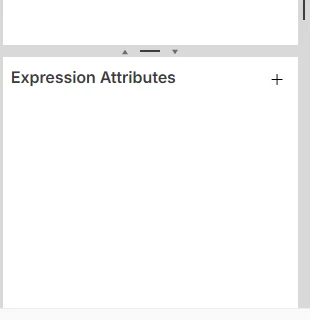
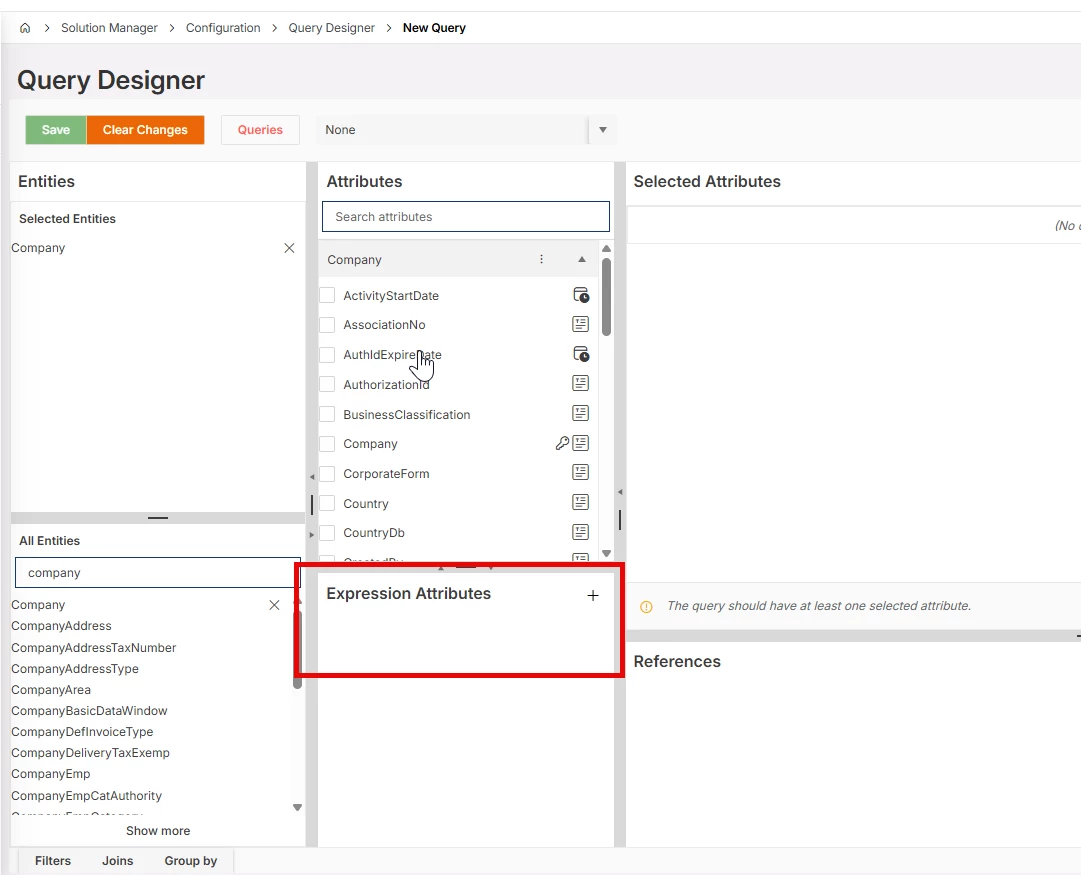
You can use Expression Attributes section to  add a calculated field in query design


Forum|alt.badge.img+11
  • Author
  • Hero (Customer)
  • March 17, 2026

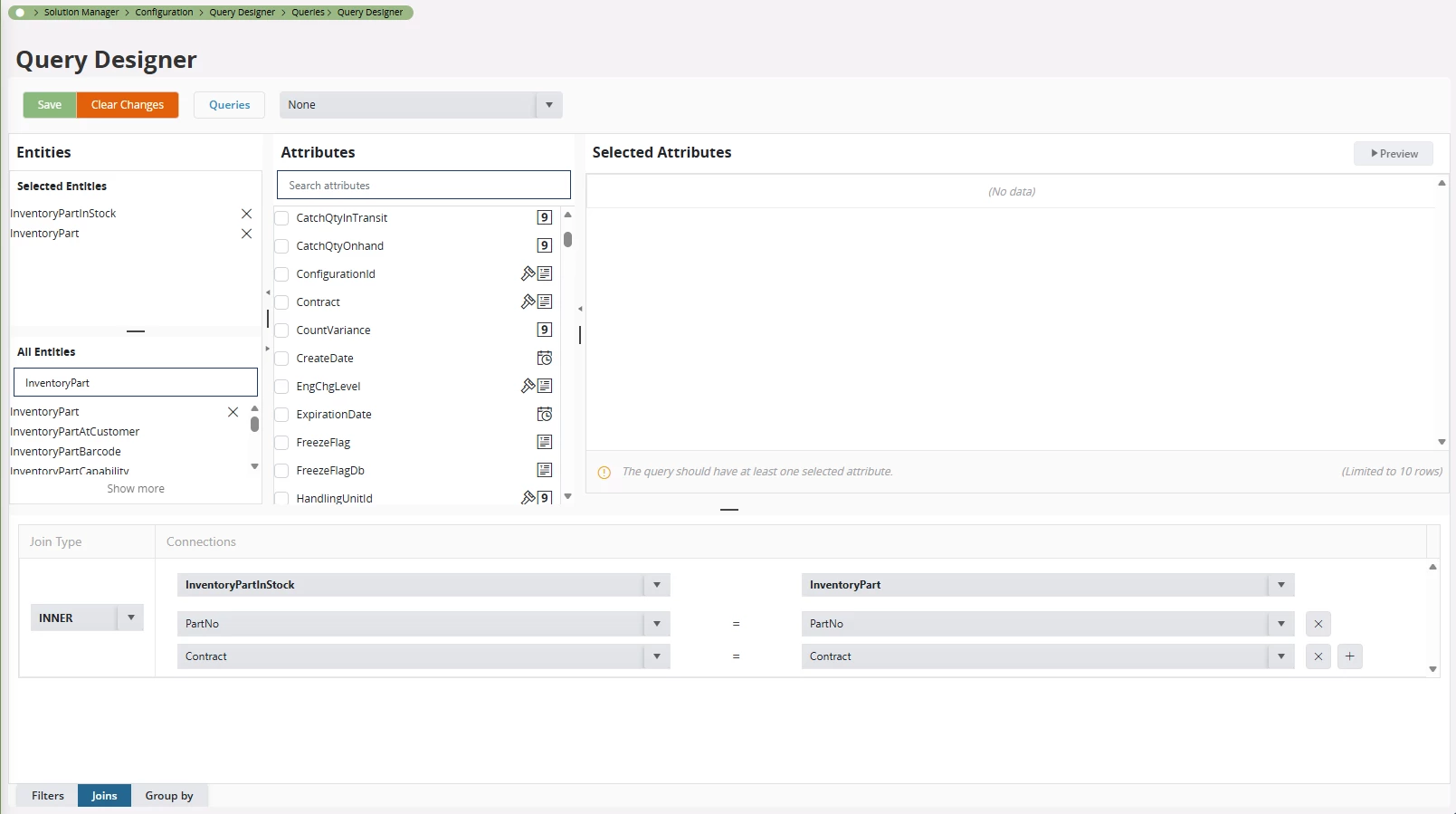
@avinpwc - what version are you using? I don’t have Expression Attributes in my Query Designer


Forum|alt.badge.img+11
  • Author
  • Hero (Customer)
  • March 17, 2026

@Jarmo Kukka thanks for that, this worked, just needed to change the order on the API to Contract, Part_No rather tha part_no, contract as per your reply - just in case anyone else finds this usefull 😀


Forum|alt.badge.img+1
  • Do Gooder (Customer)
  • March 17, 2026

I am using 24R2