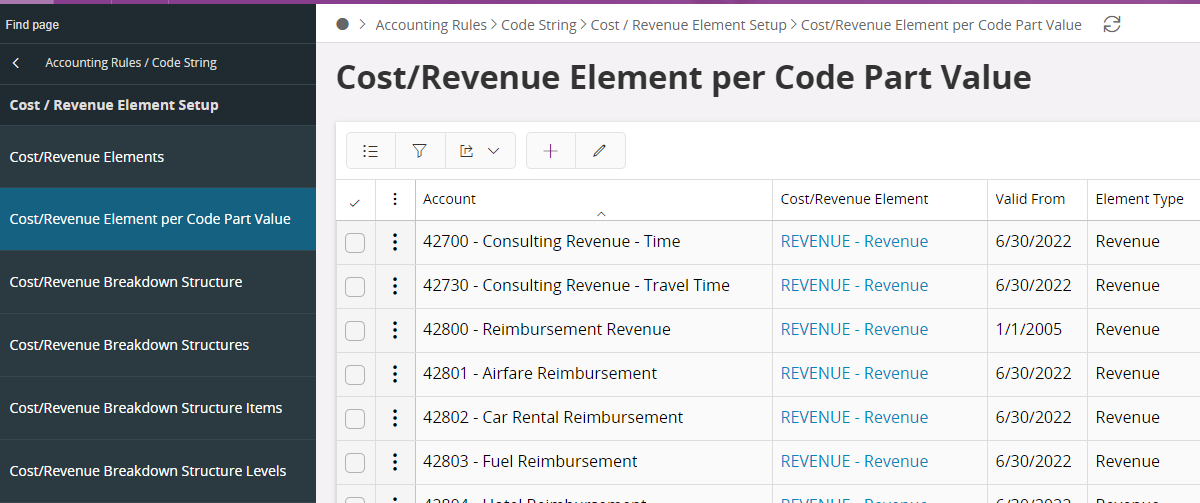

GRN page display the below error
I don’t know which account i must add to the project cost/ revenue element code part value. page
please advise.
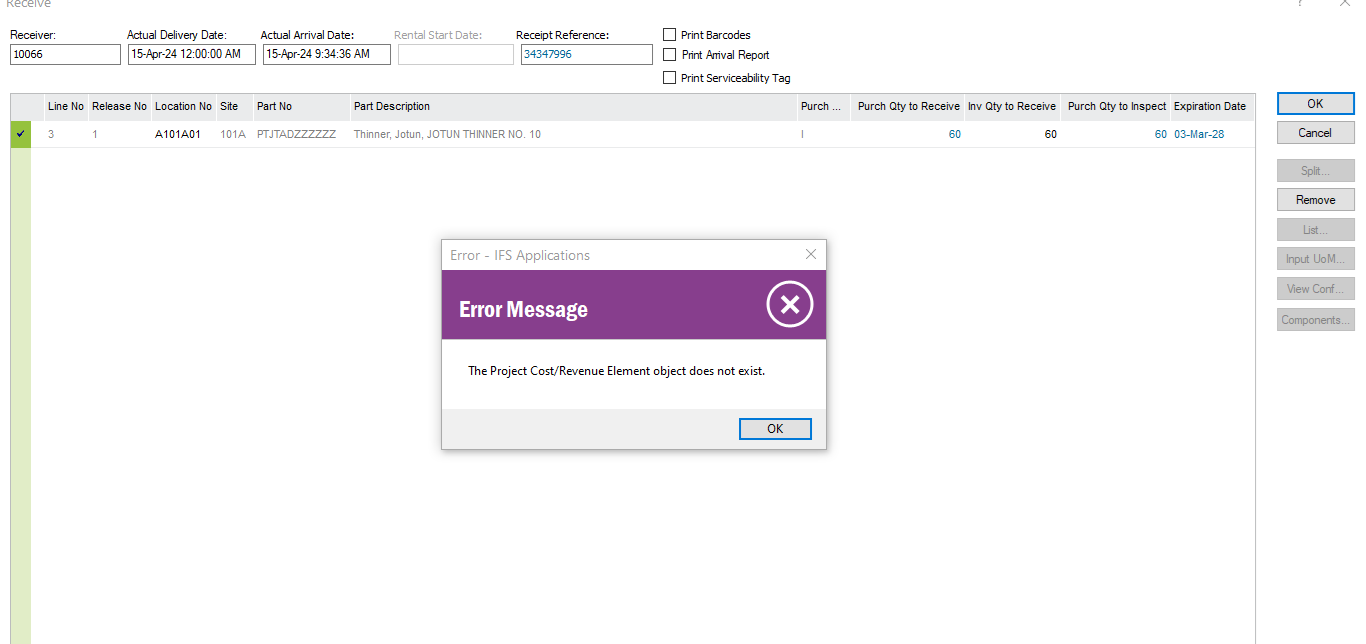

GRN page display the below error
I don’t know which account i must add to the project cost/ revenue element code part value. page
please advise.
Best answer by sherry
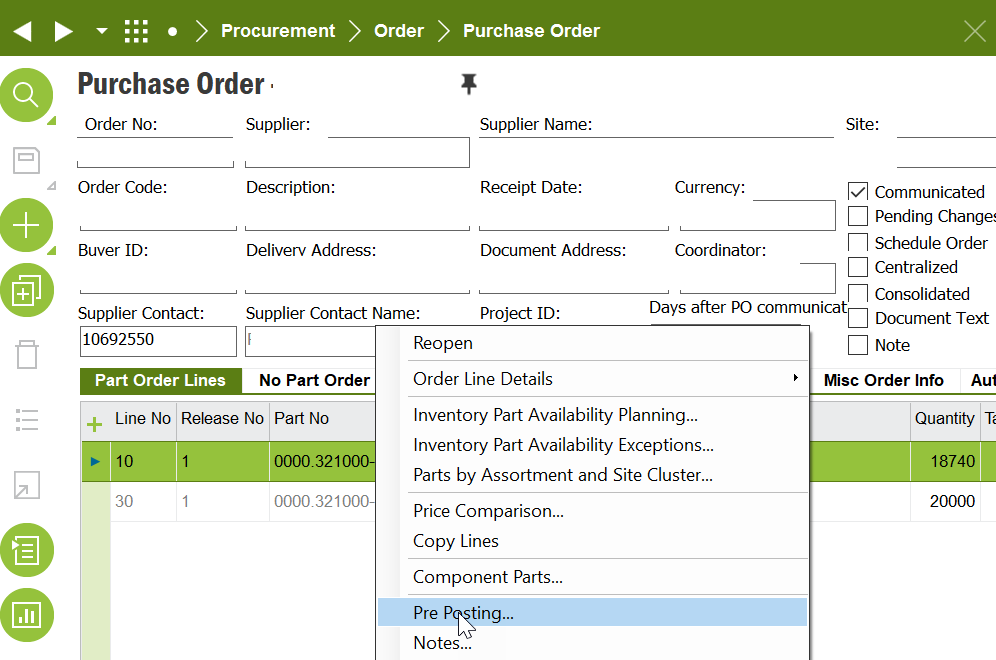
you can check your relative purchase order, (RMB)right mouse bottom on the line item, find
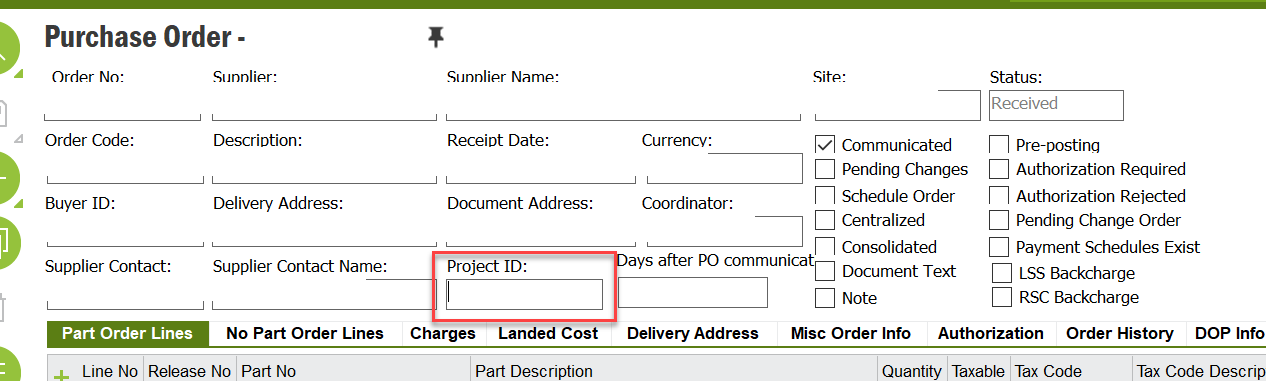
or directly enter the relative project ID in bellow area, depends on your real situation
Enter your E-mail address. We'll send you an e-mail with instructions to reset your password.