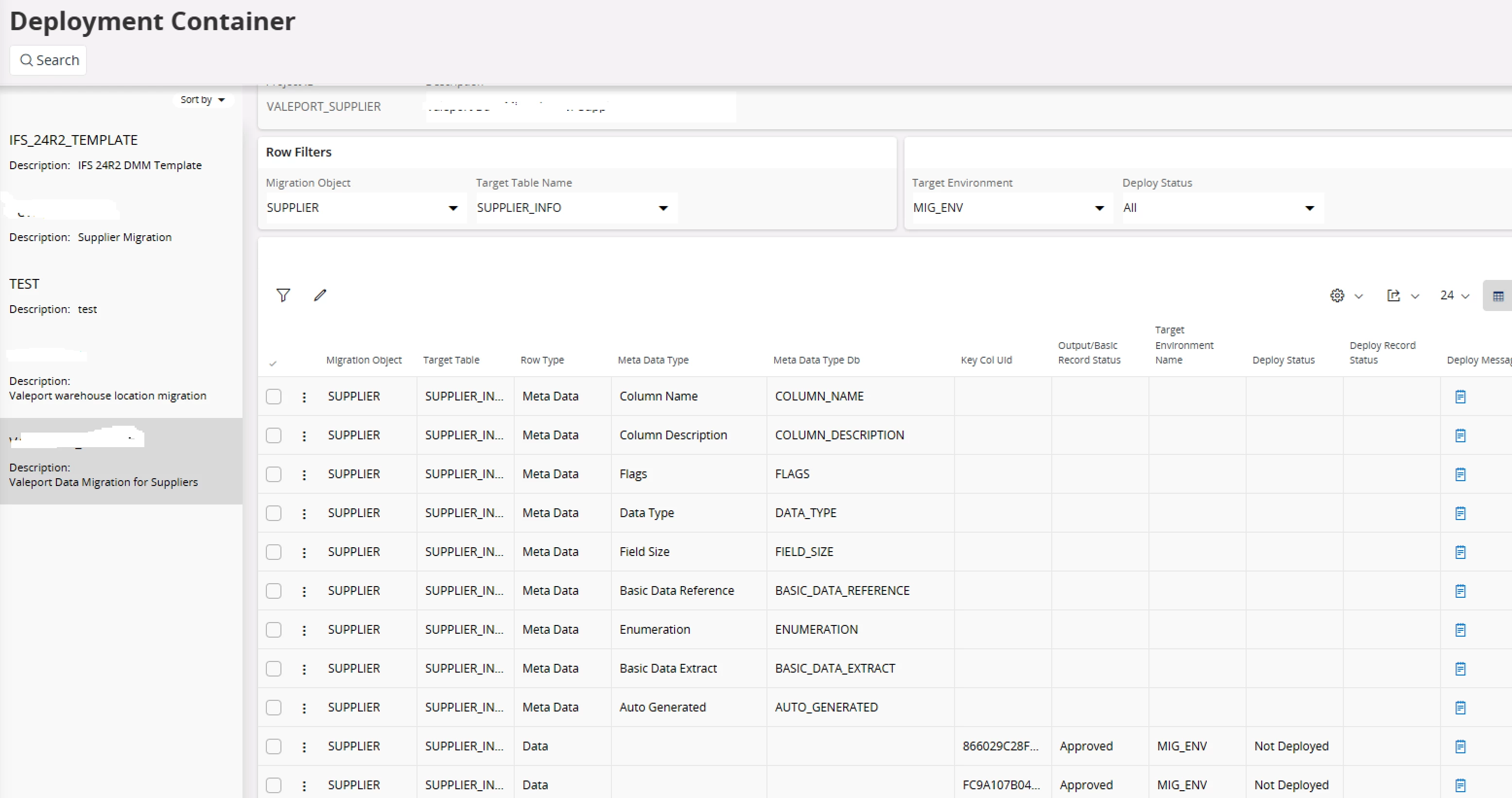
I am using DMM tool to migrate Supplier records. Target table is SUPPIER_INFO. Data is approved and ready to deploy in Deployment container. But when trying to deploy it gives an error
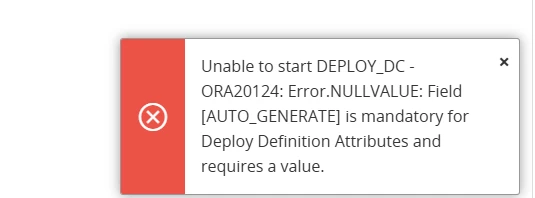
“Error: Field [AUTO_GENERATE is mandatory for Deploy Definition Attributes and requires a value”
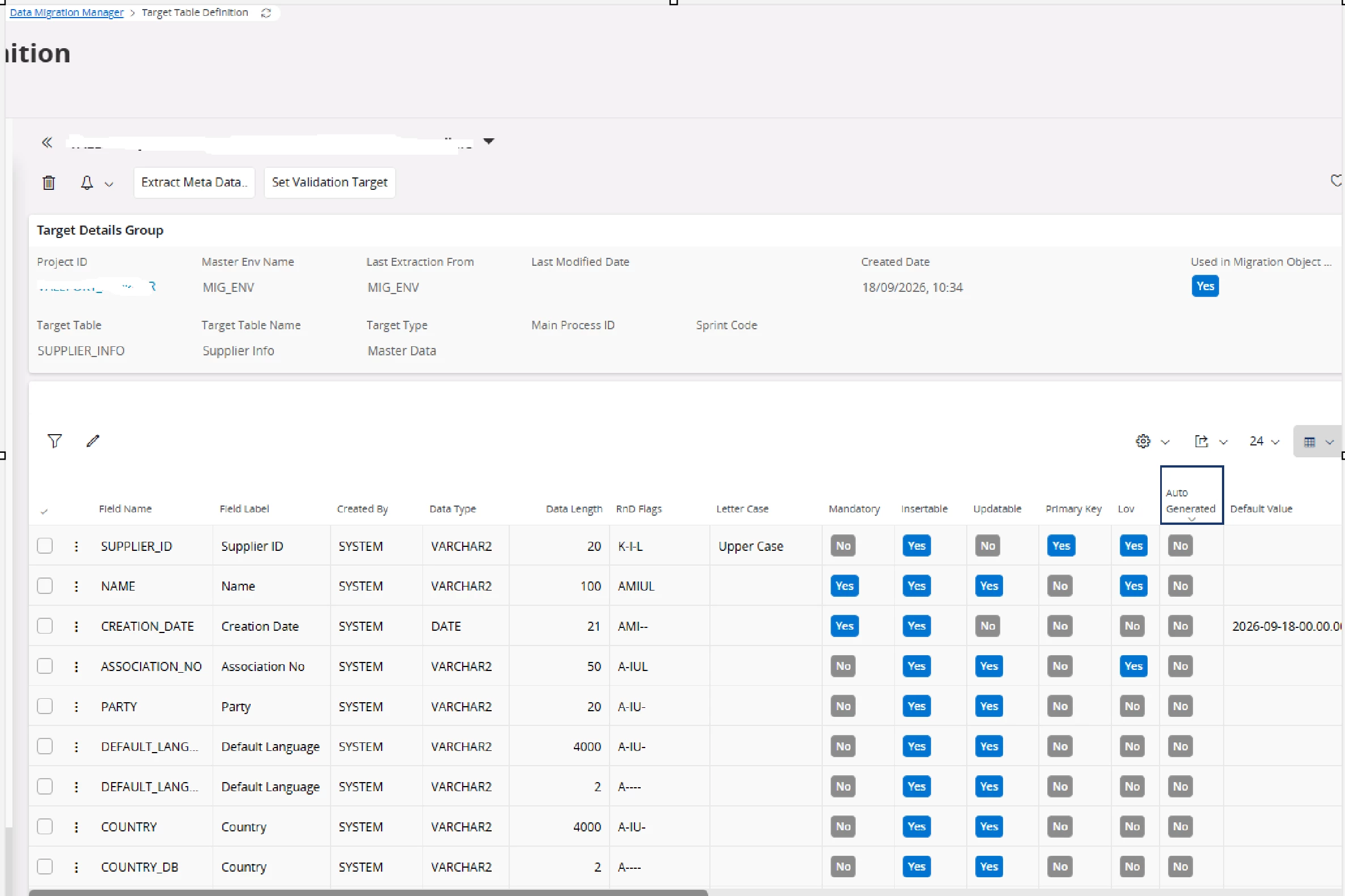
None of the fields in SUPPLIER_INFO in Target Table Definition is set to Auto Generate.
We are in 24R2.
Any leads to fix this issue is appreciated.
Thank you.
Best answer by shewa
I do nor have access to any system for now, but it seem like you need to have the value true or false in this column, the colmn default value is not shown in your picture, make it visible and set value False.
Thank you very much for your clue. One of the columns didnt have either TRUE or FALSE which caused the problem. I had to switch on and off Auto Generate toggle for the required field in Target Table definition and then transfer data to each container to fix the issue.
I do nor have access to any system for now, but it seem like you need to have the value true or false in this column, the colmn default value is not shown in your picture, make it visible and set value False.
I do nor have access to any system for now, but it seem like you need to have the value true or false in this column, the colmn default value is not shown in your picture, make it visible and set value False.
Thank you very much for your clue. One of the columns didnt have either TRUE or FALSE which caused the problem. I had to switch on and off Auto Generate toggle for the required field in Target Table definition and then transfer data to each container to fix the issue.