Question

Changing Employee ID in IFS Cloud

  • April 14, 2026
  • 2 replies
  • 69 views

Forum|alt.badge.img+7

Hello All,


I needed a little guidance regarding changing the Employee ID of an Employee in Company/Employees.

While trying to edit the details, it is showing error of “Resource is being used in Connection”, I also tried tried to delete the Site under Resource Details/Resource Connection but while deleting company it is not allowing me to(maybe because of existing transactions as he’s an active employee). Is there any way to edit the employee id which retains his work history too.
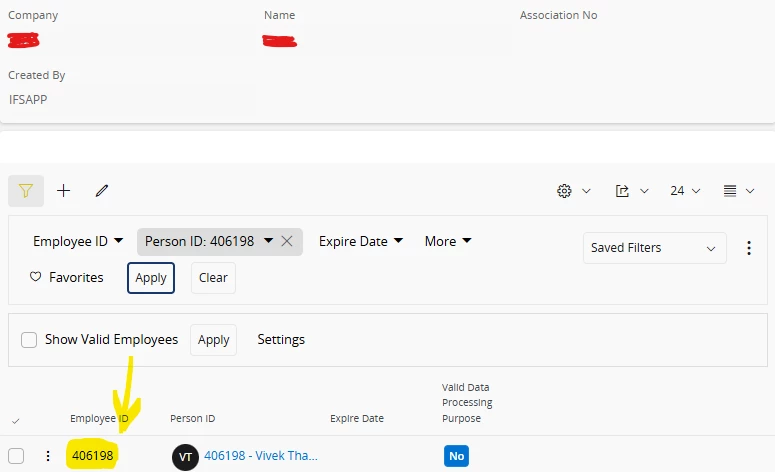


Thanks in advance.


Regards,

Mani

2 replies

Forum|alt.badge.img+2
  • Do Gooder (Partner)
  • April 14, 2026

It is not possible to change the employee_id or emp_no because they serve as a primary key across the entire HR system and other related areas. The only option is to remove all data associated with the employee, delete the employee from the system, and then create a new one. It is not possible to make this change while preserving the full history (via the API).


Forum|alt.badge.img+11
  • Hero (Partner)
  • April 15, 2026

There may be a work around (note: I haven’t tested this). Please try this in a non-PROD environment before transacting in PROD.

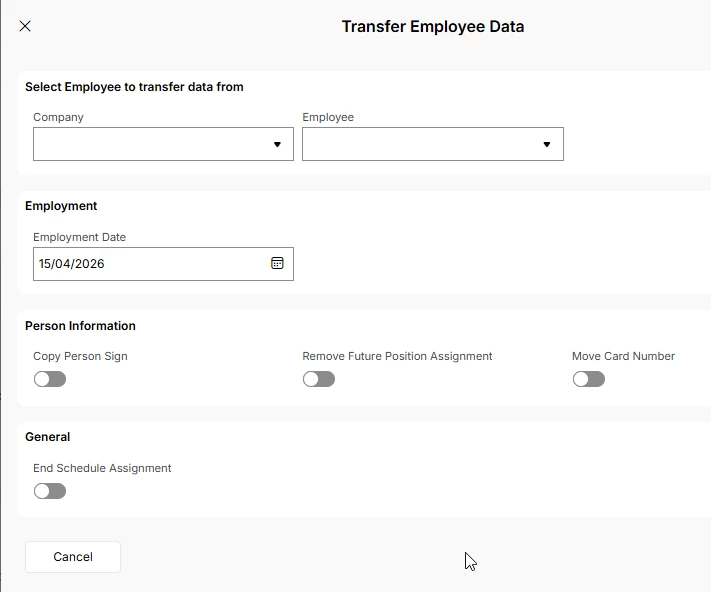
If you have a multi-company setup, transfer the employee to another company (new employee ID, same Person ID), and then in the Original company end the Old Employment Record. Create a New Employee record with New Employee ID (same Person ID as before). Now Transfer back the Employee to the origin company.

Please make sure all data connected to the employee is transferred across. 

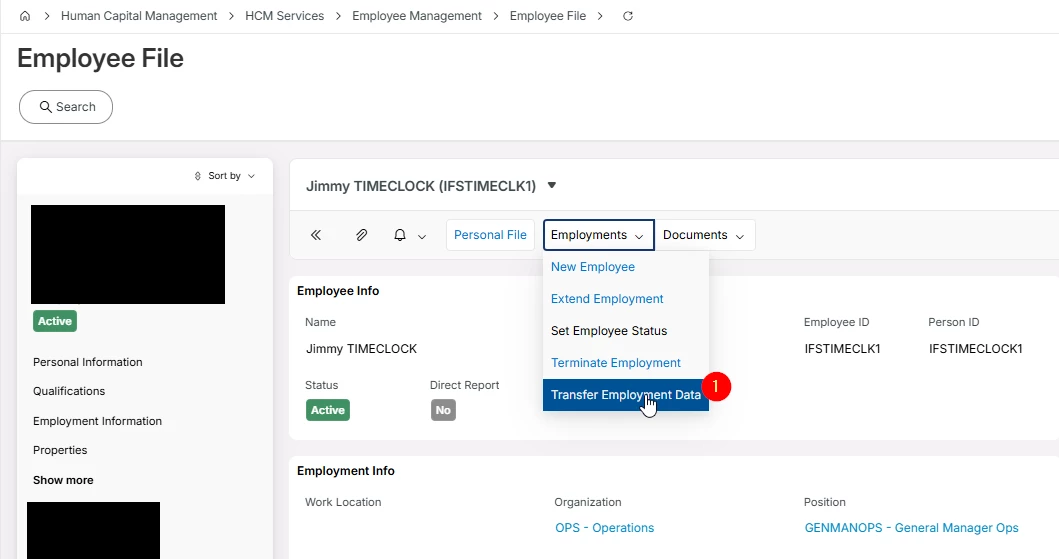
You can access ‘transfer employment data’ On the employee record belonging to the company where you are transferring the employee to (In the destination company related employee file). 


Please test thoroughly that all required data got transferred.