Solved

Automatic email sending

  • April 9, 2026
  • 5 replies
  • 72 views

Forum|alt.badge.img+2

Is IFS Cloud capable of automatically sending emails to suppliers to follow up on orders that are past due and have not been delivered? we can define the days to due date. but only show me a list,we need to print and send mail to a addresss of Vendor .   Can we implement automatic email sending when the due date is reached?

Best answer by SamiL

See for example https://dsj23.me/2023/07/10/send-an-email-using-ifs-workflow/ .


Workflow can:

  • run on a schedule
  • evaluate:
    • Reminder Due = Yes
    • Delivery Date < Today
  • send email to:
    • buyer
    • supplier contact
    • order owner

5 replies

Tharshan SM
Do Gooder (Customer)
Forum|alt.badge.img+4
  • Do Gooder (Customer)
  • April 9, 2026

Hi ​@henry.sunhb,

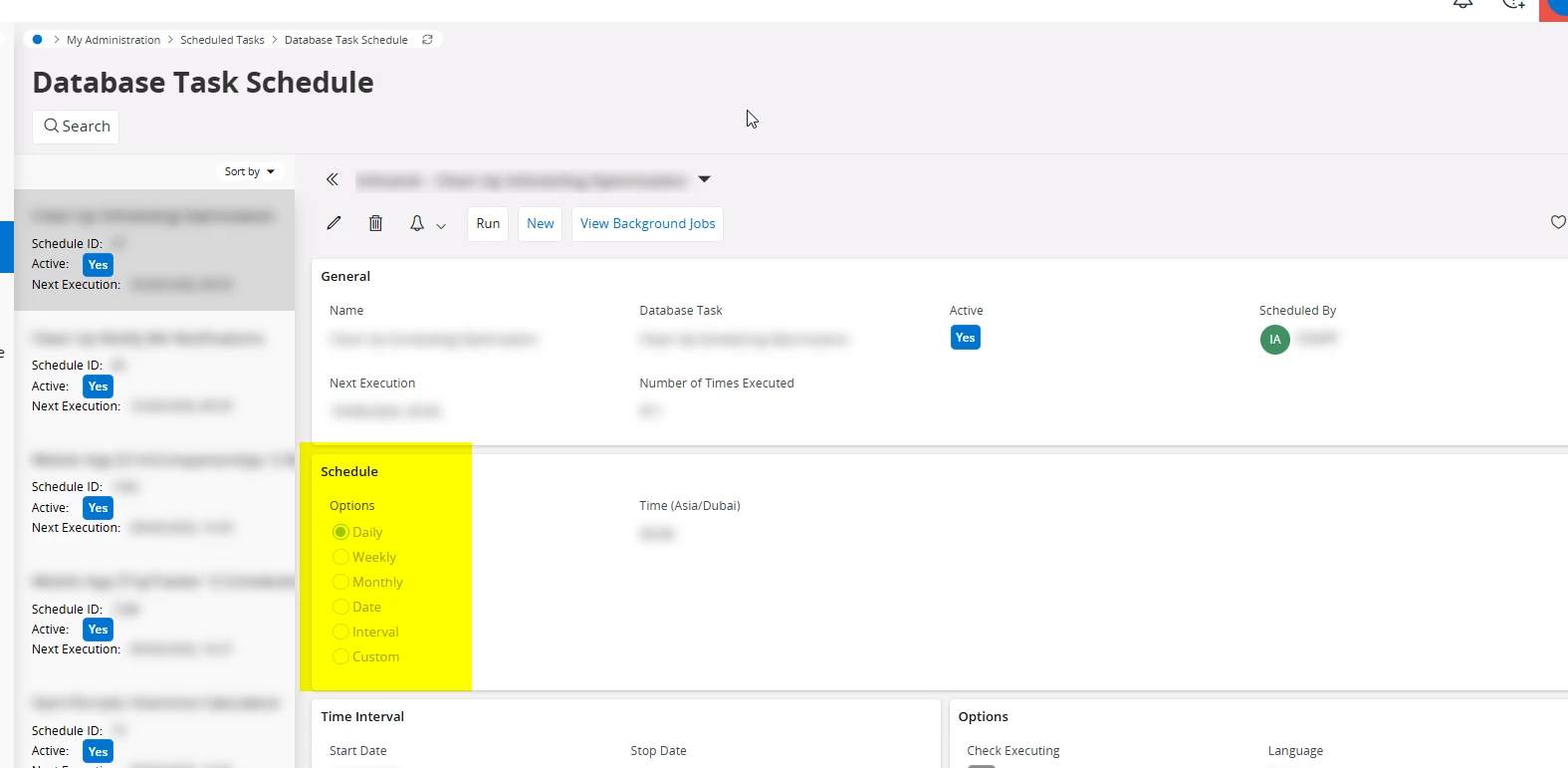
In my understanding, since there is no similar predefined database scheduled task available, you might have to do it through a modification. First you need to create a procedure through the corresponding component and then register that procedure as a database scheduled task in the INS file, so it will be available in the Database Scheduled Task and you can schedule it based on your preference such as daily or weekly. That would be the straightforward approach.

There can be also another way through configuration but I am not sure how it. If you want to track whether a date has passed or not, you can create an event based on any field or custom field change and trigger it to send an email notification.

Scheduled Database Tasks -https://docs.ifs.com/techdocs/25r1/030_administration/020_bckgrnd_processing/030_scheduled_database_tasks/


Regards


Forum|alt.badge.img+2
  • Author
  • Do Gooder
  • April 9, 2026

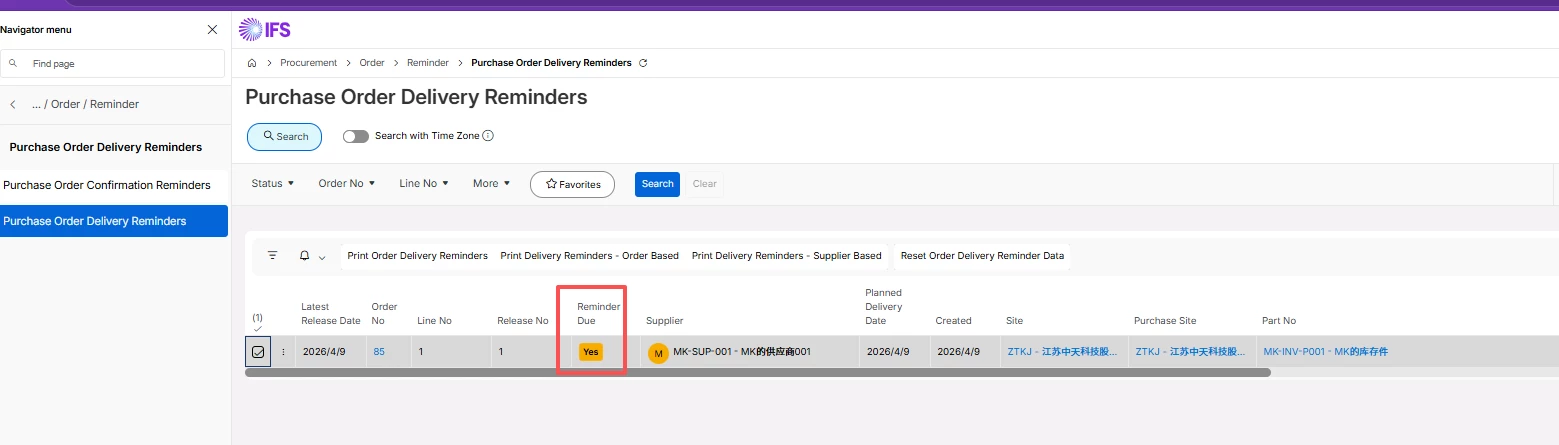
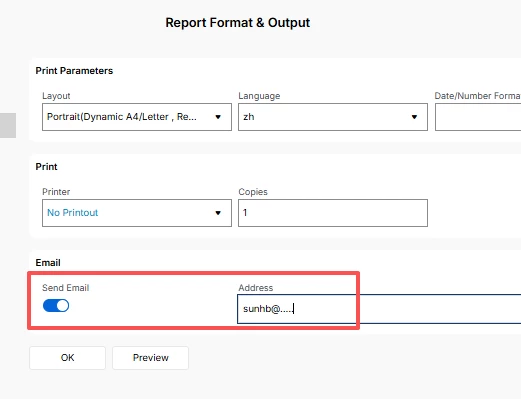
see the order, rememder is “yes” , but only show me this table.  I can print this order deliver rememders, then I can type the email and sent it out . 


can we have a way to set a rule or shedule to sent it  automatically? 


Forum|alt.badge.img+11
  • Hero (Employee)
  • Answer
  • April 9, 2026

See for example https://dsj23.me/2023/07/10/send-an-email-using-ifs-workflow/ .


Workflow can:

  • run on a schedule
  • evaluate:
    • Reminder Due = Yes
    • Delivery Date < Today
  • send email to:
    • buyer
    • supplier contact
    • order owner

Forum|alt.badge.img+2
  • Author
  • Do Gooder
  • April 9, 2026

See for example https://dsj23.me/2023/07/10/send-an-email-using-ifs-workflow/ .


Workflow can:

  • run on a schedule
  • evaluate:
    • Reminder Due = Yes
    • Delivery Date < Today
  • send email to:
    • buyer
    • supplier contact
    • order owner

is this a standard function?


Forum|alt.badge.img+11
  • Hero (Employee)
  • April 9, 2026

Workflows are part of the standard IFS Cloud platform. 


https://docs.ifs.com/techdocs/25r2/040_tailoring/500_business_process_automation/020_what_are_workflows/