Question

Visual Shop Order Operations Planning

  • August 12, 2025
  • 1 reply
  • 137 views

Forum|alt.badge.img

Hello

When planning in the visual planning screen in IFS Cloud, is there a way to stop jobs from overlapping, 

I would like to be able to fill a gap in my plan with a Shop Order by dragging and dropping it in place, but have all the subsequent Shop Orders re-schedule automatically. 


Is this possible please?


Thank you!!

1 reply

Björn Hultgren
Hero (Employee)
Forum|alt.badge.img+25

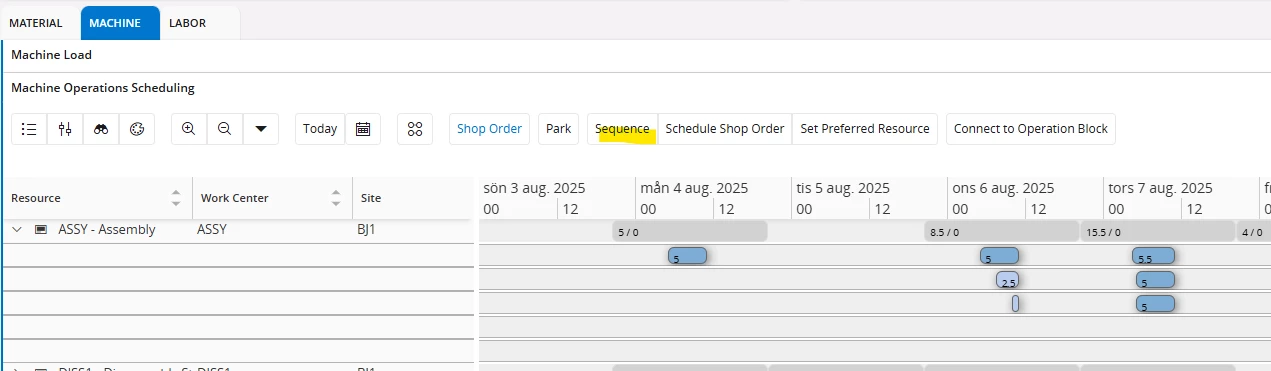
It might be easier to use the Sequence functionality available from the Machine Operations Scheduling Gantt. 

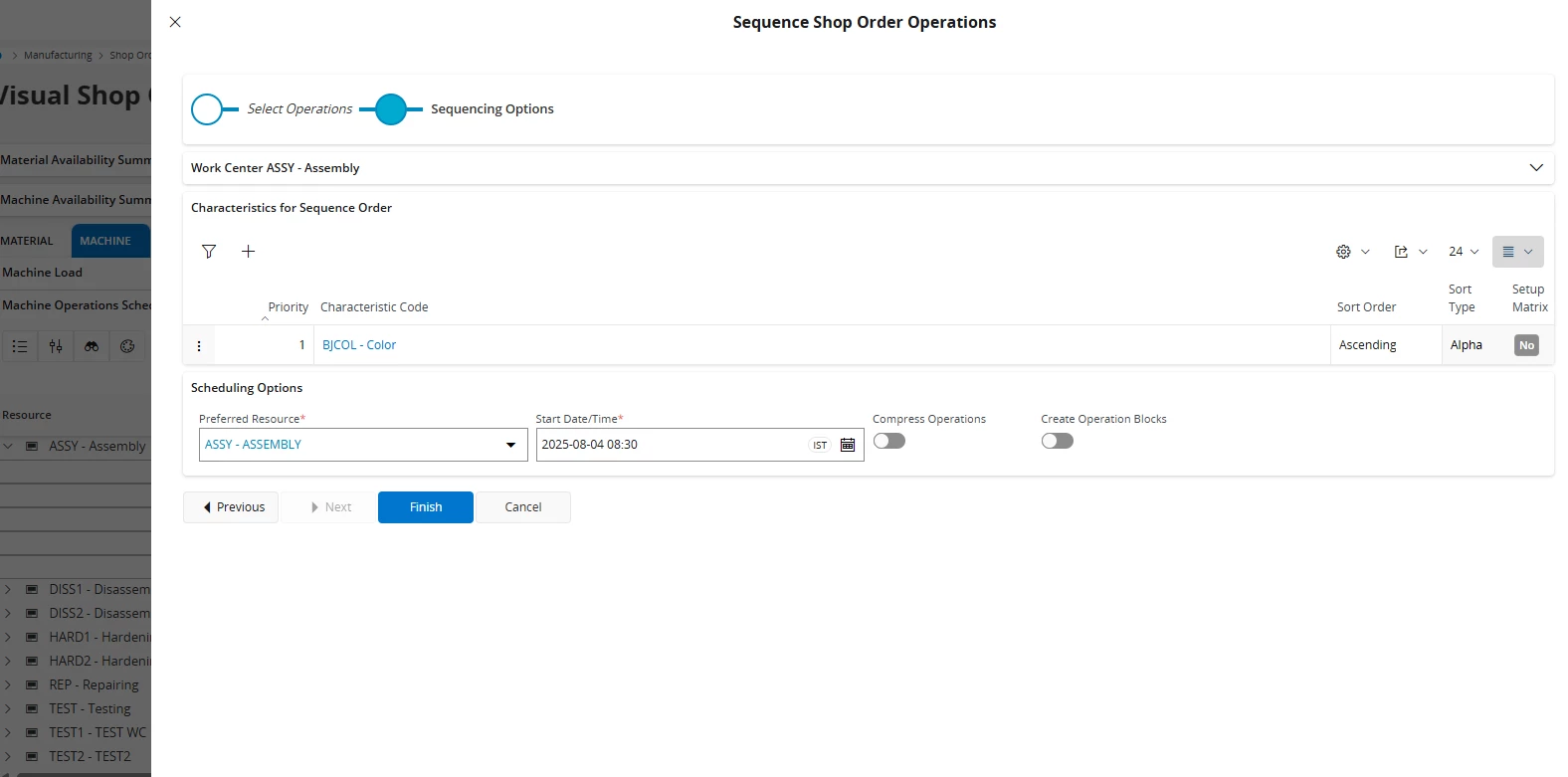
Select the relevant operations on the bottleneck work center and click Sequence

Optionally you can use characteristics to sequence the operations in a specific order to minimize setup times. I.e., according to color or temperature.

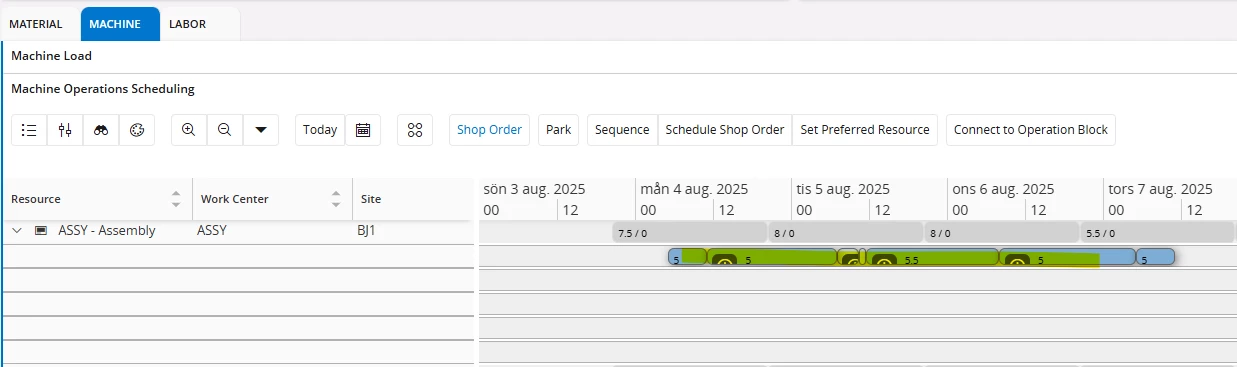
Now these will be scheduled one after another