

Hello everyone,
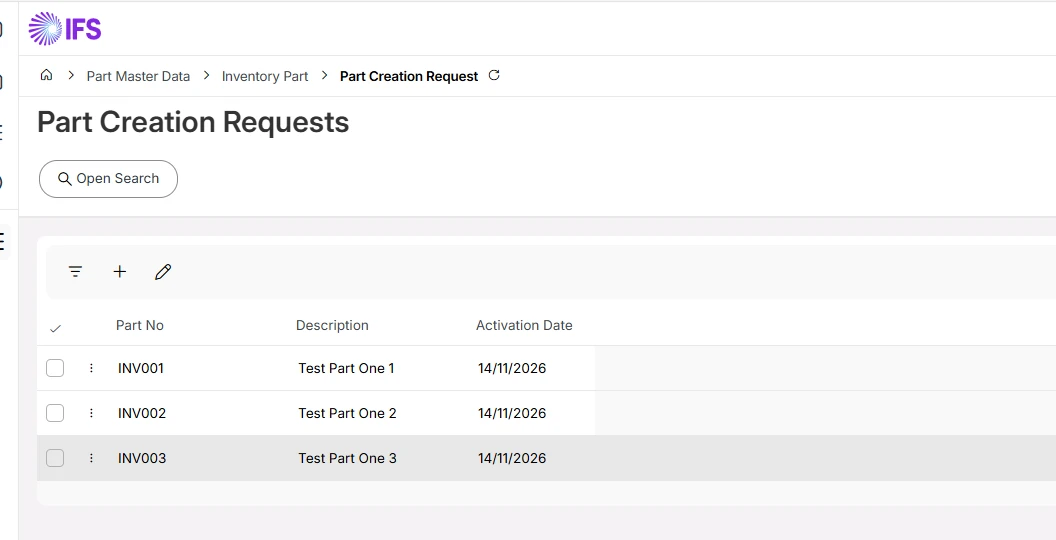
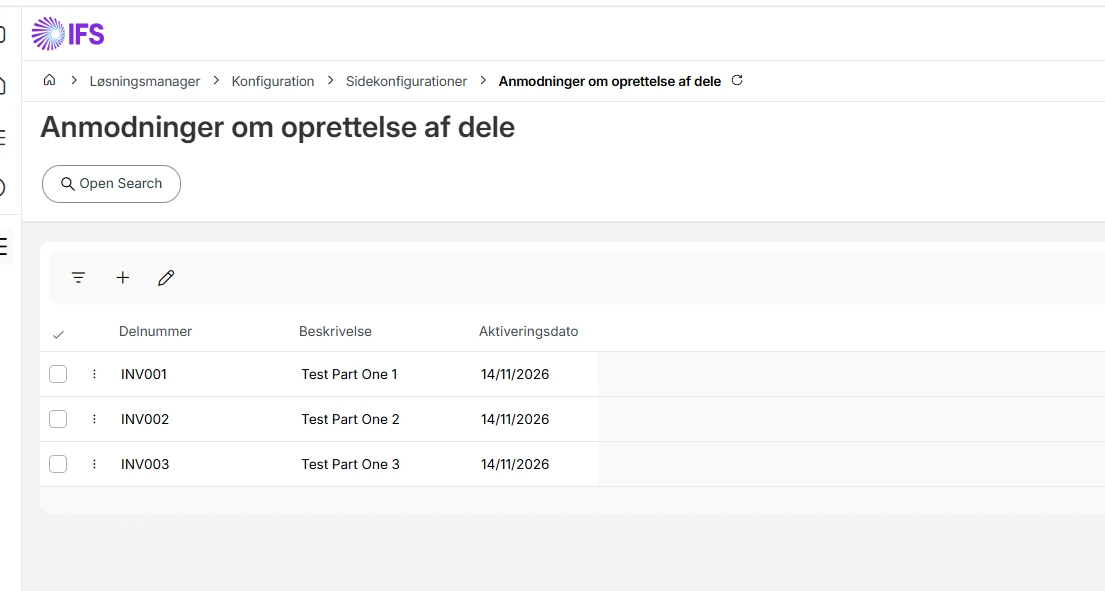
We are experiencing an issue with translations in custom IFS Cloud Pages, 24.2.
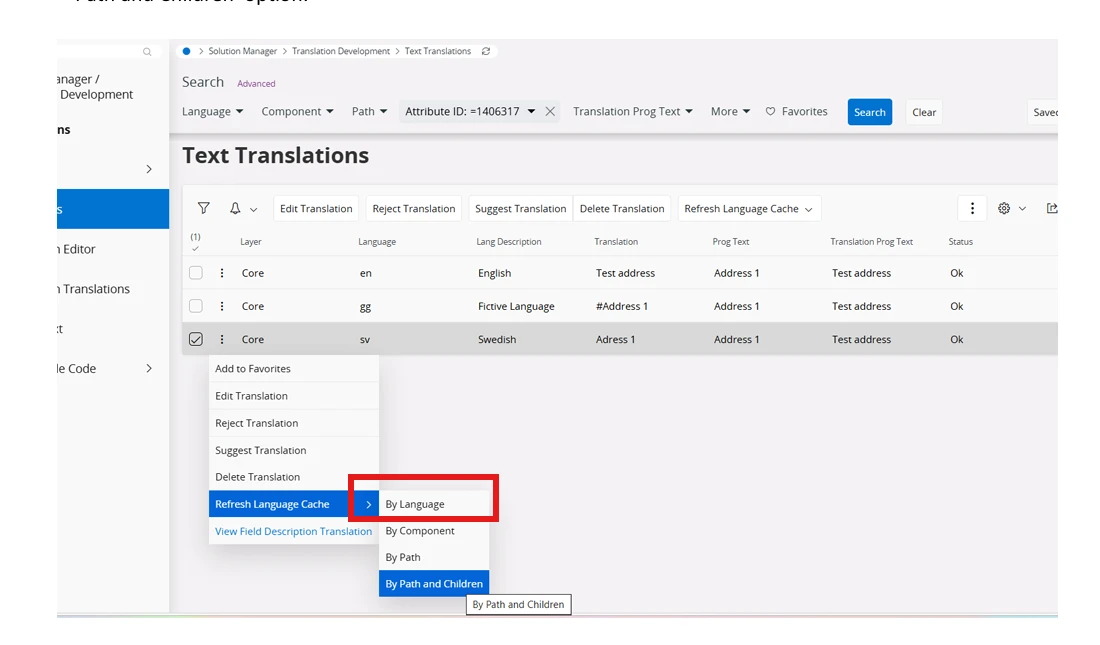
We use the standard Text Translation functionality to translate page titles, field labels, and column captions.
The translations are saved successfully, and their status is shown as OK.
We have verified that:
-
Translation records exist in the translation tables.
-
The corresponding runtime translation entries are available.
-
The language dictionary refresh procedure has been executed.
-
The user session is running in the selected language.
Despite these checks, custom Cloud Pages continue to display the original labels instead of the translated values. This affects both page titles and field/column captions.
My questions:
-
Is the standard Text Translation functionality fully supported for custom IFS Cloud Pages?
-
Is an additional step required to make translations effective at runtime?
-
Do custom page titles, field labels, and column captions use a separate translation mechanism?
-
Is there any cache refresh, metadata regeneration, or deployment step that we might be missing?
Has anyone encountered a similar issue? Any advice or a proven solution would be greatly appreciated.
Thank you in advance.