
Solved

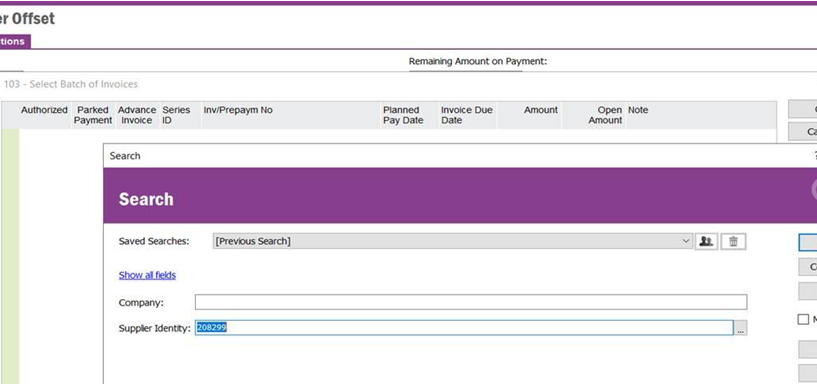
supplier offset screen, there is no data appearing for supplier 208299

  • July 23, 2024
  • 5 replies
  • 109 views

Forum|alt.badge.img+14

system doesn’t display any data for the mentioned supplier.

which parts i need to check in IFS?


Best answer by nafismertapaydin

Hi,

But your invoices payment status “Post. Aut.”. if you are see this screen, your invoice status are must be “Approved” or “Not Approved”.

5 replies

sherry
Do Gooder (Customer)
Forum|alt.badge.img+6
  • Do Gooder (Customer)
  • July 23, 2024

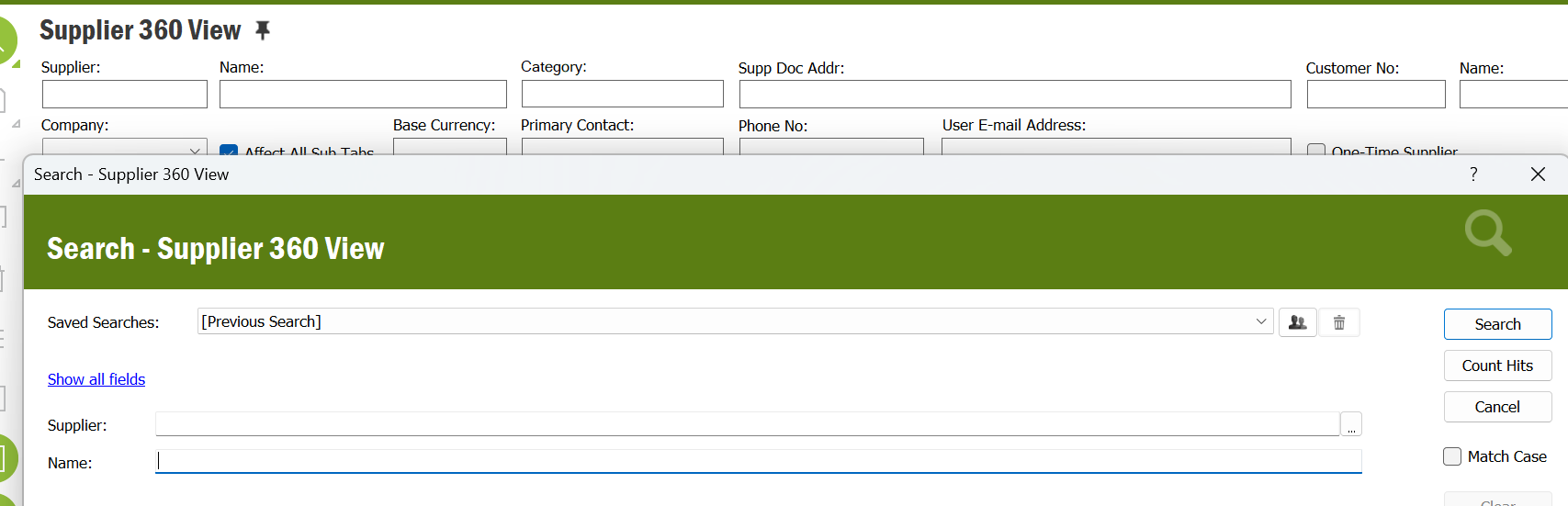
I’m not really get what you are looking for, if you want to get some information of a specific supplier, i think supplier 360 view would be a good option.


Forum|alt.badge.img+2
  • Do Gooder (Customer)
  • July 23, 2024

When you select batch on the transaction tab have you got Auto Populate ticked?


Forum|alt.badge.img+5

Hi,

First of all, you can “Populate” screen and you find right field in the screen and then later you can search  with this field,easily.


Forum|alt.badge.img+14

SYSTEM DOESN’T DISPLAY ANY INFORMATION ABOUT THE SUPPLIER.

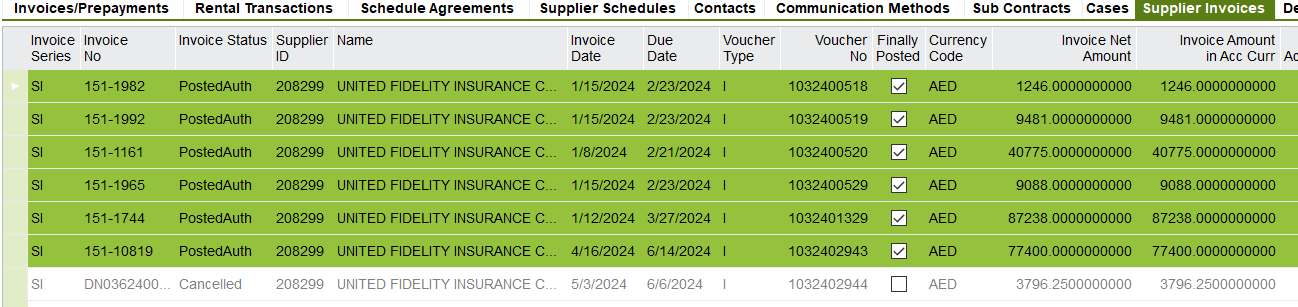
THERE ARE 6 INVOICES (POSTED AUTH) FOR THE SUPPLIER

IF THE OFFSET PAGE, SYSTEM DOESN’T DISPLAY IT !


IN THE SUPPLIER 360 VIEW PAGE, SYSTEM DISPLAY THE BELOW INVOICES.


I DON’T  KNOW WHAT SYSTEM MUST DISPLAY 


Forum|alt.badge.img+5

Hi,

But your invoices payment status “Post. Aut.”. if you are see this screen, your invoice status are must be “Approved” or “Not Approved”.