Searching issue

  • January 8, 2025
  • 8 replies
  • 144 views

Forum|alt.badge.img+7

Hi all,


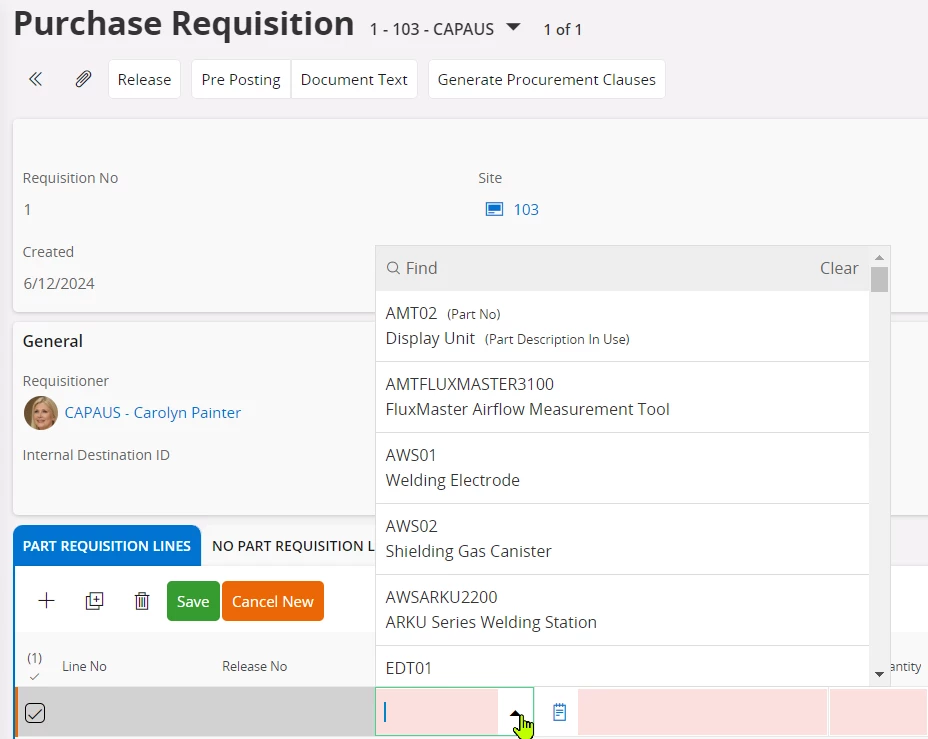
When I wanted to add the purchase part directly to the part requisition lines on the purchase requisition page on IFS Cloud, I have noticed that the part no field brings the value according to the part's description, not the code. How can I change this setting?
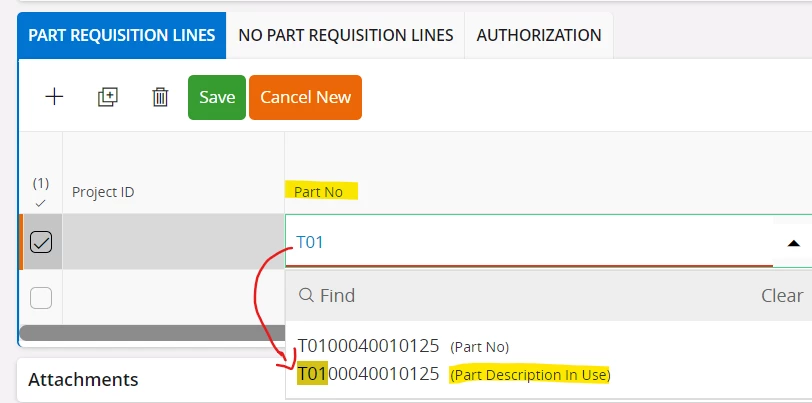
 

Thanks

Ozge

8 replies

Alexander Heinze
Ultimate Hero (Employee)
Forum|alt.badge.img+25

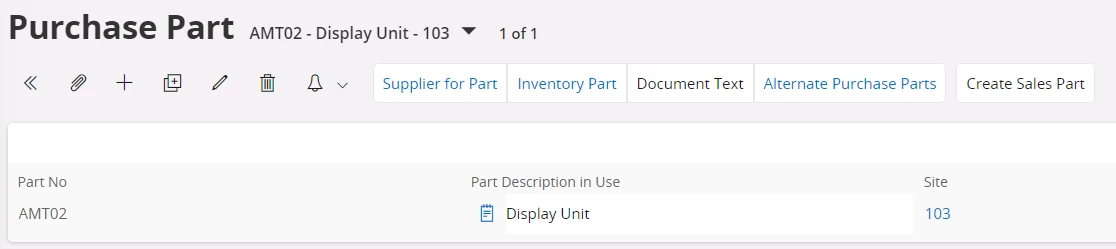
I tried this in 24.1.4 and 24.2.0, both look correct:


So it’s either a configuration of your instance or the part description is incorrect.


Forum|alt.badge.img+7
  • Author
  • Sidekick
  • January 17, 2025

Hi ​@Alexander Heinze ,


I think the problem is related to the configuration. As, I am experiencing the related problem on some pages.

Could you share detailed information to solve the problem? How can I solve the problem from the related IFS Cloud page?


Thanks

Ozge


Alexander Heinze
Ultimate Hero (Employee)
Forum|alt.badge.img+25
  • Ultimate Hero (Employee)
  • January 17, 2025

I'm afraid I cannot help remotely, no idea what has been configured in your instance. 


Forum|alt.badge.img+7
  • Author
  • Sidekick
  • January 17, 2025

Hi ​@Alexander Heinze,


I checked the support console and the problematic area is on the page;


"PurchaseRequisitionHandling.svc/Reference_PurchasePartLov?$filter=(Contract%20eq%20%27XOCAP%27%20and%20(startswith(tolower(PartDescriptionInUse),%2711*%27)))&$skip=0&$top=101&odata-debug=json"


I would like to change the area I marked above to PartNo.
If you have any documents on the subject to make this change, could you share them?


Thanks

Ozge


Alexander Heinze
Ultimate Hero (Employee)
Forum|alt.badge.img+25
  • Ultimate Hero (Employee)
  • January 20, 2025

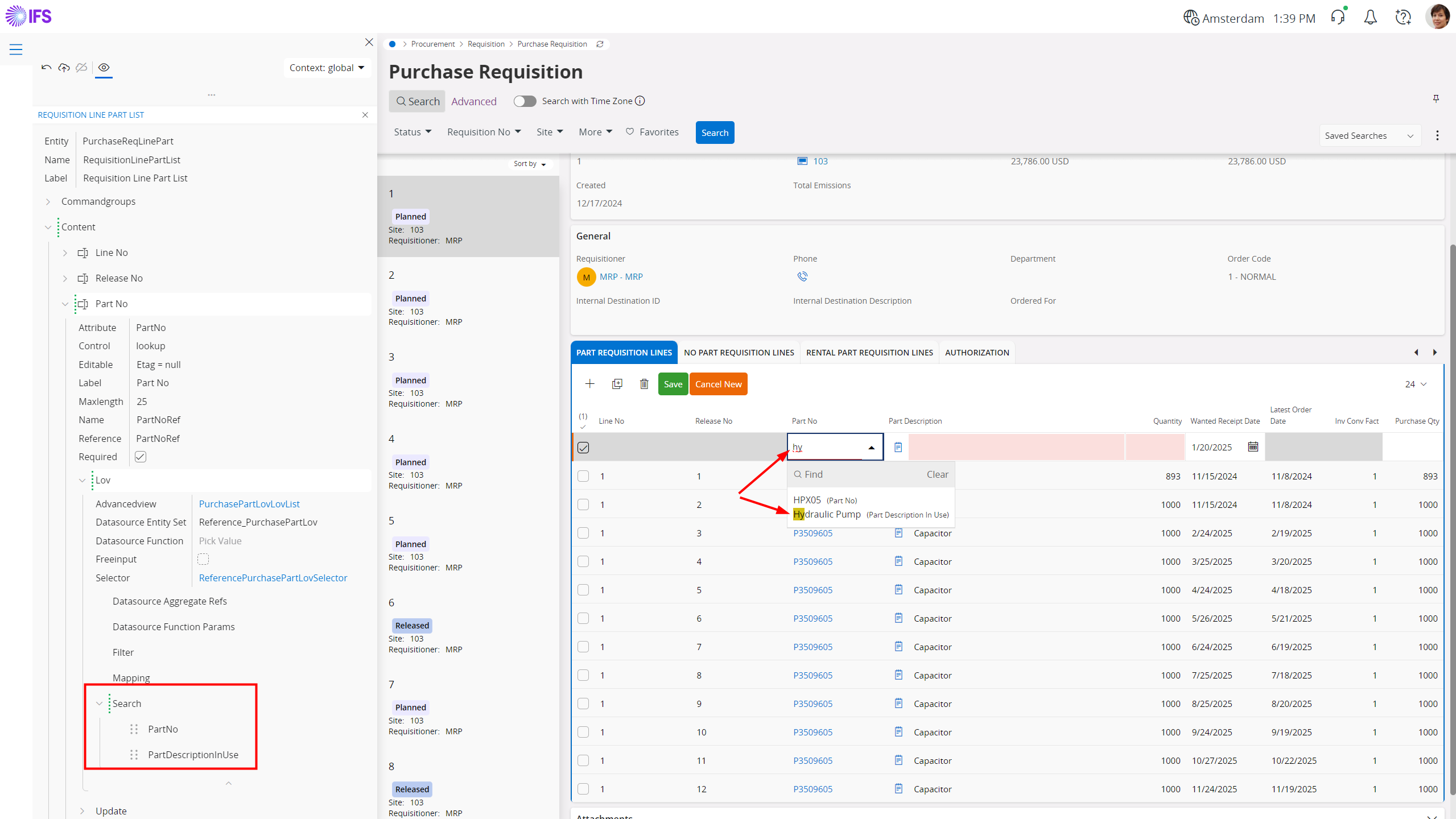
Not sure what your goal is - do you try to be able to search for both part number and description? In that case try to add these 2 attributes in Page Designer.


If not, please explain exactly what you are trying to achieve.


Forum|alt.badge.img+7
  • Author
  • Sidekick
  • January 20, 2025

Hi ​@Alexander Heinze ,


First of all, thank you for your reply.

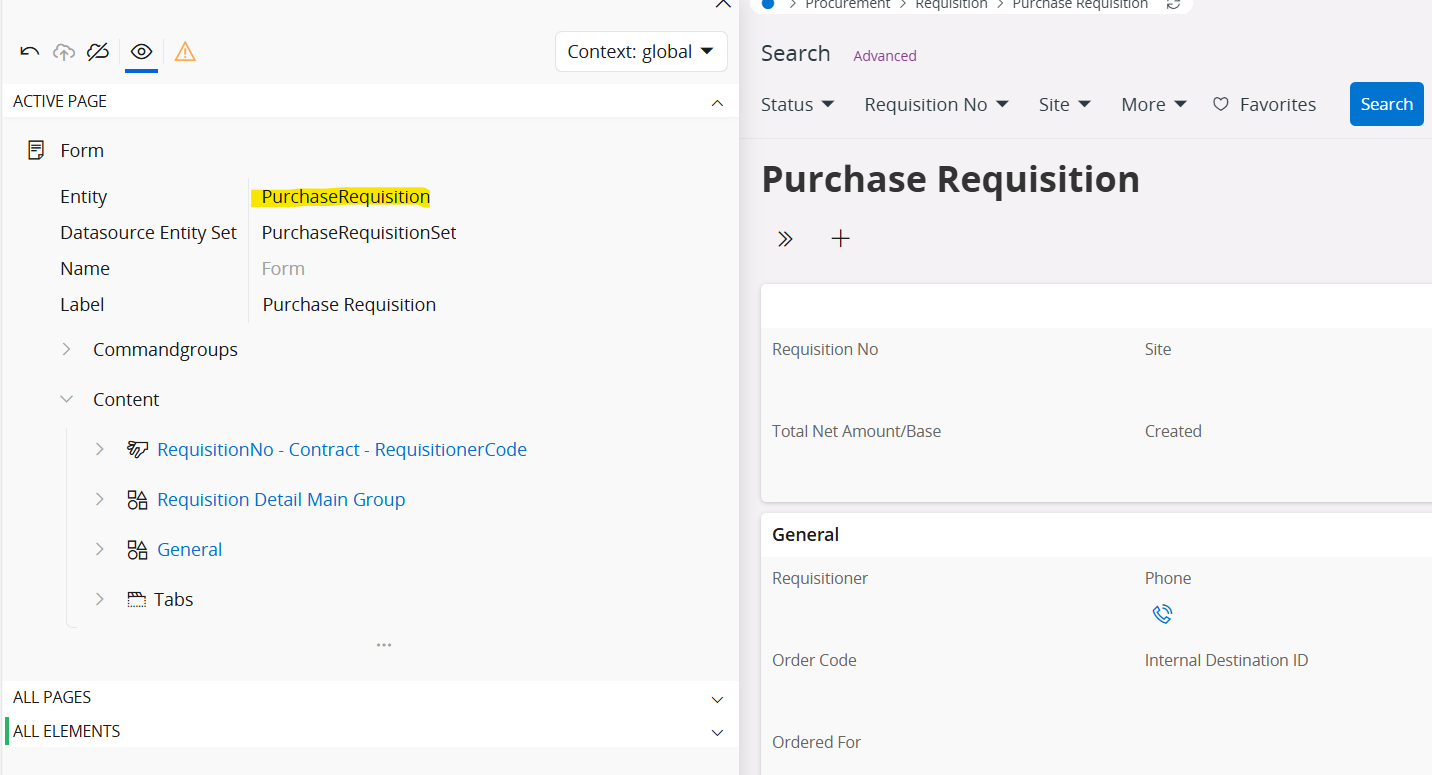
How did you reach the PurchaseReqLinePart entity? When I open the page designer, it opens directly PurchaseRequisition entity. 

Thanks

Ozge


Alexander Heinze
Ultimate Hero (Employee)
Forum|alt.badge.img+25
  • Ultimate Hero (Employee)
  • January 20, 2025

Hi ​@Alexander Heinze ,


First of all, thank you for your reply.

How did you reach the PurchaseReqLinePart entity? When I open the page designer, it opens directly PurchaseRequisition entity. 

Thanks

Ozge

Just expand the tree structure, which resembles what you see on the page. Expand "Tabs"/Part Requisition Lines etc. and always use the hyperlinks to navigate to the underlying element. 


Forum|alt.badge.img+7
  • Author
  • Sidekick
  • January 22, 2025


Not sure what your goal is - do you try to be able to search for both part number and description? In that case try to add these 2 attributes in Page Designer.


If not, please explain exactly what you are trying to achieve.


Hi ​@Alexander Heinze ,

Problem solved, thanks again.