Question

Report Log

  • July 23, 2025
  • 6 replies
  • 74 views

Forum|alt.badge.img+10

In apps 10 there was a ‘Quick Report’ Log screen….is there anything comparable for the Order Reports in Cloud 24r2?

Would love to be able to see what crystal report reports are used frequently and those that can be removed….

 

6 replies

asanka1055
Hero (Partner)
Forum|alt.badge.img+9
  • Hero (Partner)
  • July 24, 2025

Hi ​@chajash ,

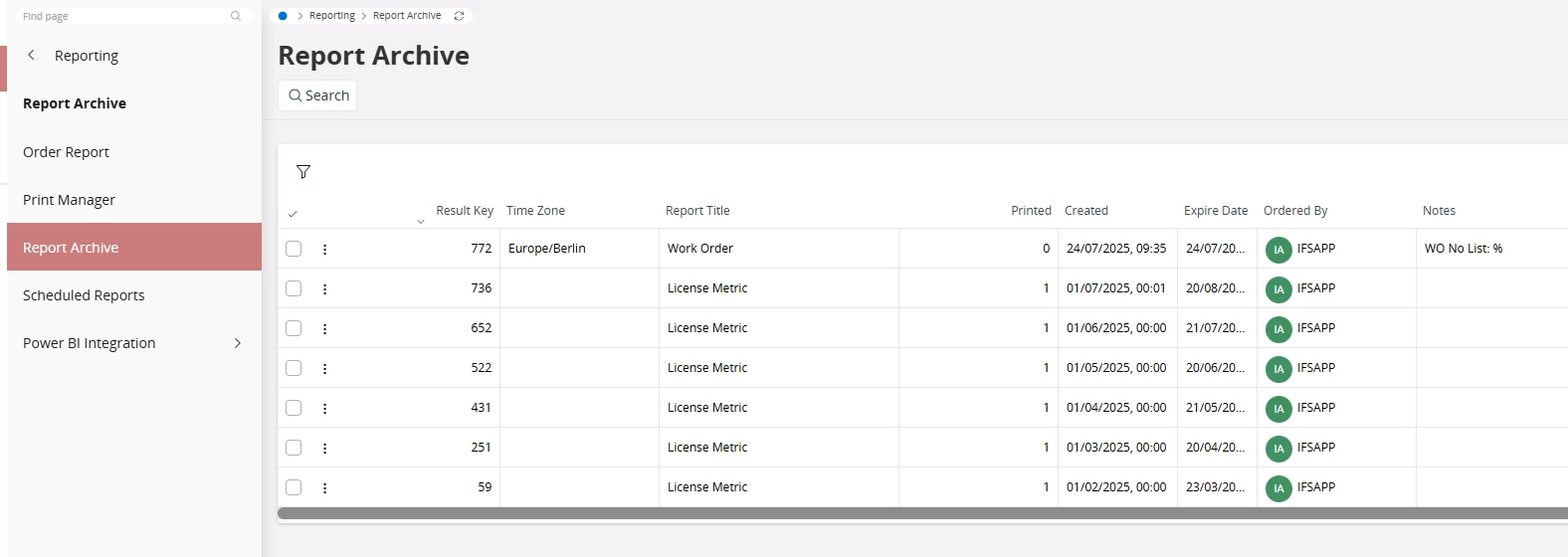
Can’t you use Report Archive window?


Thanks & Regards,
Asanka.


Forum|alt.badge.img+17
  • Superhero (Partner)
  • July 24, 2025

Report Archive is cleared out after reaching Expire Date.


PRODQ
Superhero (Customer)
Forum|alt.badge.img+18
  • Superhero (Customer)
  • July 25, 2025

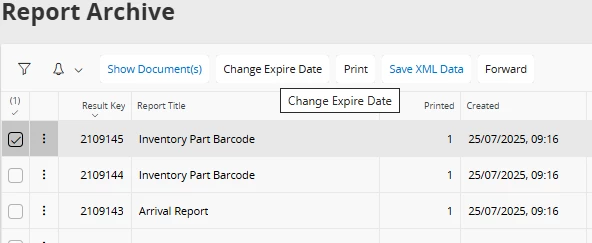
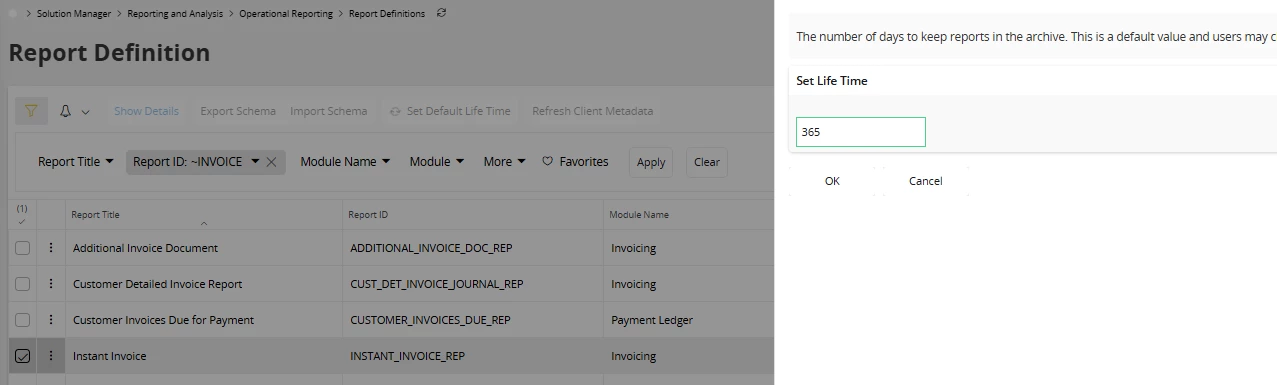
You can change Expiry date per report plus there is also a setting to choose how long to keep reports for in Report Definition...


Linda


Forum|alt.badge.img+10
  • Sidekick (Customer)
  • July 25, 2025

This seems like a backwards step...I was overjoyed when I moved from A9 to A10 and discovered this screen. That and ‘Copy Customer Order’


matt.watters
Ultimate Hero (Partner)
Forum|alt.badge.img+26
  • Ultimate Hero (Partner)
  • July 25, 2025

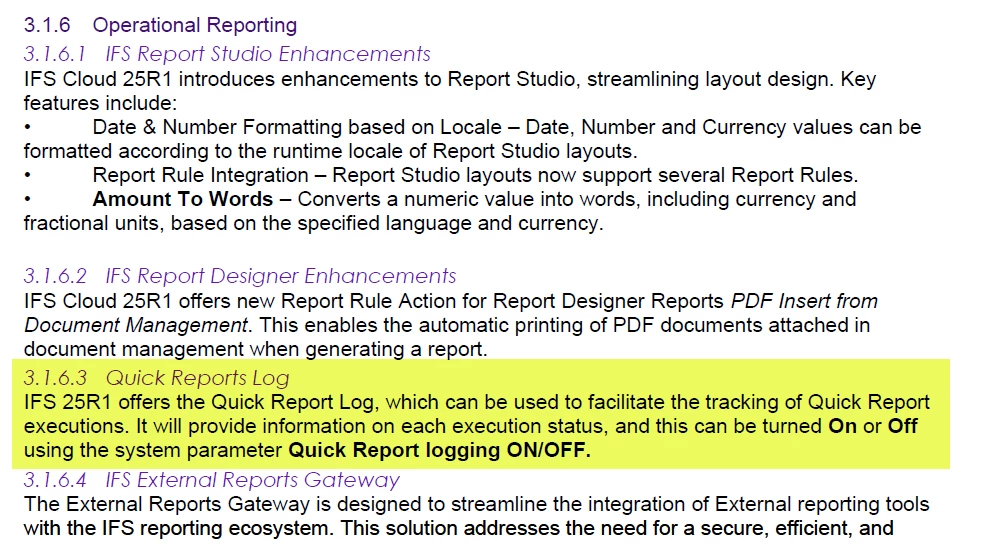
@chajash looks like the Quick Report Log returns in 25R1. From the Release Notes Summary:


Forum|alt.badge.img+10
  • Author
  • Hero (Customer)
  • July 25, 2025

Thanks everyone...will change the expire date on key ‘Crystal’ reports used in the system.  This might give me some of what I need.

Happy to see that quick reports log will be making a reappearance….did not use it often, but helped to see if a report was EVER used :-)