Solved

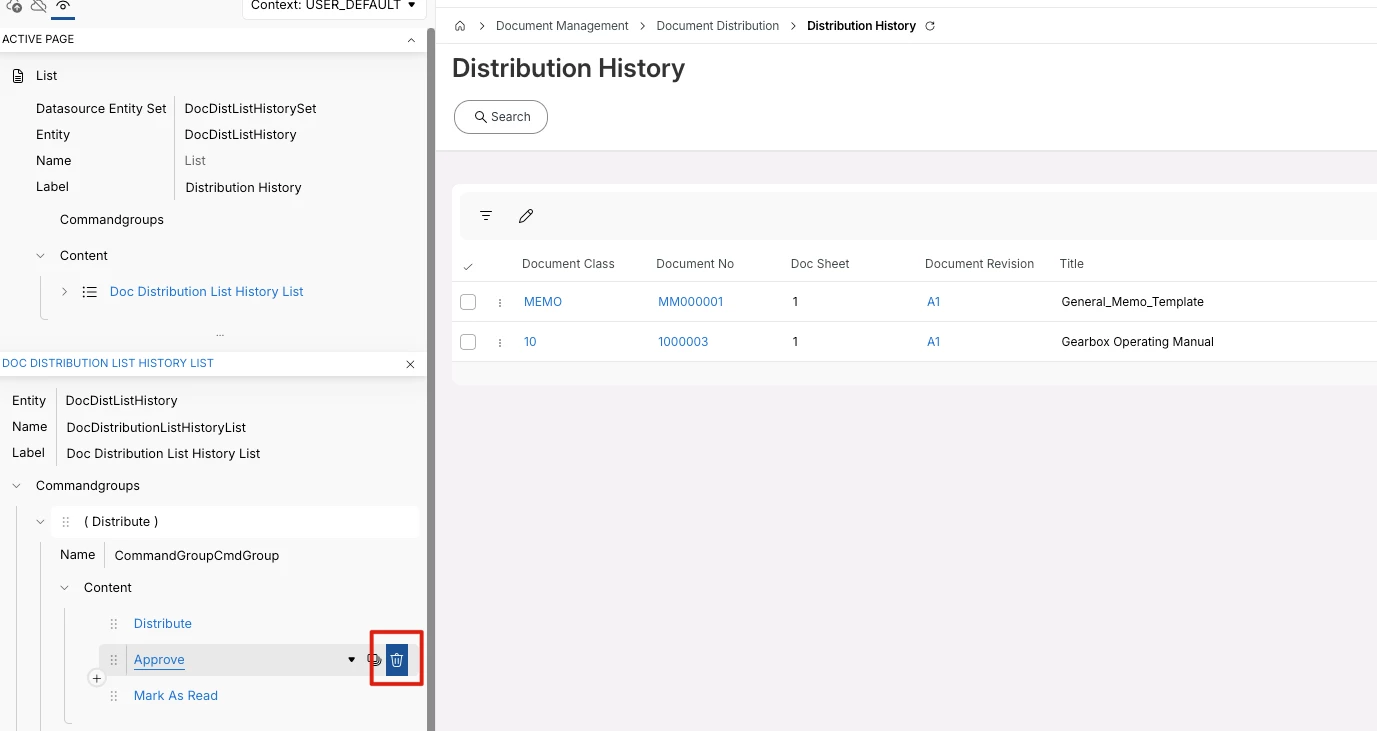
remove button from page designer

  • March 4, 2026
  • 4 replies
  • 49 views

Forum|alt.badge.img+5
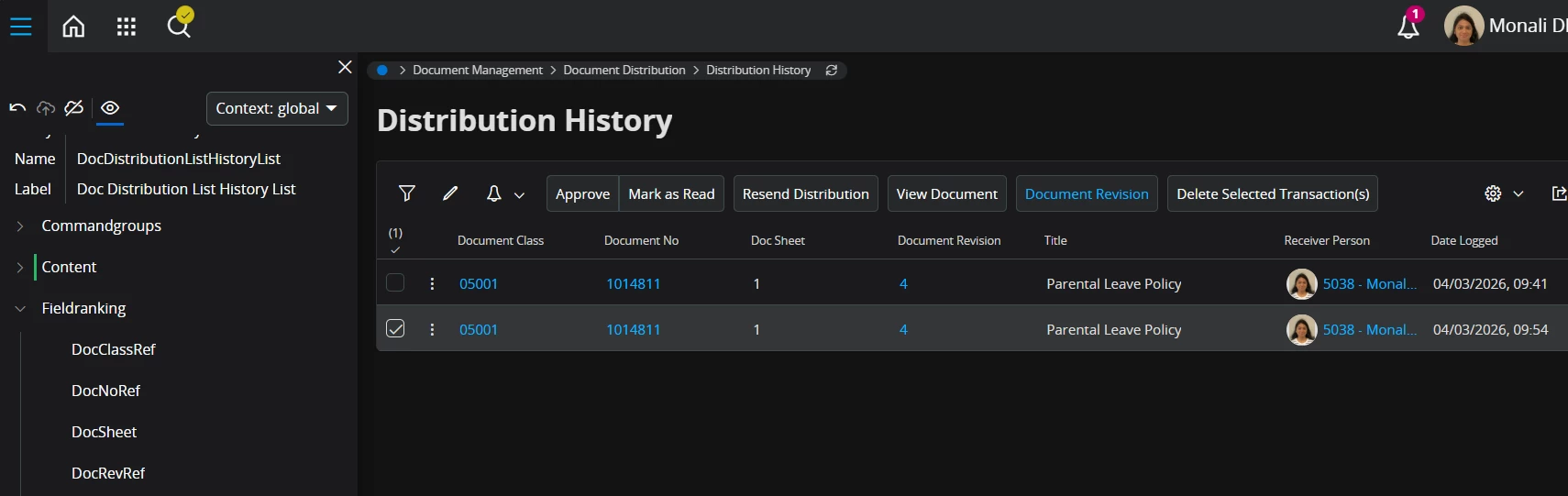
how to remove Approve button from page designer


Best answer by ArcPierreL


4 replies

Forum|alt.badge.img+11
  • Hero (Customer)
  • March 4, 2026

If you go to the Commnadgroups can you see the Approve button? This is where it should be, from there you should be able to make it not visible. If you only want certain users to not see it you need to use a different context to global as global changes the view for all users.


Forum|alt.badge.img+9
  • Hero (Partner)
  • Answer
  • March 4, 2026


Forum|alt.badge.img+5
  • Author
  • Do Gooder (Customer)
  • March 4, 2026

Thank you! it works


vishal J
Sidekick (Partner)
Forum|alt.badge.img+7
  • Sidekick (Partner)
  • March 4, 2026

@MGDMONALI 


Could you kindly mark the appropriate comment as “Best Answer” if it resolves your query?!


Best Regards,

Vishal J