Question

Long Search Criteria

  • February 4, 2026
  • 5 replies
  • 53 views

Forum|alt.badge.img+10

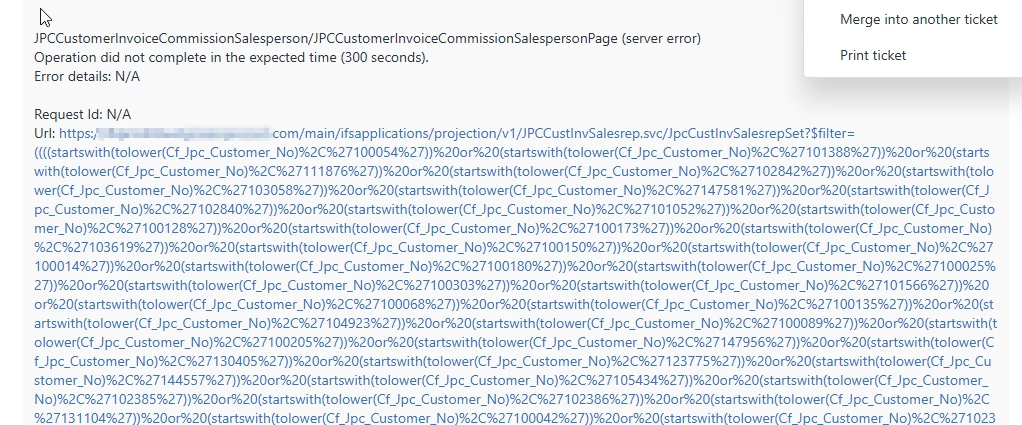
I have a user who has made a saved search (see below) that has many selections.

Of course the saved search is very slow and times out most of the time.  What would be the best solutions to alleviate this issue?  I was thinking a checkbox to select the items you want to see.

What are other solutions?
 

5 replies

PRODQ
Superhero (Customer)
Forum|alt.badge.img+18
  • Superhero (Customer)
  • February 4, 2026

Is it quicker to exclude parameters rather than include?  So “exclude customers beginning with 5” rather than “include customers beginning with 1 and include customers beginning with 2 and include customers beginning with 1”?


Or find some other common denominator - all customers with JBLOGGS as Salesman or FRANCE as Country?  


Alexander Heinze
Ultimate Hero (Employee)
Forum|alt.badge.img+25
  • Ultimate Hero (Employee)
  • February 4, 2026

Not sure if it will make a big difference, but since you only compare numbers there should not be a need for “tolower”.


Forum|alt.badge.img+10
  • Author
  • Hero (Customer)
  • February 4, 2026

The user is just using the main search filters but adding several customer nos separated by a ;

Pretty sure he is typing them in manually…

Different numbers everytime he runs the report.

The tolower is added when you look at the query from the advanced search.


No commonality in search criteria, just a boat load of records.


Michael Kaiser
Sidekick (Customer)
Forum|alt.badge.img+9
  • Sidekick (Customer)
  • February 5, 2026

Hi Cindy,

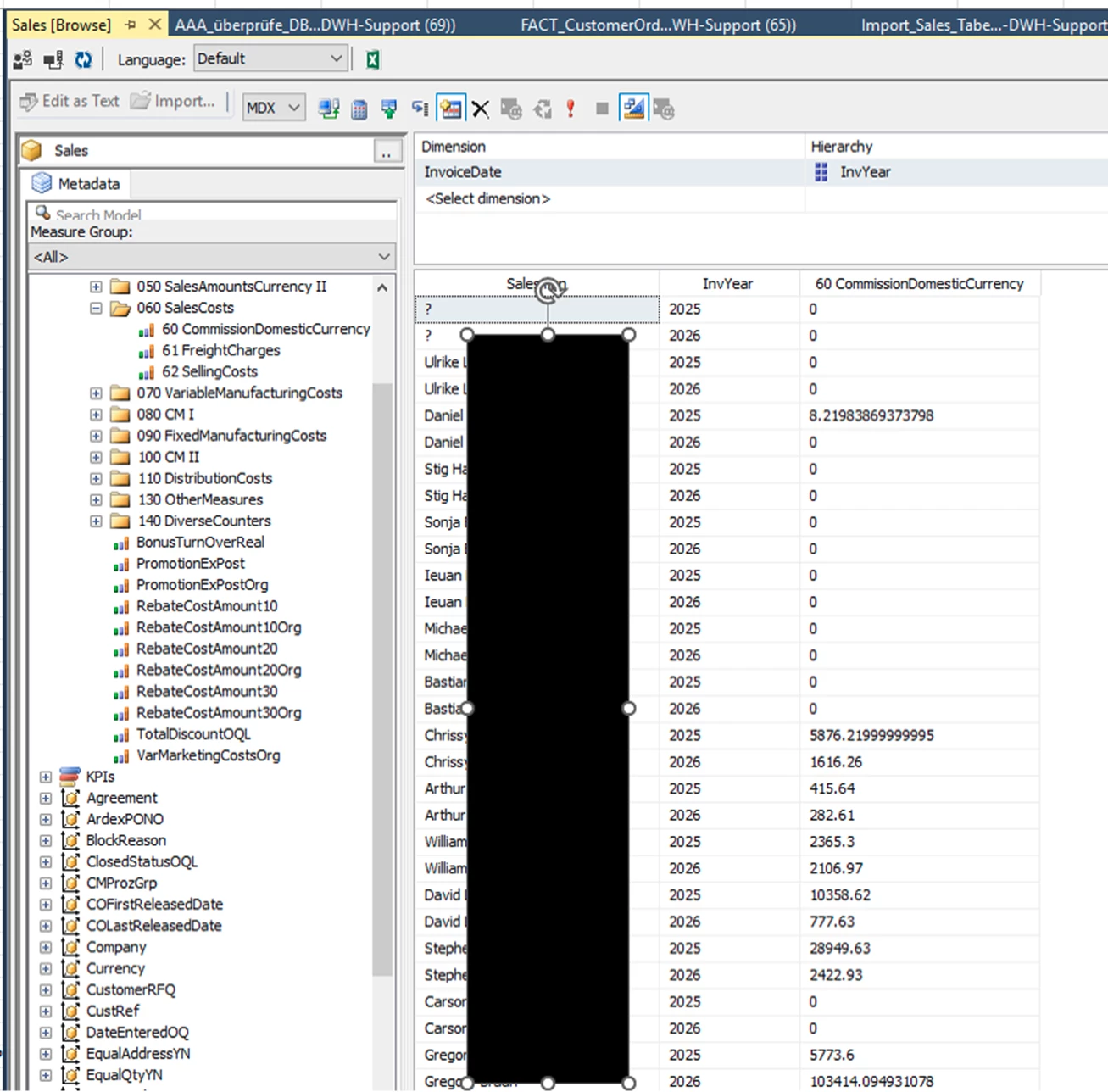
if I get this rigth the search is about CommisionSalesPerson in the “Invoice-Area”.
This measure is part of our “Sales-BI-Solution”. 
Imagine a FACT_Sales with CustomerKey (connection to DIM_Customer) and much more.
Hmmm, perhaps the “historical Salesperson” (saved in CO Header and Invoice Header) is of some value.
Also there is a MS AS Sales-Cube. 
Therefor you can use any frontend (like Excel pivot) to have a list of all Salesperson (drill down to customer) with their Commision.
We take data from Sales > Commision > Customer Order Lines Commision,
View: ORDER_LINE_COMMISSION

Because there could be more than one Commision Receiver we summ up all commisions to one amount.

It is the “old story”: Quick Report versus ETL process.
Because the ETL runs every nigth the amount of time to “prepare” the “model” is not very important.
The new report will run against the MS DB and/or the MS Cube on a parallel system.
I guess that this way the answering time will be less than 5 seconds. :-)

HTH
BR
Michael


Michael Kaiser
Sidekick (Customer)
Forum|alt.badge.img+9
  • Sidekick (Customer)
  • February 5, 2026

Hi Cindy,
quick and dirty it takes 1 sec to show data within MS SQL Management Studio.
HTH
 

IFS Sales Cube Measure Commission