Solved

how to change back the layout to the original view

  • October 8, 2024
  • 4 replies
  • 116 views

sherry
Do Gooder (Customer)
Forum|alt.badge.img+6

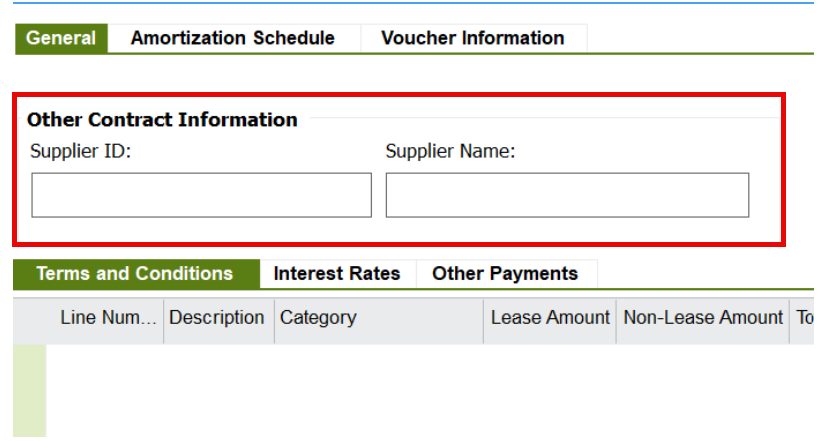
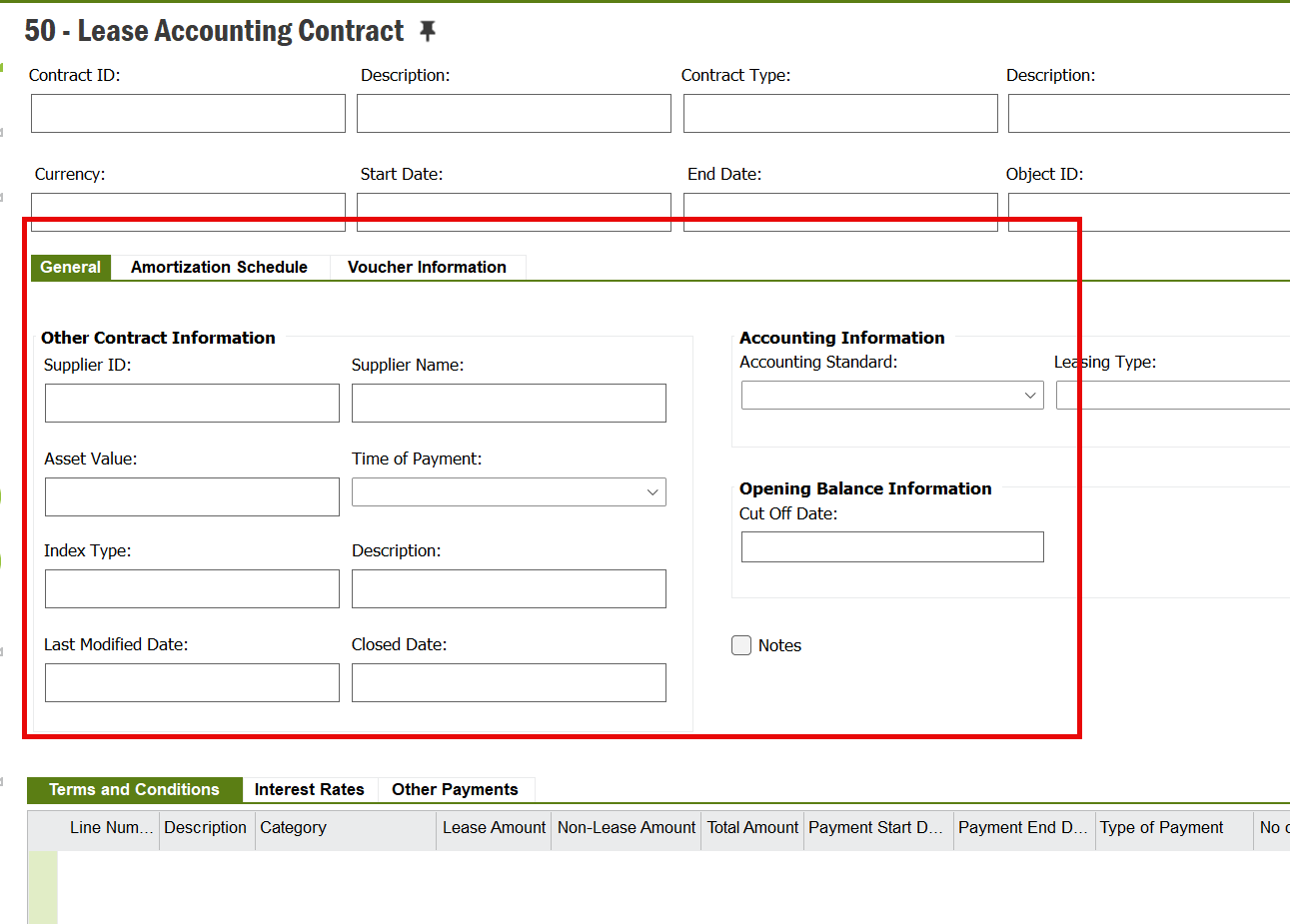
is anybody know how to change the layout back to the original view?


current view(missing more lines)
 

original view
 

Best answer by sholmes

if it’s the same as Apps9 - RMB - Properties - Layout, then there is a Reset Layout (bottom Right). If you can’t see this it will be due to permissions

4 replies

Forum|alt.badge.img+11
  • Hero (Customer)
  • Answer
  • October 8, 2024

if it’s the same as Apps9 - RMB - Properties - Layout, then there is a Reset Layout (bottom Right). If you can’t see this it will be due to permissions


Grzegorz Byrski
Hero (Employee)
Forum|alt.badge.img+10

Hello

Thank you for the response @sholmes 

@sherry please let us know if that solution worked for you. If so please kindly mark the response as Best answer so others could benefit from it as well.


sherry
Do Gooder (Customer)
Forum|alt.badge.img+6
  • Author
  • Do Gooder (Customer)
  • October 8, 2024

if it’s the same as Apps9 - RMB - Properties - Layout, then there is a Reset Layout (bottom Right). If you can’t see this it will be due to permissions

Thank you Sholmes, i found it, and solve the issue


Forum|alt.badge.img+10
  • Hero (Customer)
  • October 8, 2024

You can alternatively take that page out of your personal or base profile, then it would return whatever the default for that screen would be.