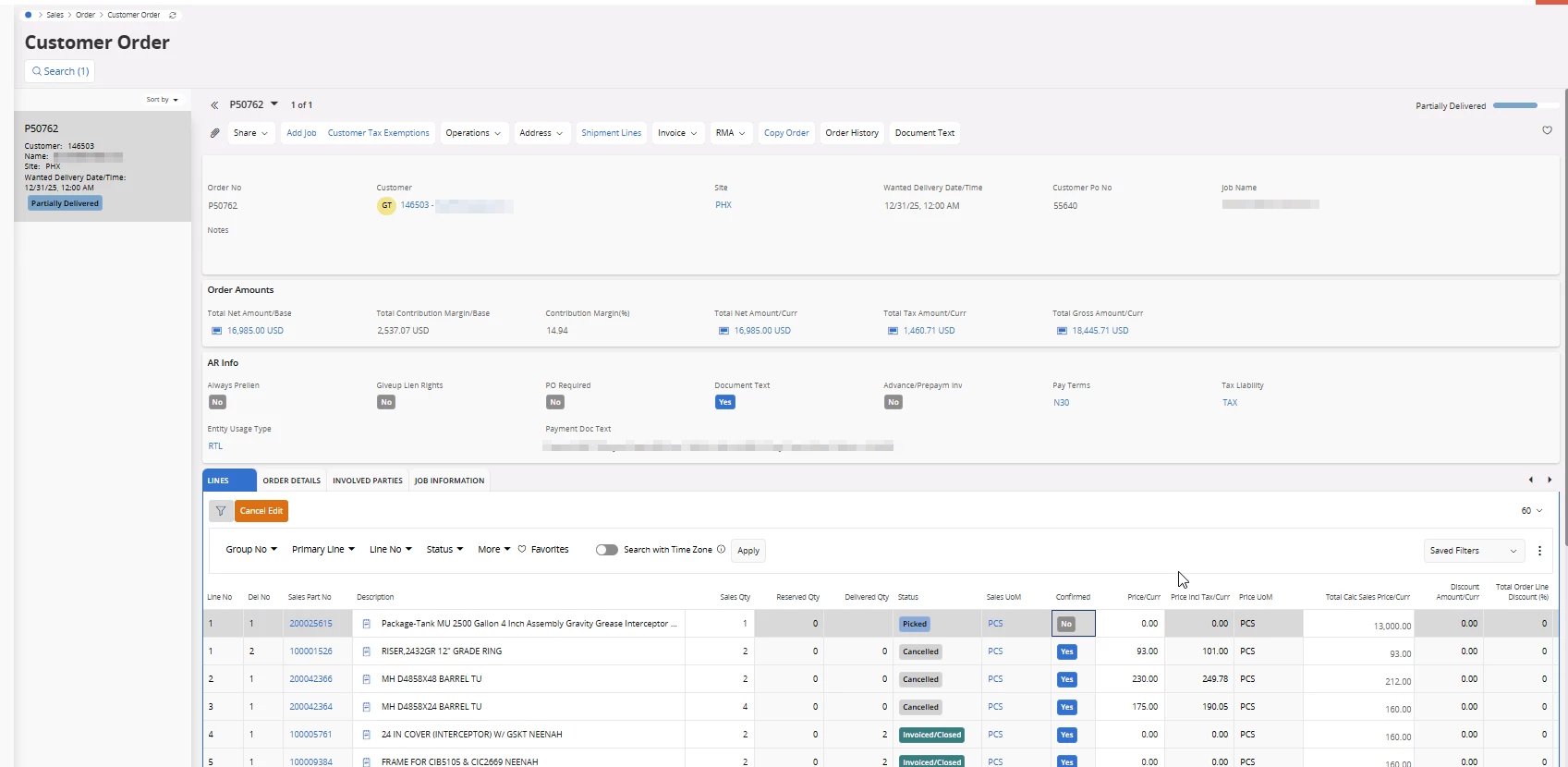
I have a customer order line on a partially delivered Customer Order that is stuck in Picked Status.
How can I moved the status to cancelled?
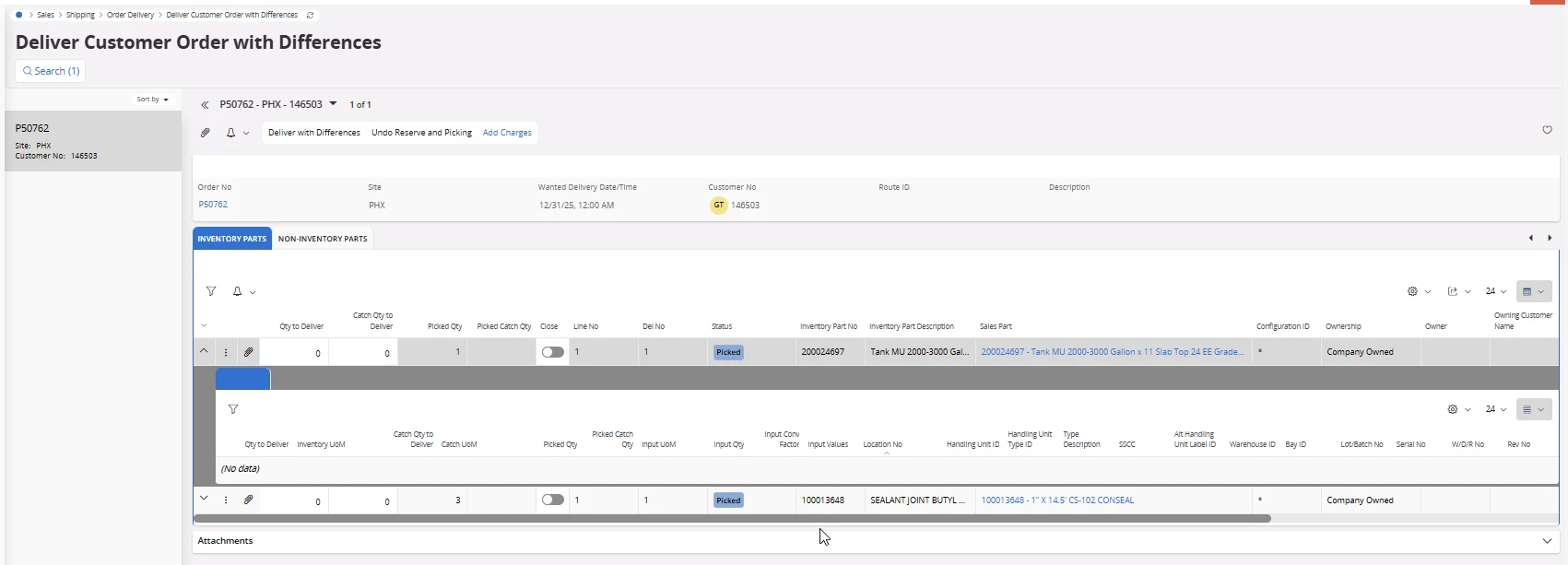
On Customer Order there is only one line Picked, but in Deliver Customer Order with Differences there are actually two for this order and no information or way to fill out the line.
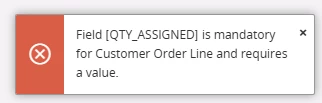
I get the error below when trying to Undo Reserve and Picking.
Please help...next step will be to enter a ticket with support.
Best answer by Lingesan08
Option 1 (Recommended): Complete or clean the DCO record
Go to Deliver Customer Order with Differences
Find the problematic order line
Check if there are multiple rows (you mentioned two)
For each row:
Enter a value in QTY_ASSIGNED (even 0 if nothing should be delivered)
Save
👉 Once all rows have valid values:
The delivery can be completed OR cancelled properly
The system will release the lock on the order line
Option 2: Remove incorrect DCO rows
If those extra rows shouldn’t exist:
In Deliver Customer Order with Differences
Delete the incorrect rows (if allowed)
Ensure only the correct single line remains
Fill required fields (QTY_ASSIGNED)
Option 3: Finish the delivery (even partially)
If cancellation keeps failing:
Enter:
Delivered qty = 0 (if cancelling)
Or actual delivered qty
Complete the delivery step
Then:
Return to Customer Order
Now you should be able to cancel or adjust
Option 4 (Last resort): Data repair
If:
You cannot edit/delete rows
Or UI is inconsistent
Then this is likely data inconsistency in DCO tables. At that point: