

Hello,
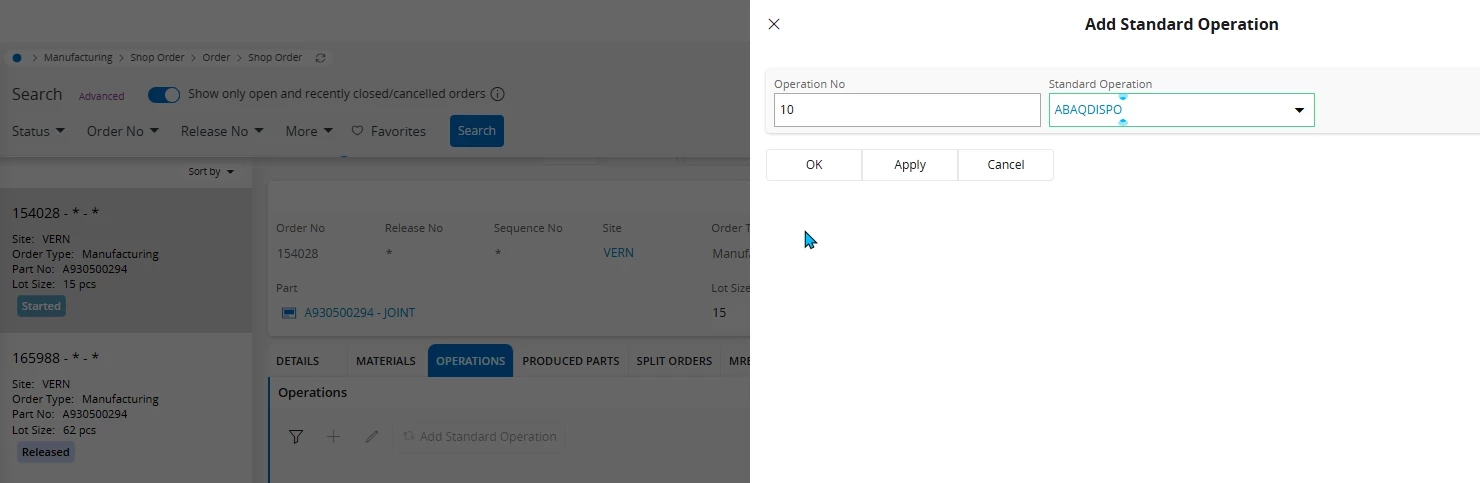
Our Key Users for migration project (IFS 8 to IFS Cloud 24R1) report they can not add a standard operation to a shop order.
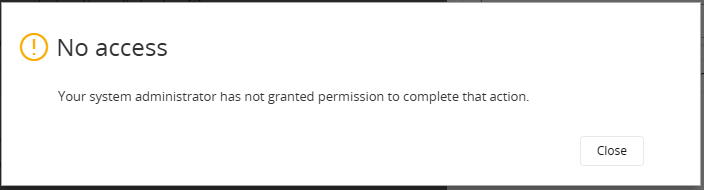
The HTTP code error is 403, here is the response body :
code: "SE_UNAUTHORIZED"
internal: 2
message: "Insufficient privileges."
They all have a permission set named “IFS_ALL” which I ensure has all projections set as full granted on permission set tab.
They can actually add an operation to a shop order, but not a standard operation from the dialog page (you can see the button command pressed on the operations tab)
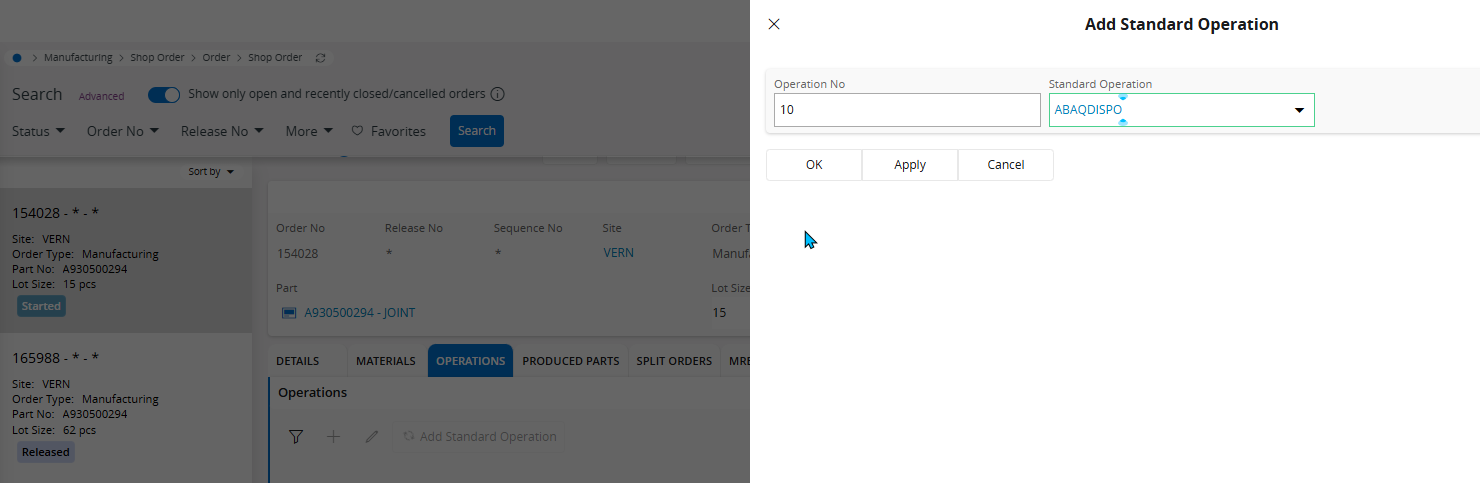
On Routing > Add standard operation, there is no issue.
I did not found any affectation page related to shop order, as it can exist for BUYERS / PURCHASE team.
I tried to debug the PLSQL code from the ShopOrderHandling projection but seems there is no exception thrown.
I checked related subjects on community and it seems it is directly impacted by projections permissions, which I repeat, are all added to the key users role, with full access granted (also on projections actions).
Any idea ?
It’s blocking a lot of people for test cases for the migration.