



Question

IFS Cloud Web DevTools Stopped working


martin.surasky
Hero (Customer)
Forum|alt.badge.img+10

In a Nutshell: IFS Cloud Web DevTools was working fine last week for me, but out of the blue I logged into my computer today to do some debugging and the “Network” pane (in Logs) is not producing ANY output. And YES, I have selected “Debug DevTools link” in my IFS instance.
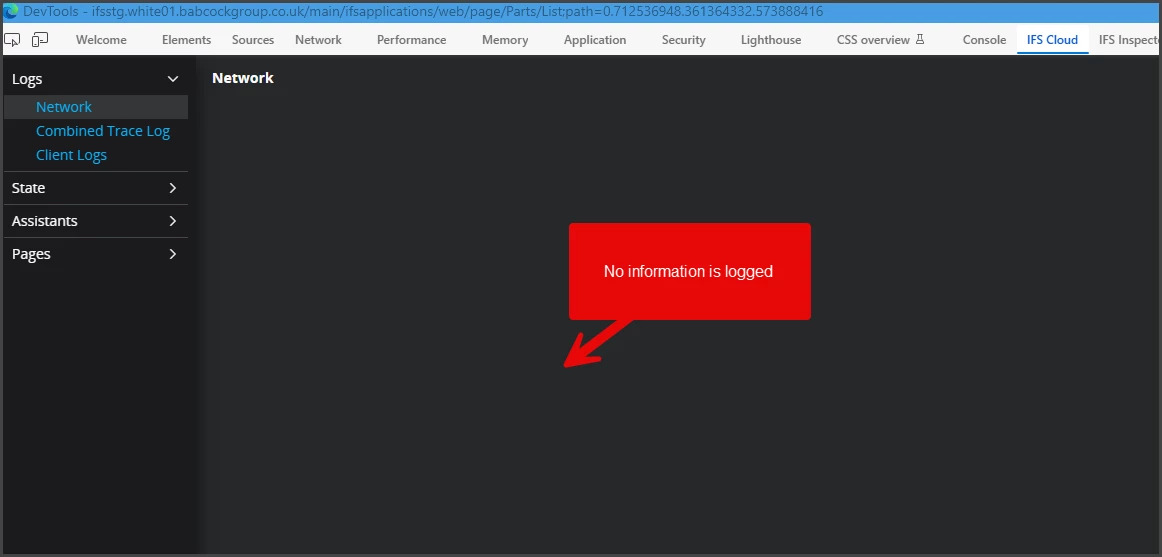


How do you normally troubleshoot this? any ideas other than un-install/re-install the extension?

I’m running Web DevTools 1.2.8
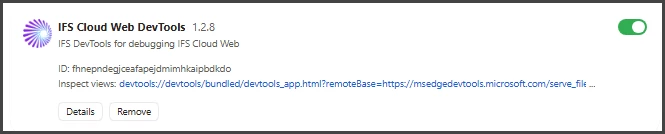
I am pretty sure this is not the Web DevTools, there must be something wrong between my data collection and the browser because the IFS Inspector (another add-on used for similar purpose) is also NOT collecting Server side Network activity.

I’m running Edge Version 153.0.4234.48


Thanks for your ideas… I have explored everything I thought could cause it to no avail so far!

2 replies

martin.surasky
Hero (Customer)
Forum|alt.badge.img+10

After A LOT of digging around the system and troubleshooting, I found out that the cause of the Edge extension being broken was a compatibility with the IFS Cloud Wise Panel. Once I turned that Extension OFF, the IFS Cloud Web DevTools came back to life.

I guess I’m sharing it as a word of caution, be mindful of this when testing the IFS Cloud Wise Panel. I can’t confirm if this behavior is consistent with other systems, but in my machine enabling it and disabling it consistently breaks/fixes the IFS Cloud Web DevTools


0guz
Hero (Employee)
Forum|alt.badge.img+10
  • Hero (Employee)
  • October 20, 2026

Hi ​@martin.surasky,

I’m sorry to hear about the issue you experienced. To be honest, I hadn’t received any reports of this kind of problem before, so this is the first time I’m hearing about it.

I’ll investigate the issue, and if I identify a problem, I’ll fix it as soon as possible and release an updated version of the extension.

I expect this process may take around 10 days.

Please let me know which ifs cloud version u had been that situation.


Best regards.
