Solved

IFS Cloud 24R1 - Direct Printing from IFS without a Print Agent

  • Nov 13, 2024 8:22 AM UTC
  • 6 replies
  • 276 views

Forum|alt.badge.img+10

Hi All,

Is it possible to map a network printer directly to a SSO configured IFS Applications and then print reports directly without a Print Agent?

Best answer by ChanakaAmarasekara

Hi

You can use Aurean Agent to print to a Physical Print directly.

Aurena Agent - Technical Documentation For IFS Cloud

Regards,

Chanaka

View original

6 replies

ChanakaAmarasekara
Hero (Employee)
Forum|alt.badge.img+15

Hi

You can use Aurean Agent to print to a Physical Print directly.

Aurena Agent - Technical Documentation For IFS Cloud

Regards,

Chanaka


Forum|alt.badge.img+10
  • Author
  • Sidekick (Partner)
  • Nov 14, 2024 10:13 AM UTC

@ChanakaAmarasekara ,

Thanks Chanaka, 
Does this support secure printing where the Print Job goes to the printer as End-User as the owner?

Gayan


Forum|alt.badge.img+6
  • Sidekick (Customer)
  • Aug 12, 2025 10:32 AM UTC

Hi ​@GaSoGB,

Having the same requirement at the moment. Have you managed to do this?


Forum|alt.badge.img+10
  • Author
  • Sidekick (Partner)
  • Aug 12, 2025 10:38 AM UTC

​@NJAY ,

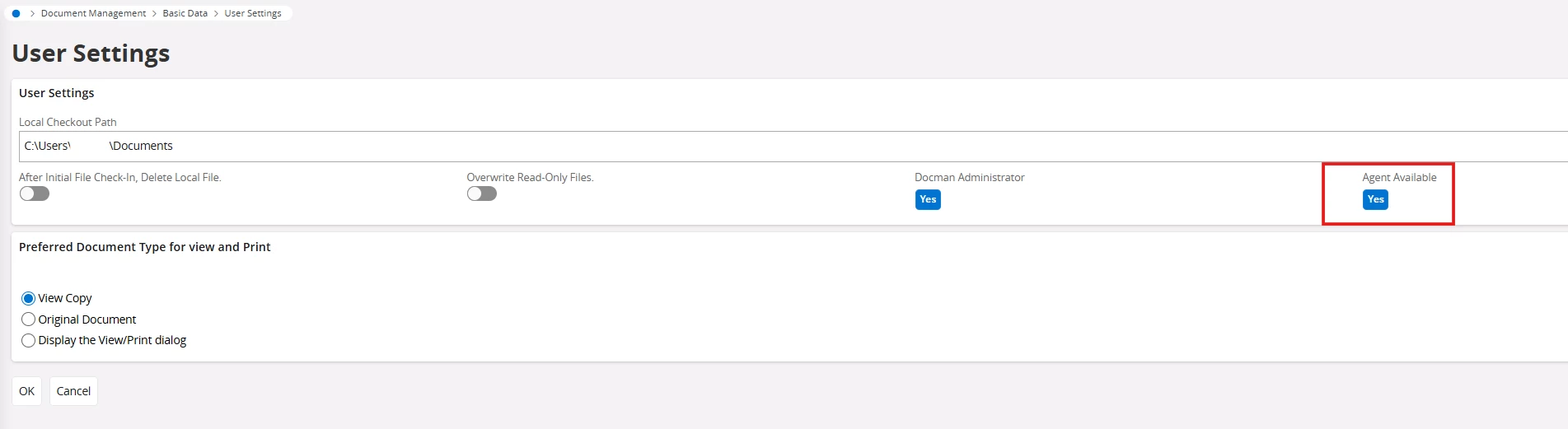
Yes, you just install Aurena Agent and then when you try to print it shows network printer(s).


Forum|alt.badge.img+6
  • Sidekick (Customer)
  • Aug 12, 2025 11:32 AM UTC

Thank you ​@GaSoGB .

I installed Aurena Agent. 


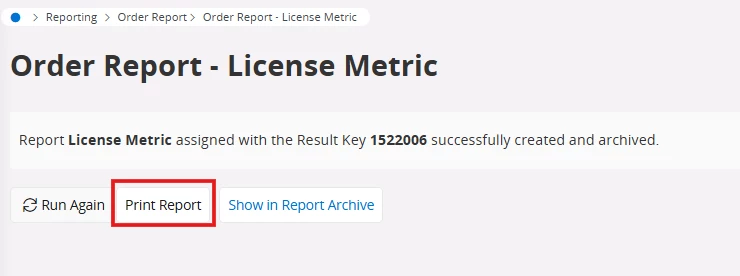
Then created a report via Order Report page. And then clicked on ‘Print Report’


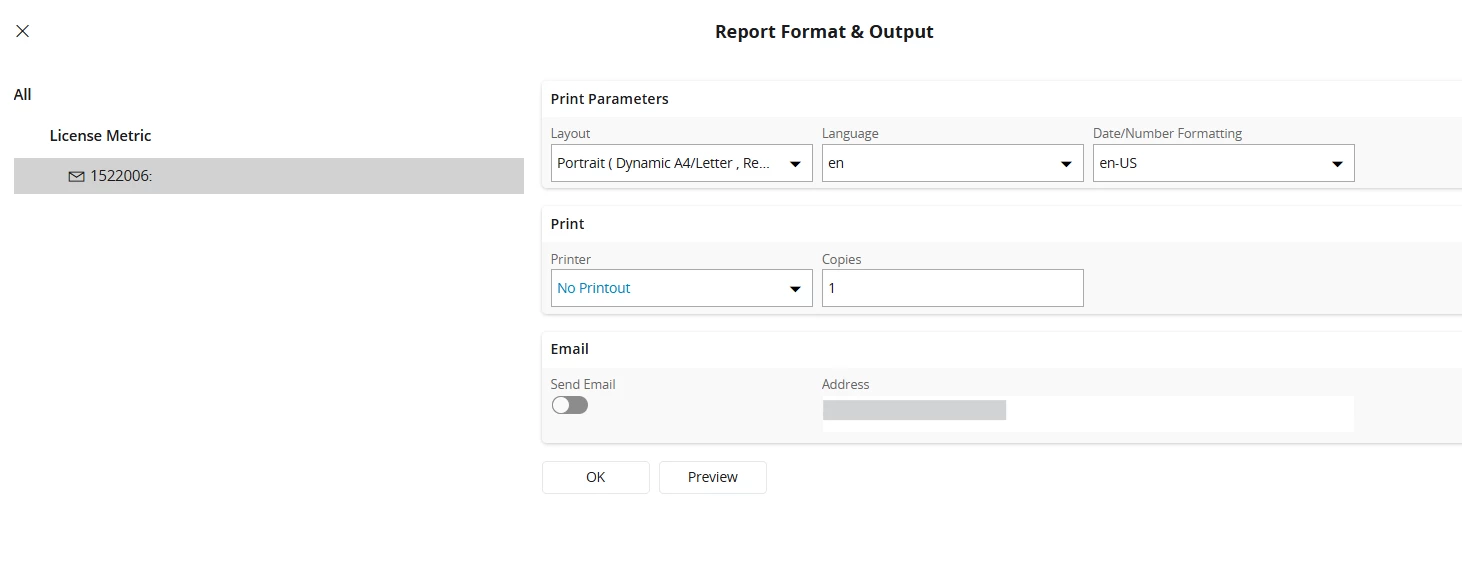
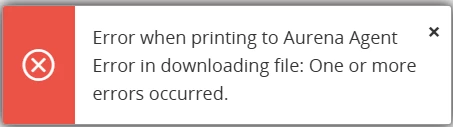
It only showed this native print assistant. And when I selected the secure print as the printer, there were some errors. 


Any input would be much appreciated. 


Forum|alt.badge.img+10
  • Author
  • Sidekick (Partner)
  • Aug 12, 2025 3:17 PM UTC

Hi ​@NJAY ,

Not sure what you mean by ‘secure print as the printer’.
Could you click on ‘Printer’ field combo box and and get a screenshot of the list and paste here. hide if you have sensitive info like company name etc before sharing here.