Solved

IFS APPS 10 IAL Aurena Lobby Error

  • Apr 29, 2021 2:02 PM UTC
  • 12 replies
  • 1108 views

Forum|alt.badge.img+6

Hi,


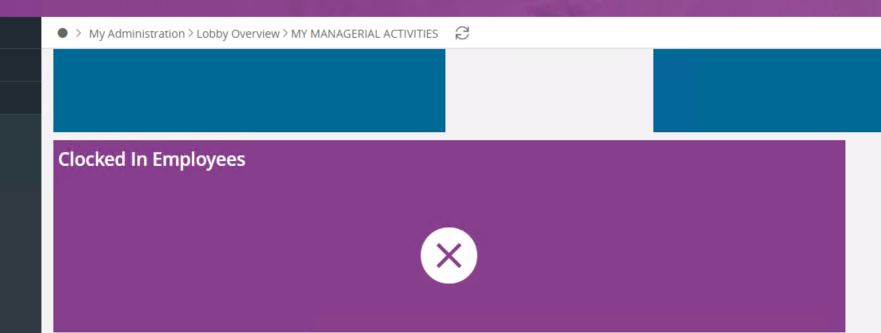
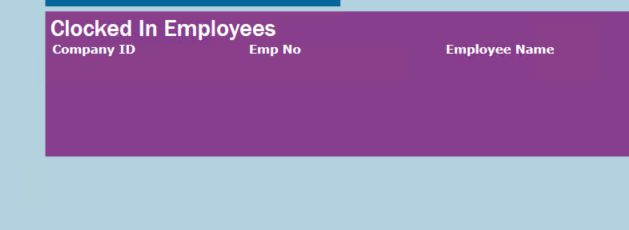
There is an issue in regards to an element that works fine in EE Client but will error in Aurena.

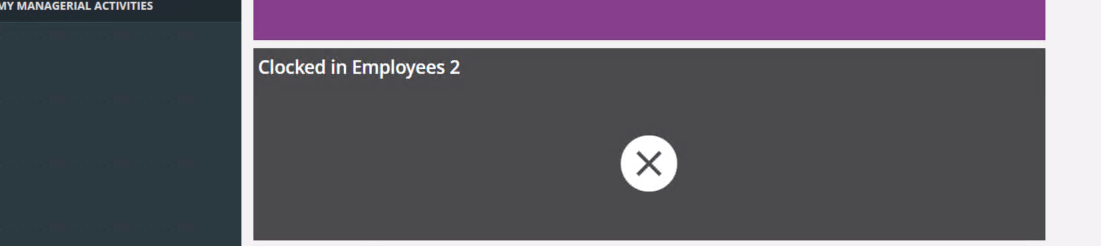
It references Invalid data source definition.

Note - Lobby Element is of type Aurena.

Steps Tried - 

  • Alias with ifsinfo for IAL view along side &IAL
  • Refresh Aurena Page Cache and EE Caches
  • Element and Data source are granted to permission set.

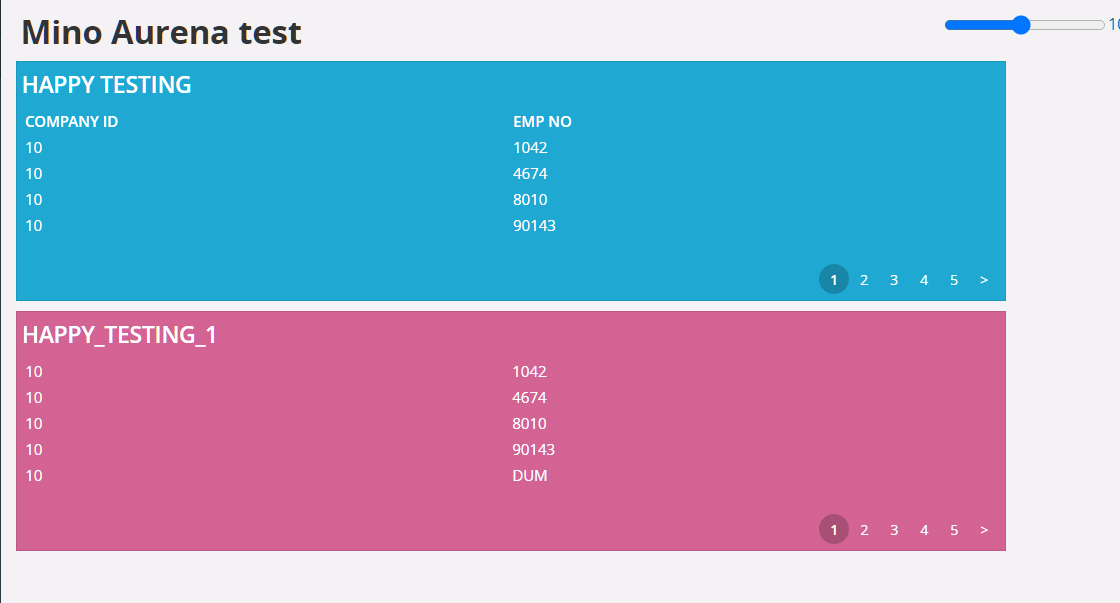
Aurena - 


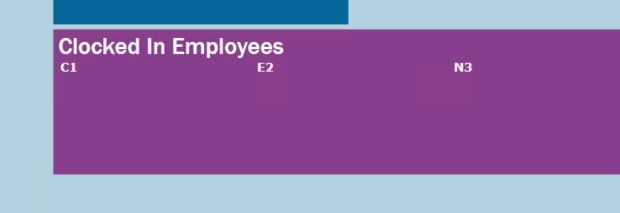
EE - 
 

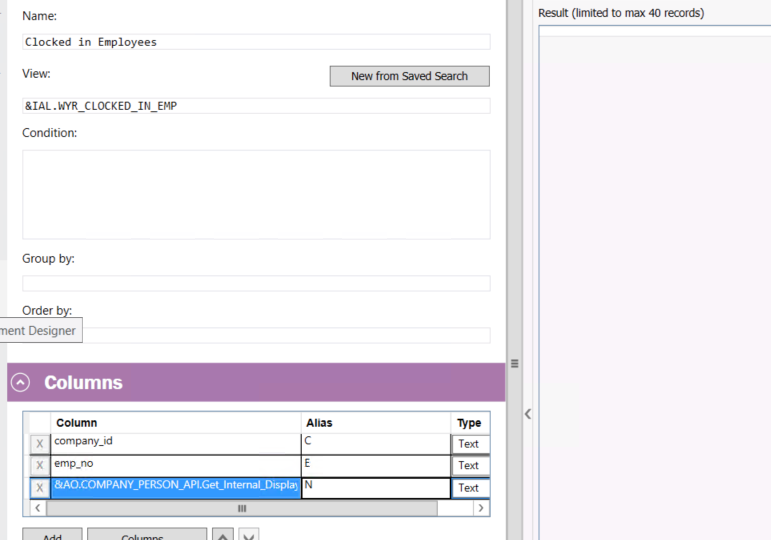
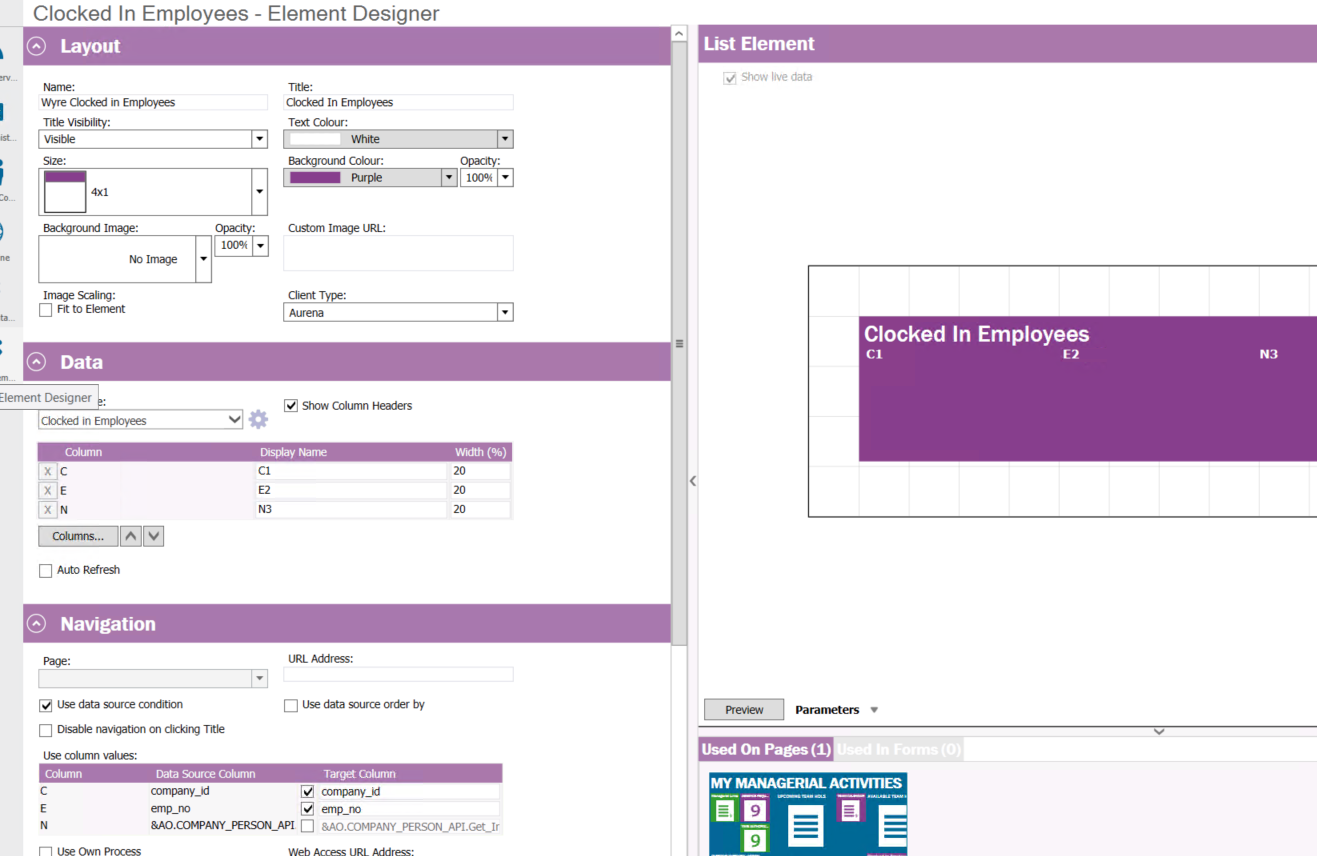
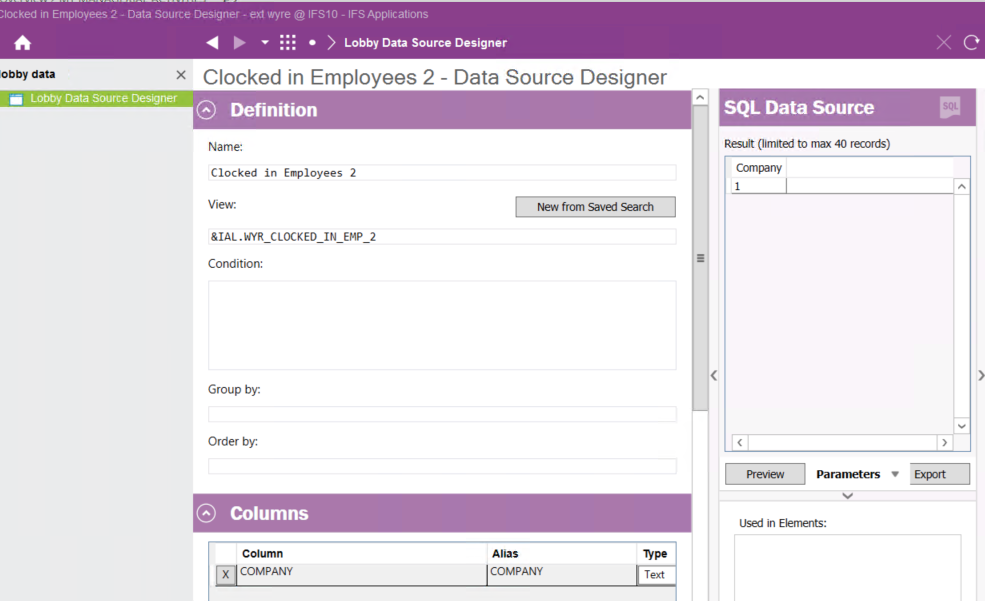
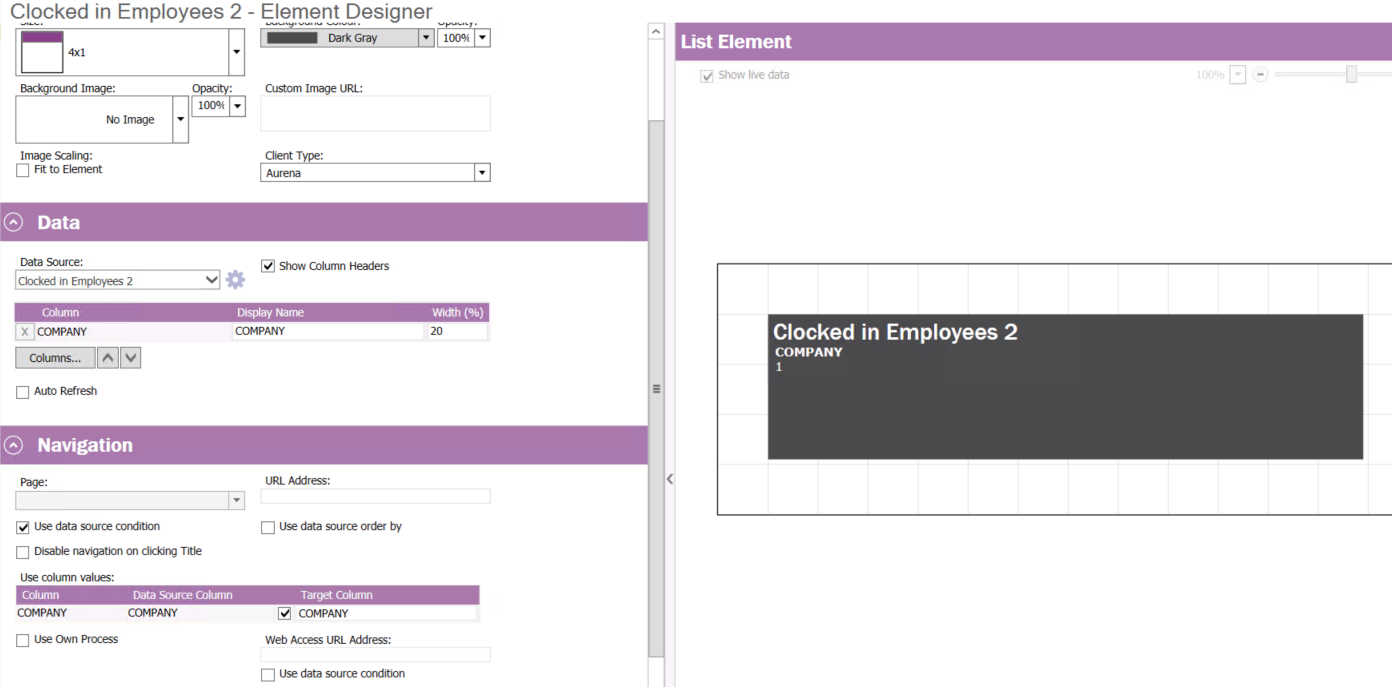
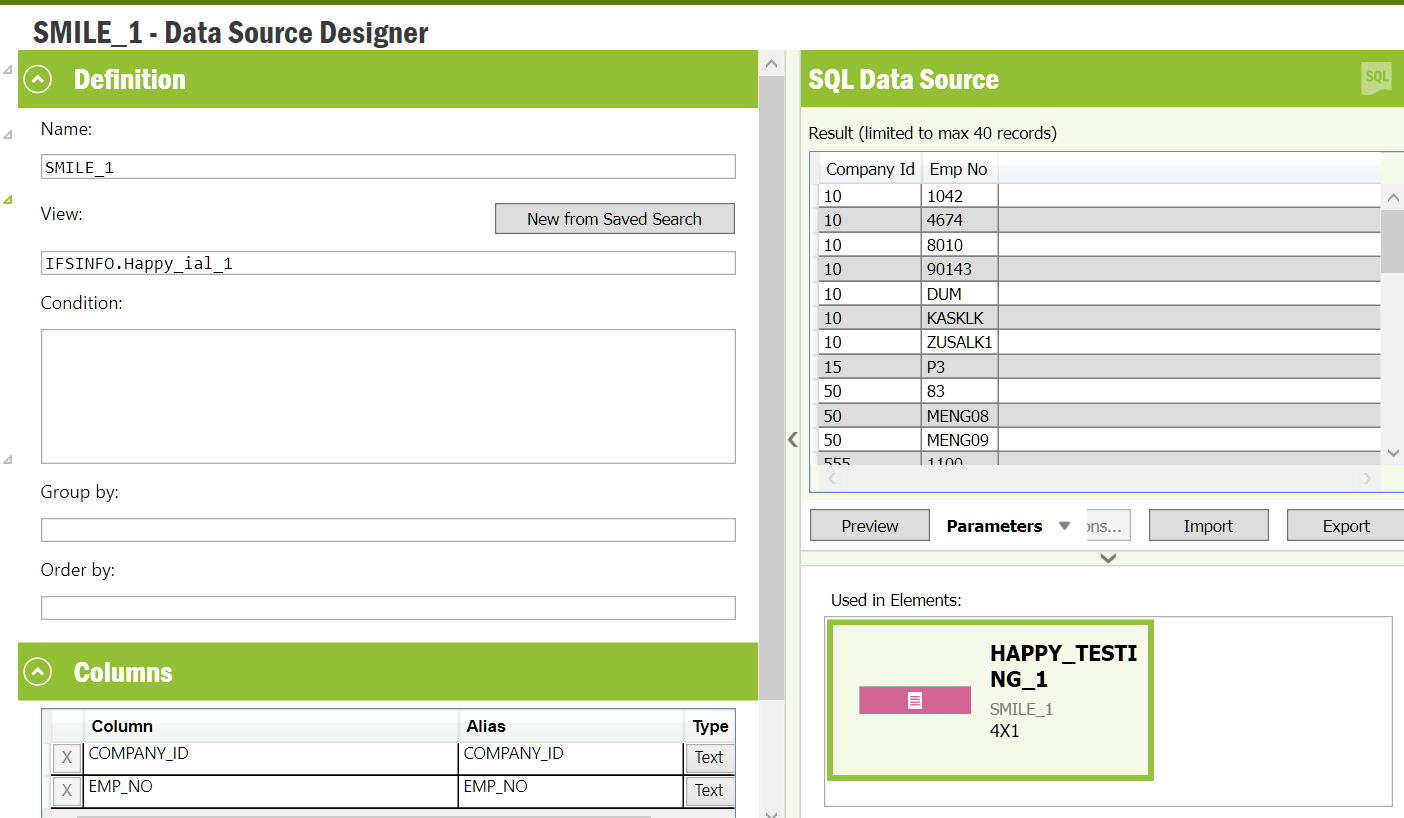
Data source element - 


Any advice would be appreciated or please let me know if you need more detail.


Many Thanks,

Best answer by Minoshini Fonseka

Hi @WyrAndreM,

Just to be sure on who is the user for the IAL owner, you can go through following and confirm it.. :relaxed:
 

Figure 1 : Default IAL Owner in System Parameters


According to this, it is IFSINFO here.. likewise confirm it and amend the view name.

View original
This topic has been closed for replies.

12 replies

Minoshini Fonseka
Superhero (Employee)
Forum|alt.badge.img+19

Hi @WyrAndreM ,

Does the &IAL.WYR_CLOCKED_IN_REP view has any column with a name similar to the alias used in data source?

If so, please make sure to use a name that does not exist as a column name in the
view. Let us know whether it would work ..


Imal Thiunuwan
Superhero (Employee)
Forum|alt.badge.img+16
  • Superhero (Employee)
  • Apr 29, 2021 2:19 PM UTC

Hello @WyrAndreM,


Check if there are any common names have been used for a column in &IAL.WYR_CLOCKED_IN_REP view and the alias that is used in data source. If so, please change the names.


Cheers!


Forum|alt.badge.img+6
  • Author
  • Do Gooder (Partner)
  • Apr 29, 2021 2:24 PM UTC


Thank you for the replies I have swapped out the alias to be something that would not be used as per normal for a reference and refreshed Aurena cache but still have the same issue e.g. 


Forum|alt.badge.img+1
  • Do Gooder (Employee)
  • Apr 29, 2021 2:29 PM UTC

What user account are you using, IFSAPP?


Minoshini Fonseka
Superhero (Employee)
Forum|alt.badge.img+19

@WyrAndreM 

I guess, if you just use company_id and emp_no only in data source, you will be able to see the element in Aurena? Did you give such a try?


Forum|alt.badge.img+6
  • Author
  • Do Gooder (Partner)
  • Apr 29, 2021 2:37 PM UTC

Using my own account as opposed to IFSAPP and the code for the IAL is as follows - 

“

CREATE OR REPLACE VIEW &IAL_OWNER..&OBJECT._IAL AS
 SELECT distinct company_id,emp_no
         FROM   &AO..time_pers_diary_clocking_tab
         WHERE account_date BETWEEN TRUNC(sysdate + (NVL(1, 0) / 24) ) -1 AND TRUNC(sysdate + (NVL(1, 0) / 24) ) +1
         AND    proc_status   != 'B'
         AND    in_pers_class != 'F'
         AND    in_stamp BETWEEN (sysdate + (NVL(1, 0) / 24) ) -0.75 AND (sysdate + (NVL(1, 0) / 24) )
         AND    NVL(out_stamp, (sysdate + (NVL(1, 0) / 24) ) +1) > (sysdate + (NVL(1, 0) / 24) )

“ 

Thanks.


Forum|alt.badge.img+1
  • Do Gooder (Employee)
  • Apr 29, 2021 2:58 PM UTC

Can you run a select statement over the IAL - using the query tool or something else?


Forum|alt.badge.img+6
  • Author
  • Do Gooder (Partner)
  • Apr 29, 2021 3:35 PM UTC

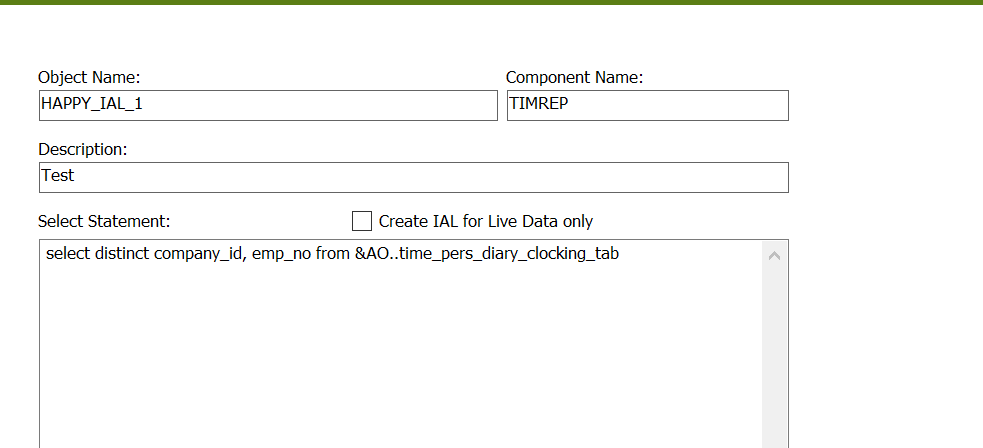
I have created a new datasource element and lobby element with 1 column but still get the same results, I can also view this in the SQL query tool. I have created a new IAL looking at company column from company.


EE Client - 


Aurena Client - 


Thanks.


Forum|alt.badge.img+1
  • Do Gooder (Employee)
  • Apr 29, 2021 3:44 PM UTC

As you are not using the IFSAPP account. It might be worth checking the permission set access (thats assigned to your account) for this Aurena Lobby. The Aurena Lobby has a separate object (from EE) that would need granting. 


Minoshini Fonseka
Superhero (Employee)
Forum|alt.badge.img+19

@WyrAndreM 

Just give a try to change the &IAL.WYR_CLOCKED_IN_EMP to IFSINFO.WYR_CLOCKED_IN_EMP where you have to give the view name in Data Source Designer.

IAL Object Developer
 

1. Creating the IAL
2.Data Source Designer


IEE


Aurena


Minoshini Fonseka
Superhero (Employee)
Forum|alt.badge.img+19

Hi @WyrAndreM,

Just to be sure on who is the user for the IAL owner, you can go through following and confirm it.. :relaxed:
 

Figure 1 : Default IAL Owner in System Parameters


According to this, it is IFSINFO here.. likewise confirm it and amend the view name.


Forum|alt.badge.img+6
  • Author
  • Do Gooder (Partner)
  • Apr 30, 2021 9:06 AM UTC

Thank you, I did try the INFSINFO schema prefix on the Datasource element which didn’t appear to work before i’m not too sure why, I have since retried which has corrected the problem thanks for you help.