
Solved
How to change company name on Quick Print report?


 +11
+11How do I change the Company Name on a printed Quick Report?
Best answer by Piumi Rubasinghe
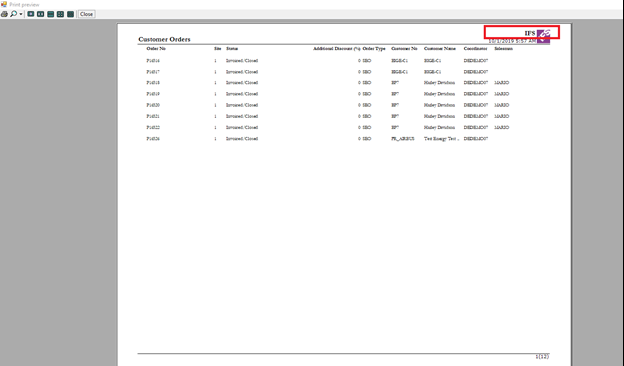
By default, you can see IFS as the company name, but you can change it to your own company name using following steps.
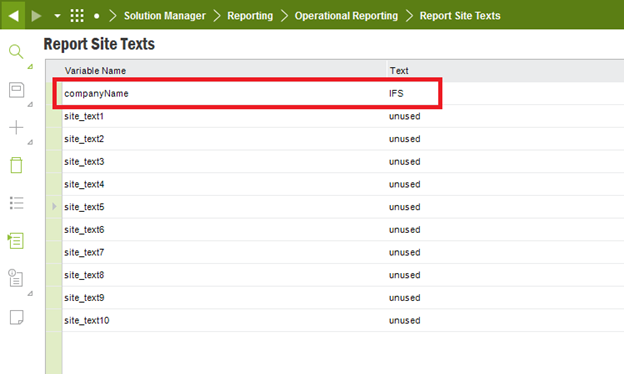
- Go to Solution Manager> Reporting> Operational Reporting> Report Site Texts
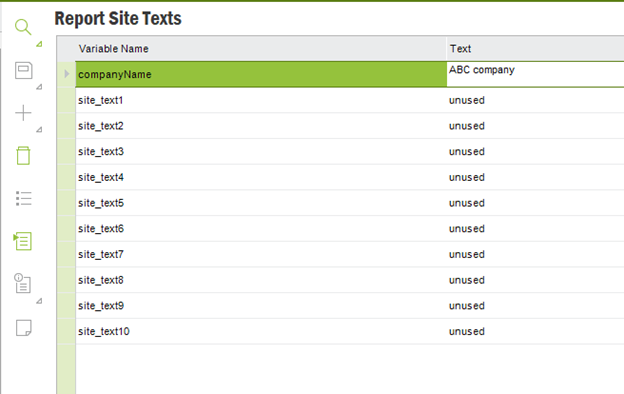
- Change the companyName variable to your company name.
- Save the changes
- Then again try to output quick print and this time the company name will be changed to your company name







Enter your E-mail address. We'll send you an e-mail with instructions to reset your password.