

Solved

Getting core files into Developer Studio

  • Oct 30, 2026 6:08 PM UTC
  • 4 replies
  • 15 views

MWitczak
Hero (Customer)
Forum|alt.badge.img+10

Hi everyone,


Still a bit of a newbie on IFS Developer Studio… seeing if I’m missing something obvious.


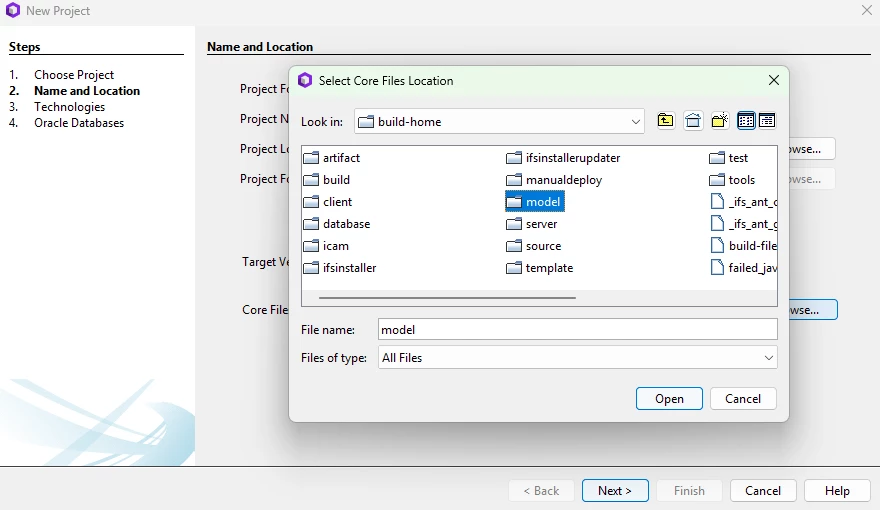
I downloaded the BuildHome from our Build Place with the desire to bring the core files onto my local drive for import into my project.  I selected the “model” directory in the build-home and it set the files to read only and all the components were displayed.  When I go to expand a component, I get the following error:

Cannot invoke “org.netbeans.api.project.Project.getLookup()” because “project” is null


Cloud version is 26R1SU1

Developer Studio 18 (Build 26.2.1308)
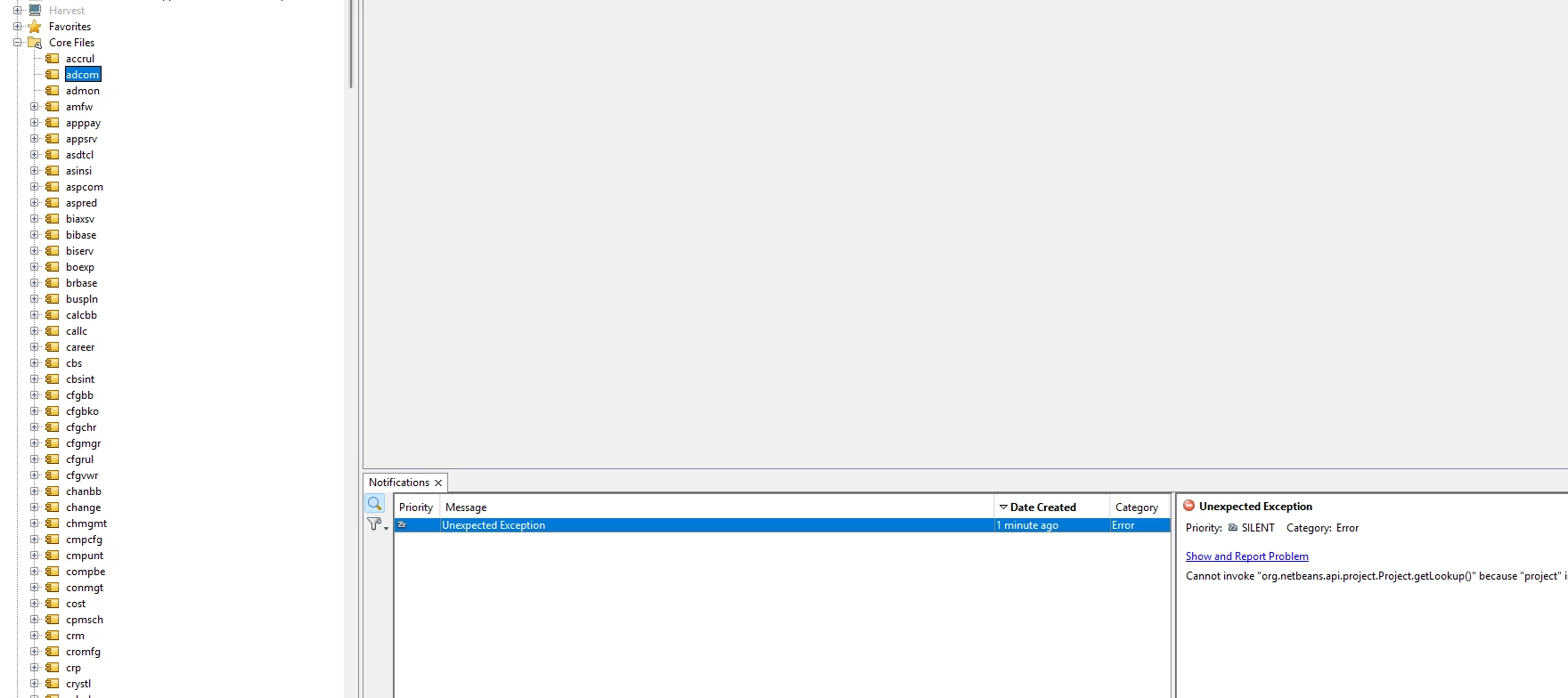


Best answer by PhillBronson

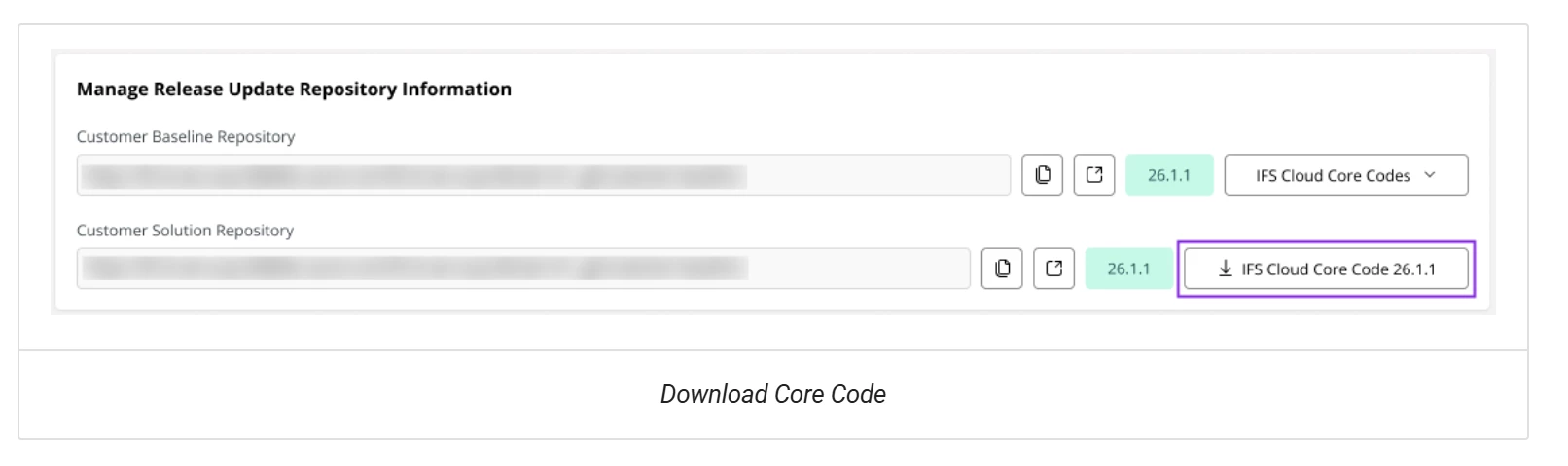
​@MWitczak I think you need to use link in the build place to download the “IFS Cloud Core Code x.x.x”. 


 https://docs.ifs.com/techdocs/ale/en/020_build_studio/030_customer_solution_development/020_developing-with-devstudio

it is structured differently than the build-home folder shown in your picture. Inside the core-files checkout you’ll have each component in a folder and each of those will generally have a model, server, and source folder.

View original

4 replies

PhillBronson
Hero (Customer)
Forum|alt.badge.img+13
  • Hero (Customer)
  • Oct 30, 2026 6:15 PM UTC

​@MWitczak can you start a little further back in your recap and talk more about how you set up your project?


MWitczak
Hero (Customer)
Forum|alt.badge.img+10
  • Author
  • Hero (Customer)
  • Oct 30, 2026 6:37 PM UTC

Hi ​@PhillBronson, thanks for the response.  Here’s what I did:


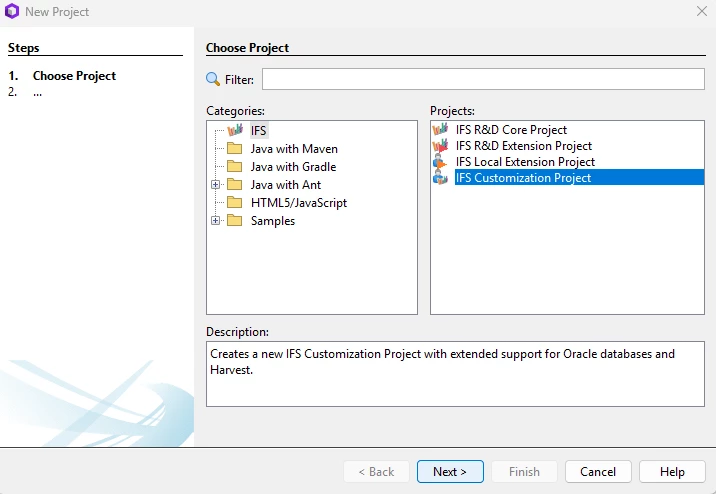
  1.  Created a new “IFS Customization Project”
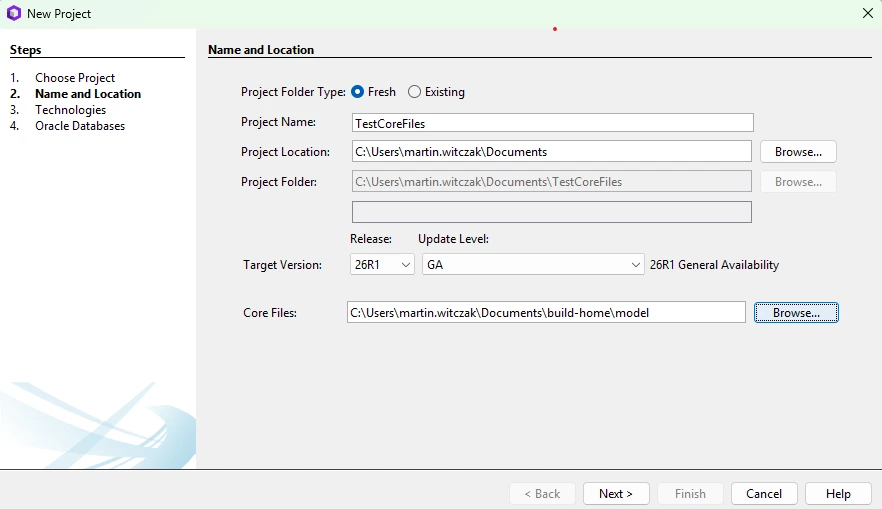
  2. Gave the project a name, and then searched for the Core Files on my local computer’s directory structure:
    1. Set files to Read Only at the prompt:
      1. Added our Cloud DEV database and set it as the main database.

That creates the project after clicking Finish, and no matter what I do, it gives me that same error each time.  Still trying to figure out what I’m doing wrong!


Thank you,


Marty


PhillBronson
Hero (Customer)
Forum|alt.badge.img+13
  • Hero (Customer)
  • Answer
  • Oct 30, 2026 6:55 PM UTC

​@MWitczak I think you need to use link in the build place to download the “IFS Cloud Core Code x.x.x”. 


 https://docs.ifs.com/techdocs/ale/en/020_build_studio/030_customer_solution_development/020_developing-with-devstudio

it is structured differently than the build-home folder shown in your picture. Inside the core-files checkout you’ll have each component in a folder and each of those will generally have a model, server, and source folder.


MWitczak
Hero (Customer)
Forum|alt.badge.img+10
  • Author
  • Hero (Customer)
  • Oct 30, 2026 7:12 PM UTC

Hi ​@PhillBronson,


Thank you for the information; looks like I will be able to get this taken care of next week.  The responses are appreciated!


Marty