Question

Company Code missing in CloudR1

  • October 25, 2021
  • 3 replies
  • 78 views

Eirik Horjen
Do Gooder (Employee)
Forum|alt.badge.img+2

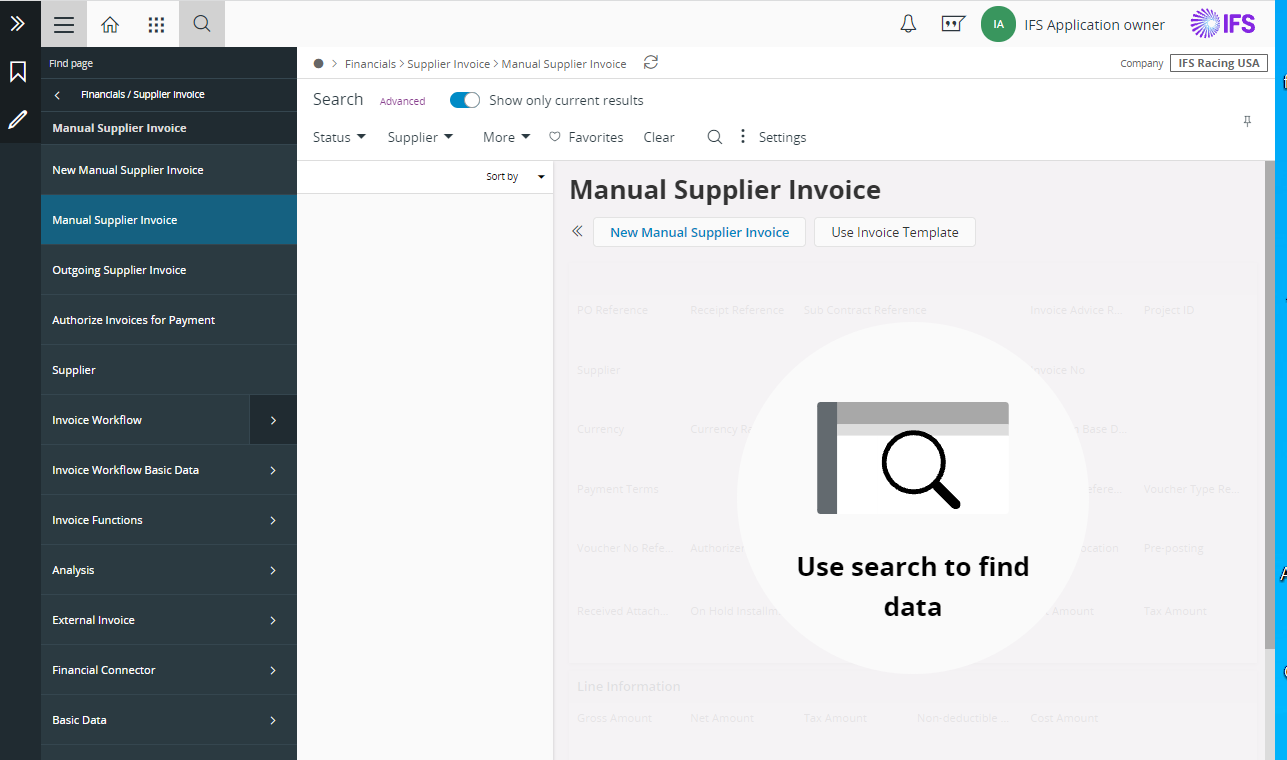
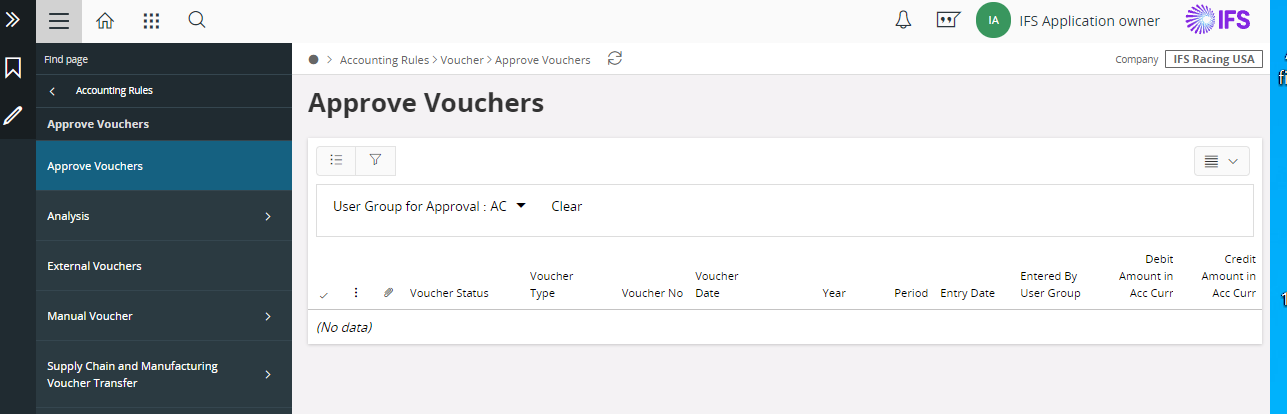
Hi, It is not possible to see the selected company code in the client. Only the description. The selected company code should also be visible. It is easy to do mistakes if you have several hundred entities where the descriptions are similar. Which justifies that the unique code must be present to avoid wrong selection of entities.

This topic has been closed for replies.

3 replies

Manoj Ruwanhewa
Superhero (Partner)
Forum|alt.badge.img+15
  • Superhero (Partner)
  • October 25, 2021

Hi @Eirik Horjen ,

What is the IFS page you are referring in the client application?

What is the service update level of your cloud21R1 client?


Regards

Manoj


Eirik Horjen
Do Gooder (Employee)
Forum|alt.badge.img+2
  • Author
  • Do Gooder (Employee)
  • October 25, 2021

Update 6. And there are several windows where the code can’t be seen. In the attached examle the code is 850DE which is what the user normally considers, and not the description.


Manoj Ruwanhewa
Superhero (Partner)
Forum|alt.badge.img+15
  • Superhero (Partner)
  • October 25, 2021

Hi @Eirik Horjen ,

I have checked this in latest cloud application 


Your point is valid and its easy make mistakes and it would to good to raise this to consider for future updates.

Regards

Manoj