Hi,
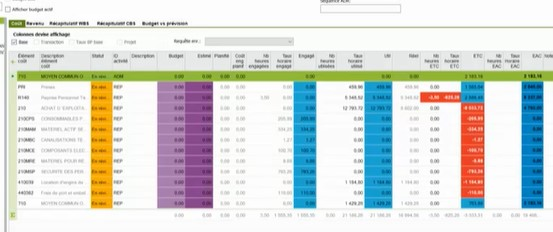
On a video on youtube, I saw that some users succeded to change colours in APP10, based on cell values / status.
Does anyone know how to do it ?
Thanks

Hi,
On a video on youtube, I saw that some users succeded to change colours in APP10, based on cell values / status.
Does anyone know how to do it ?
Thanks
Best answer by Kalana Rathnayake
Hi
They are using conditional formatting. You can also it as below.
RMB on columns Headers and select ‘Conditional Formatting…’
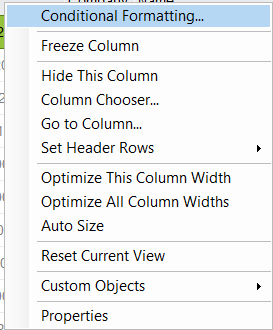
After that, you can set up a new conditions according to your preference.
As an example in below.
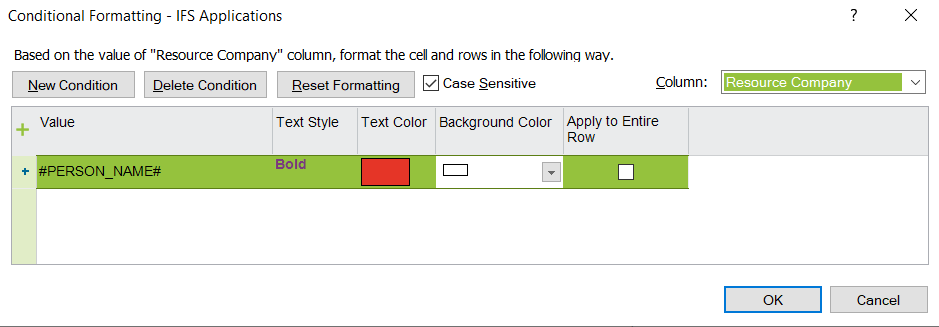
Hope this answer helps.
Best Regards,
Kalana


Enter your E-mail address. We'll send you an e-mail with instructions to reset your password.