Solved

Settling Detail Function in External Template

  • Jan 31, 2024 10:14 AM UTC
  • 3 replies
  • 312 views

PamithK
Sidekick (Partner)
Forum|alt.badge.img+8

Hi,


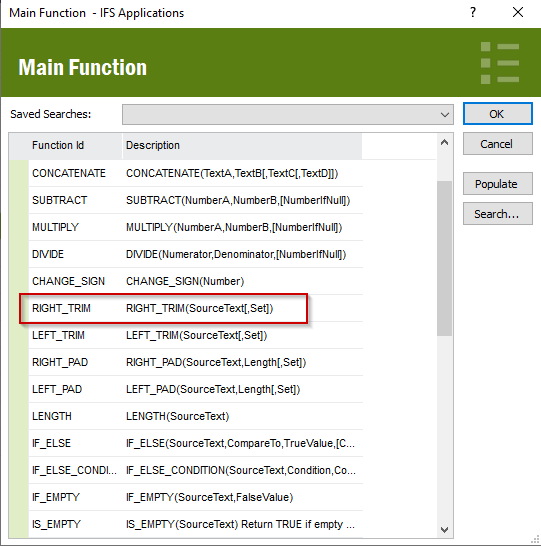
I am trying to set a RIGHT TRIM function in an external file template (bank statement), but it doesn’t seem to work when it is set according to the template shown in the LOV. My objective is to pick the first 100 characters of the uploaded field.

I get an unpack error as below

“ExtFileFunctionHandler.VALUEERROR2: Value error on column no TRANSACTION_INFO1 function no 10”
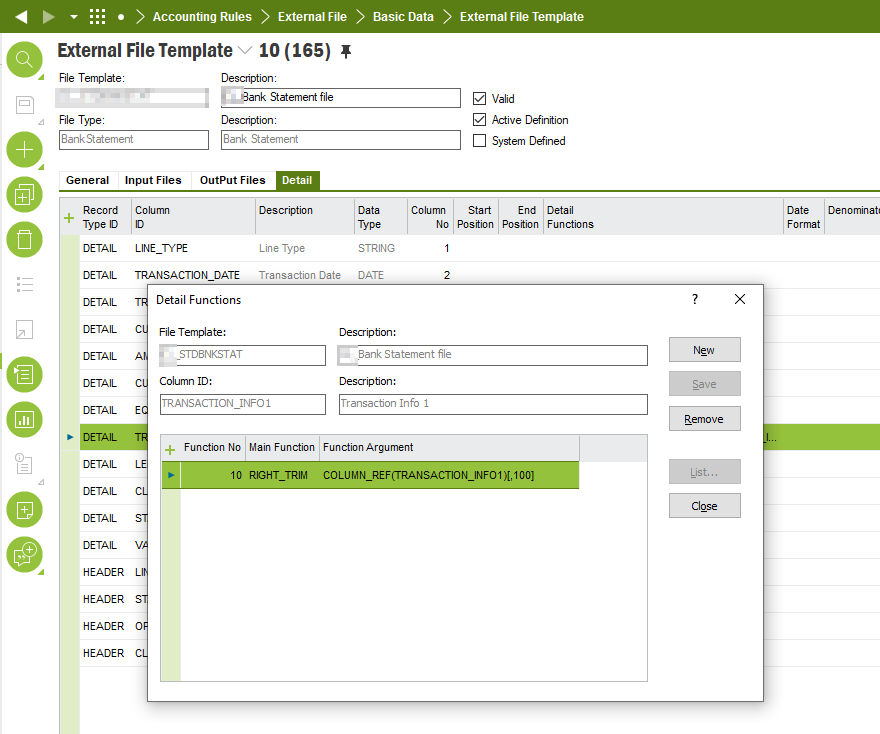


Any idea how to set this function detail? 

This is on Apps10 Upd13


Thank you


Pamith

Best answer by dsj

Hi @PamithK 


RIGHT_TRIM function removes the right-most characters defined in the set


If you need to pick the first 100 characters, use SUB_STRING function.

Function arguments:

COLUMN_REF(TRANSACTION_INFO1),1,100


Hope it helps!

Damith


View original

3 replies

dsj
Ultimate Hero (Partner)
Forum|alt.badge.img+22
  • Ultimate Hero (Partner)
  • Answer
  • Jan 31, 2024 11:09 AM UTC

Hi @PamithK 


RIGHT_TRIM function removes the right-most characters defined in the set


If you need to pick the first 100 characters, use SUB_STRING function.

Function arguments:

COLUMN_REF(TRANSACTION_INFO1),1,100


Hope it helps!

Damith


Forum|alt.badge.img+1
  • Do Gooder (Employee)
  • Jan 31, 2024 11:09 AM UTC

Hi Pamith


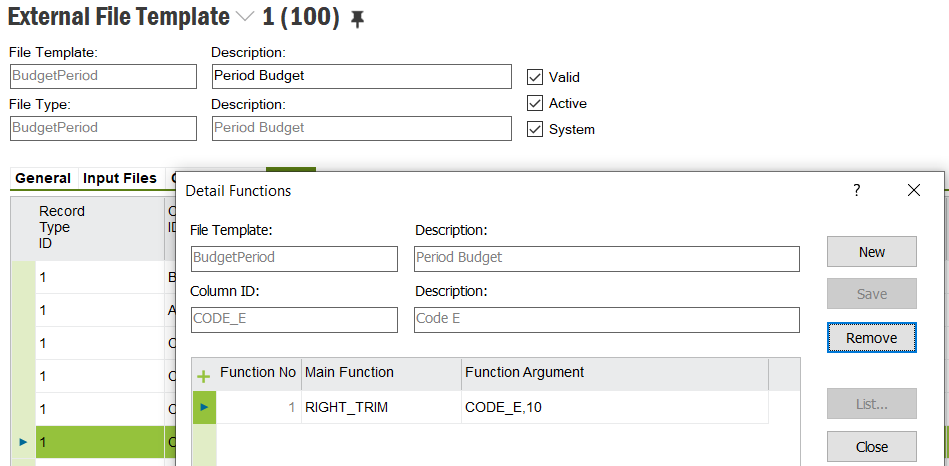
Just try as below. I also haven’t tried earlier.


PamithK
Sidekick (Partner)
Forum|alt.badge.img+8
  • Author
  • Sidekick (Partner)
  • Jan 31, 2024 11:36 AM UTC

Hi @PamithK 


RIGHT_TRIM function removes the right-most characters defined in the set


If you need to pick the first 100 characters, use SUB_STRING function.

Function arguments:

COLUMN_REF(TRANSACTION_INFO1),1,100


Hope it helps!

Damith


Thank you! this worked!