Question

GL Balance Analysis - How to configure default Group Data

  • September 18, 2025
  • 4 replies
  • 192 views

Forum|alt.badge.img+3

Hi IFS Expert

We would like to improve the Group data by default to all the user of the GL Balance Analysis. This is our default settings and we would like to change them
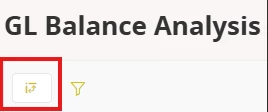
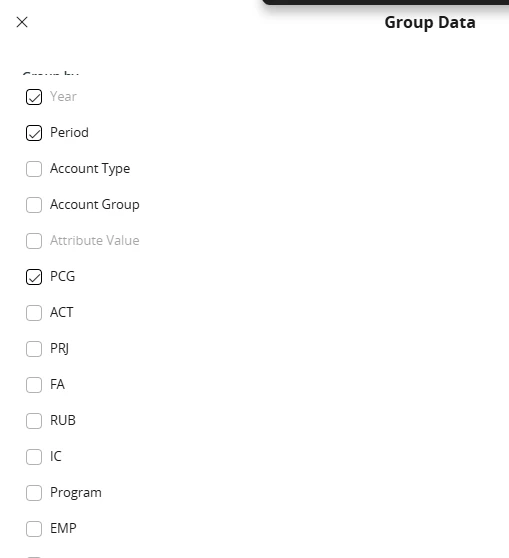
I have already prepared some basic changes in the Selection Criteria or the colomn order but I cannot find where I can configure the Group Data setup in the Page Designer. If anyone can help me in this matter that will be helpful.

Best Regard

4 replies

Forum|alt.badge.img+3
  • Do Gooder (Customer)
  • November 14, 2025

Would like to be able to do the same.


Forum|alt.badge.img+16
  • Hero (Customer)
  • January 7, 2026

I have received same question and seeking for an answer.


Forum|alt.badge.img+3
  • Do Gooder (Customer)
  • January 8, 2026

quick report.  can essentially reproduce the canned gl reports as a quick report query and pull every field or only specified fields.   at least in the case of the consolidation reports.

then save the quick report definition with “period” (+ any other fields want to base filter upon) as report execution input and now have a consistent report field definition to use going forward


  • Do Gooder (Customer)
  • July 2, 2026

I have the same issue. We would like to change the grouping setting and delete the tick on period. Is there no way that we can change the default?

Is it improved in the latest version of Cloud?