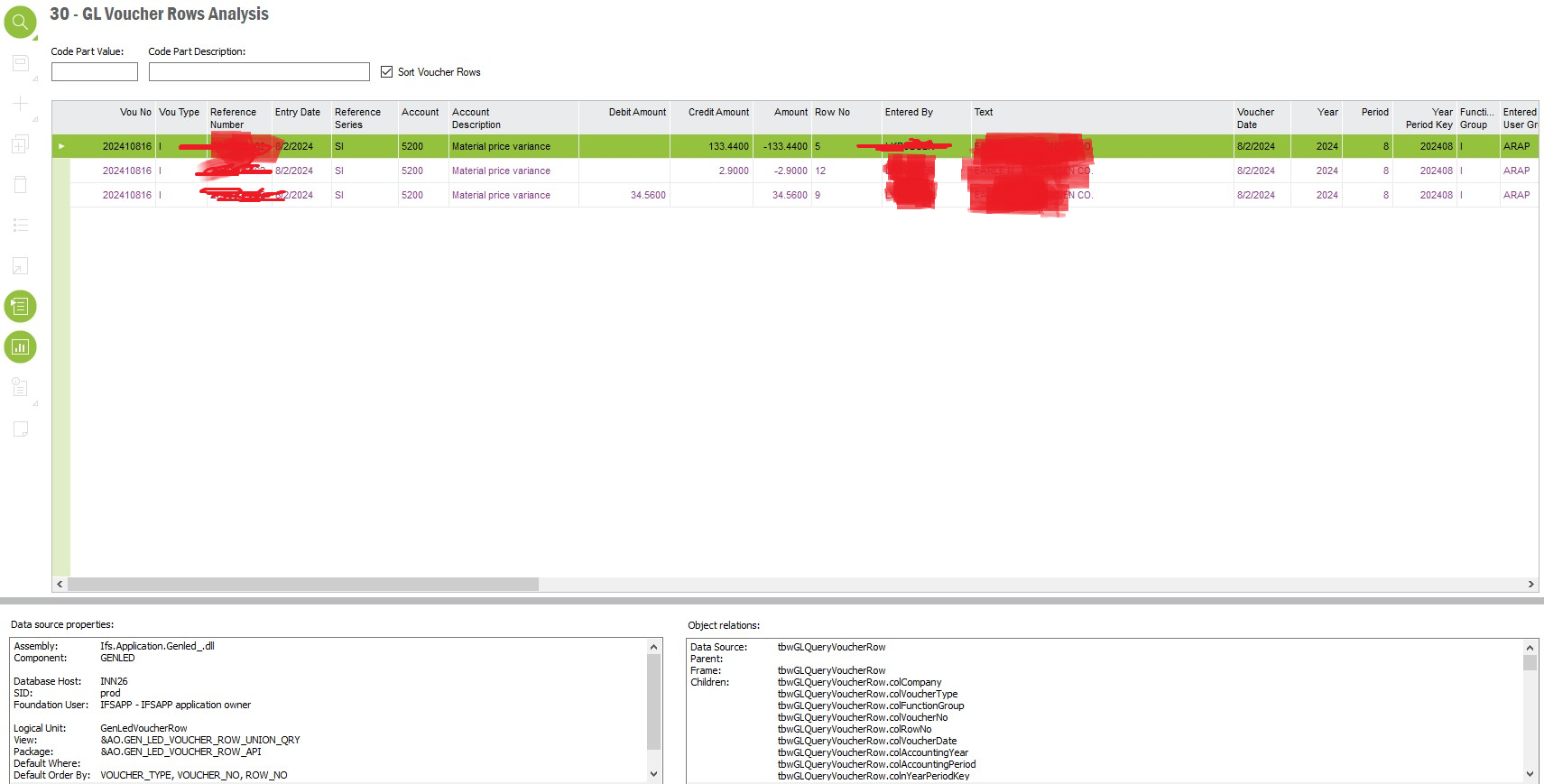
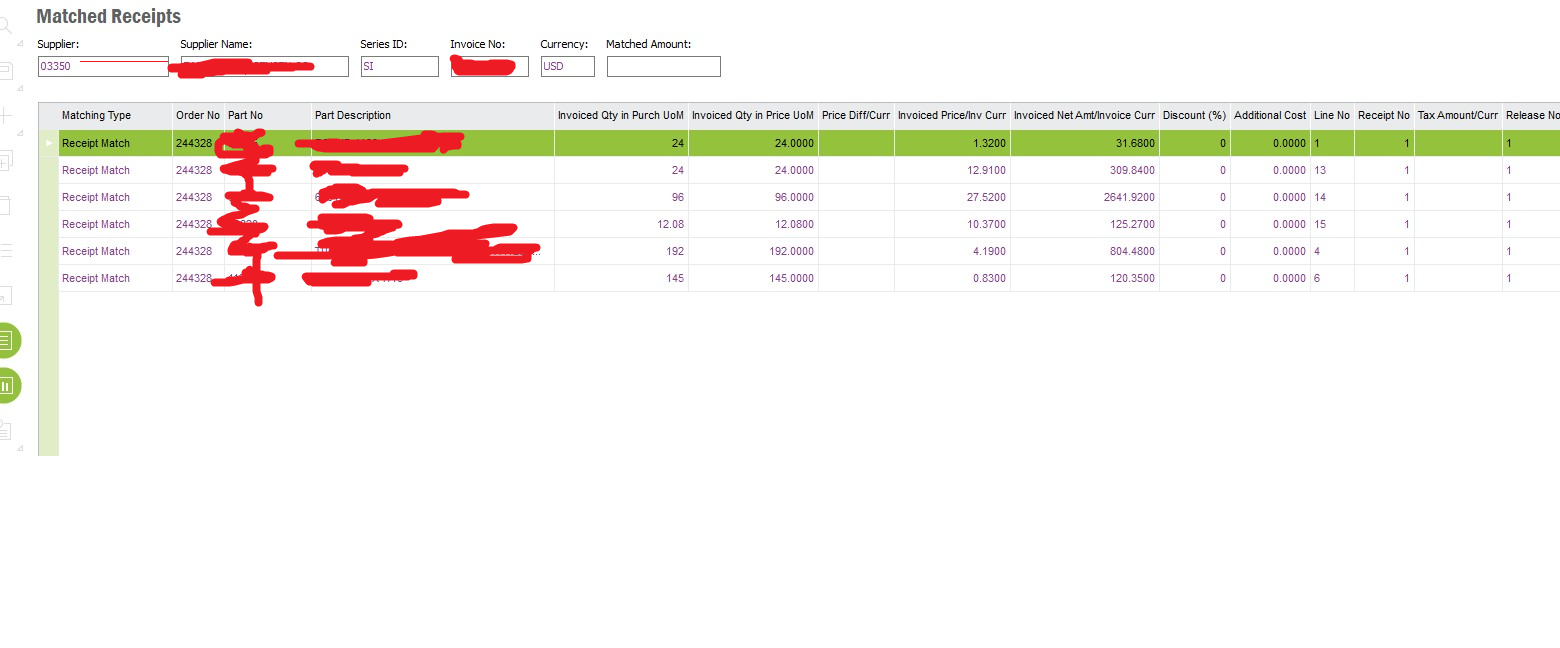
We're using IFS Apps 9, and I need to create a Quick Report (SQL STATEMENT) to retrieve details about material variance, specifically identifying the purchase order lines from which it originated, within the GL Voucher row analysis.
Below are the steps I followed:
RMB > View Voucher Source - Got the PO number
RMB from that screen > Matched Receipts
How can I match the GL Voucher Analysis lines to the corresponding Matched Receipt lines?
Any help is appreciated. Thanks
Best answer by Thomas Peterson
Hi,
Have you looked at the invoiced purchases screens. These are a very good starting point.
IMO, it is far easier to create analysis type reports using the source data / data closest to the source. Any time we then try and join to GL voucher rows, it gets far more complicated. The source data including MPCCOM accounting (similar view name) should have very good posting data. It is close to the source, yet not in GL.
Have you looked at the invoiced purchases screens. These are a very good starting point.
IMO, it is far easier to create analysis type reports using the source data / data closest to the source. Any time we then try and join to GL voucher rows, it gets far more complicated. The source data including MPCCOM accounting (similar view name) should have very good posting data. It is close to the source, yet not in GL.