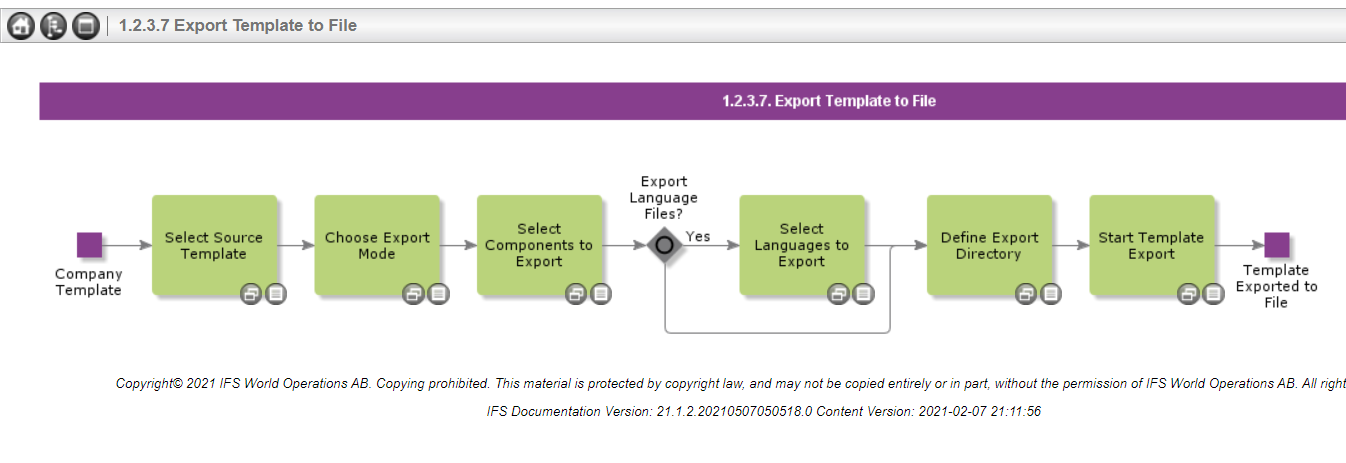
When exporting a company template in the Cloud I do not get an option to define the export directory and so cannot see where/if the files have been exported. I have checked my downloads and they are not there.
Has anyone else encountered this issue and if so how has it been resolved?
Best answer by Dumeesha Wanigarathna
Hi @GlendaT ,
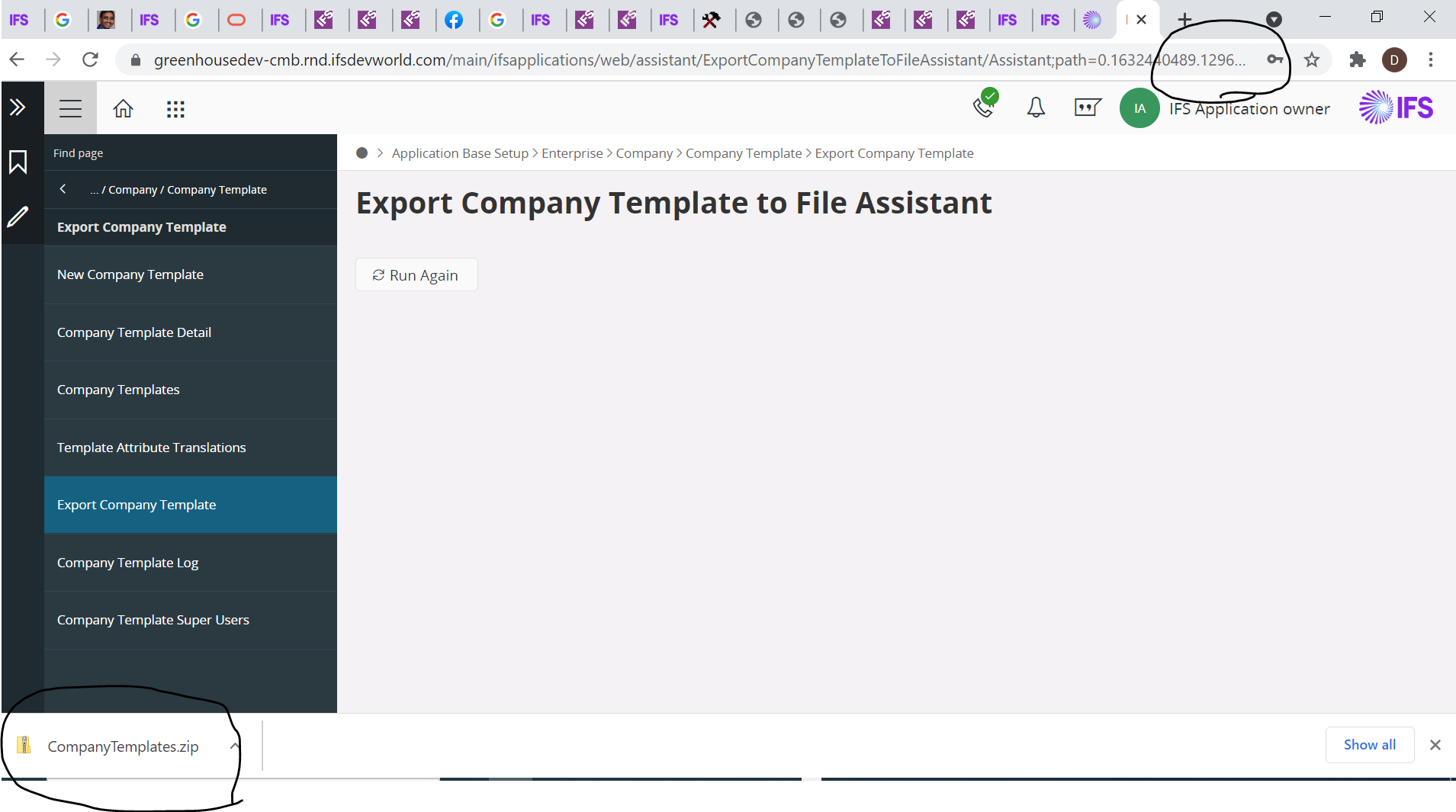
Check whether pop up is blocked in the chrome. If it is blocked that will be notified in upper right hand corner of the browser. You need to allow the pop ups. Then you will noticed that the downloaded item is downloaded in the left bottom layer of the browser. This is like when you download something in the chrome.
Check whether pop up is blocked in the chrome. If it is blocked that will be notified in upper right hand corner of the browser. You need to allow the pop ups. Then you will noticed that the downloaded item is downloaded in the left bottom layer of the browser. This is like when you download something in the chrome.
I am now trying to import the Company Templateinto the UAT instance, but there is no menu selection to enable this. Can you let me know how I can import the file please?
I don’t know whether below explanation is your requirement.
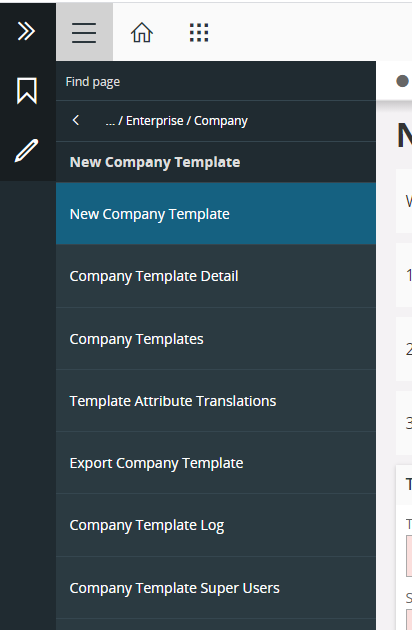
1.0 Create a new company template
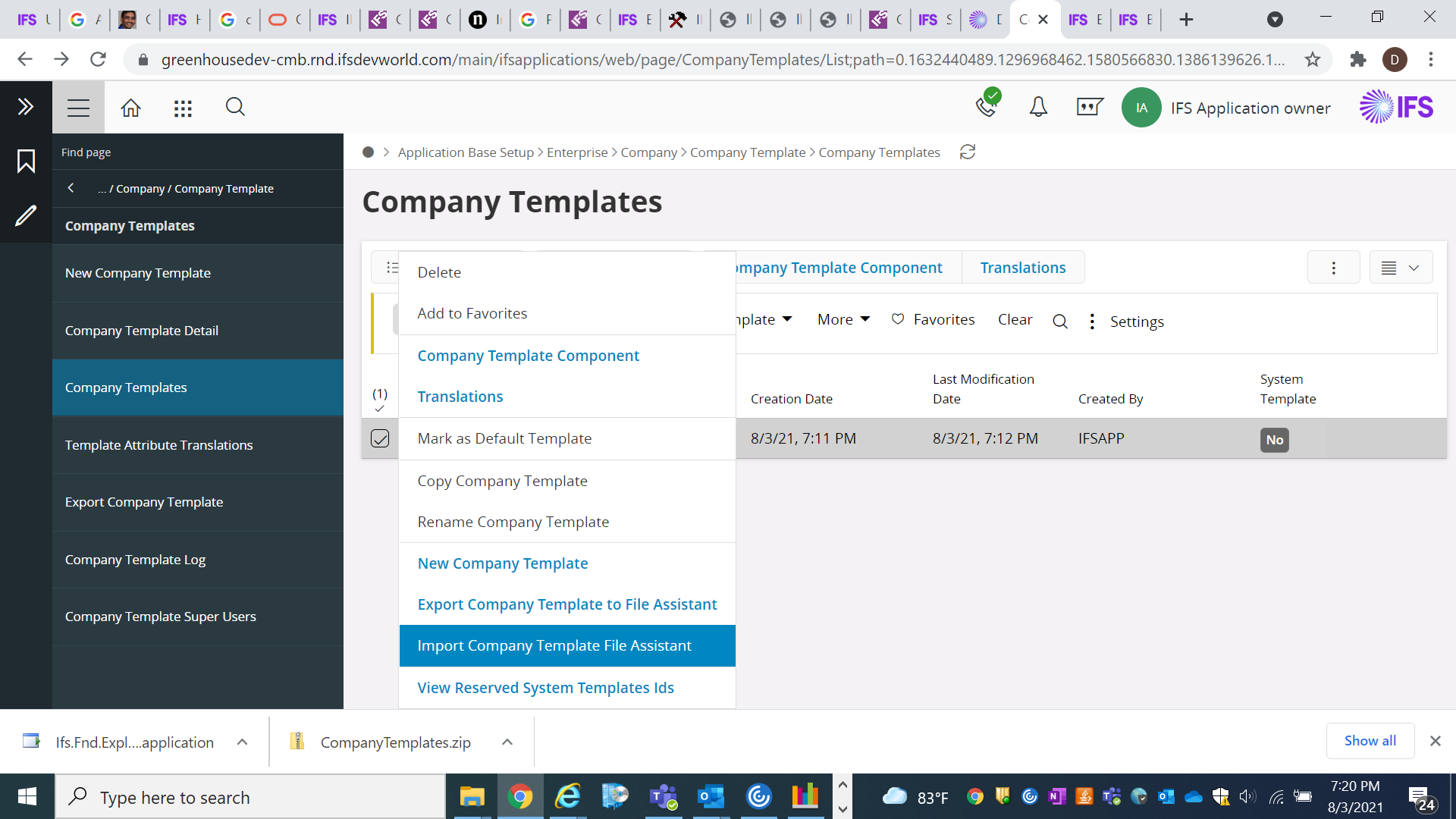
3.0 Now go to below path and search for your created template id.
Application Base Setup > Enterprise > Company >Company Template >Company Templates.
4.0 You will see the import Action. However it seems it is not yet developed. I noticed that kind of a message when I click on that in our reference invironment.