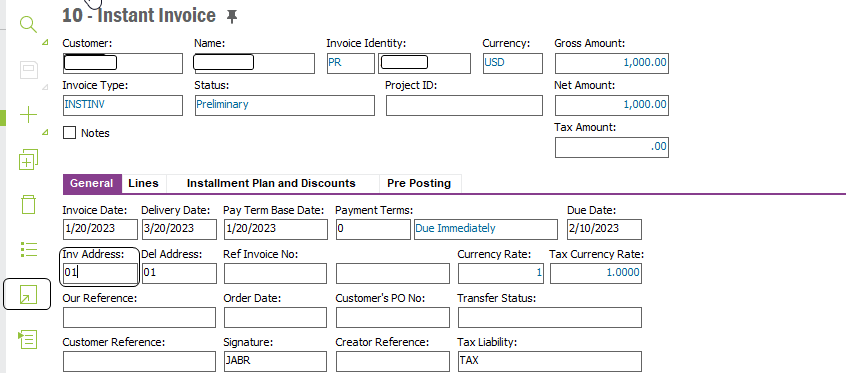
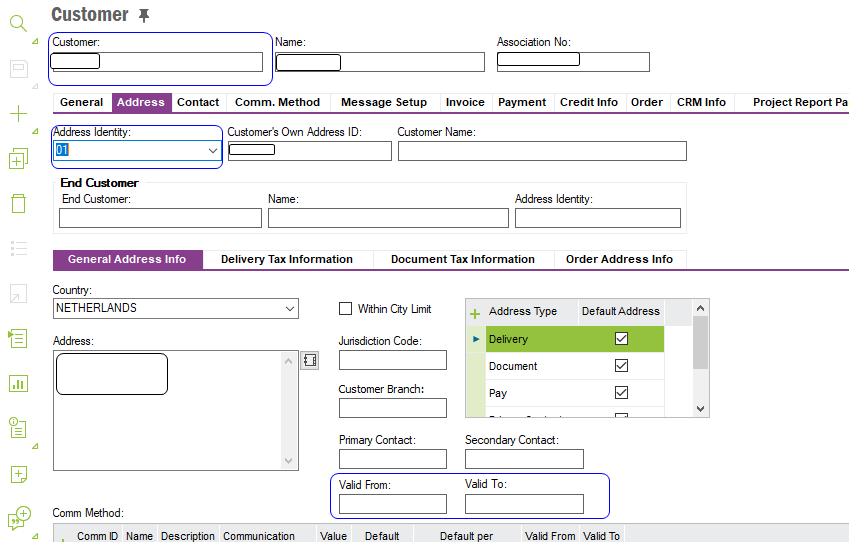
In attempting to create an instant invoice, I am getting an error that the invoice address is invalid and to check the validity period. This occurs upon trying to save the invoice.
Does anyone have any information on this issue?
Thank you!
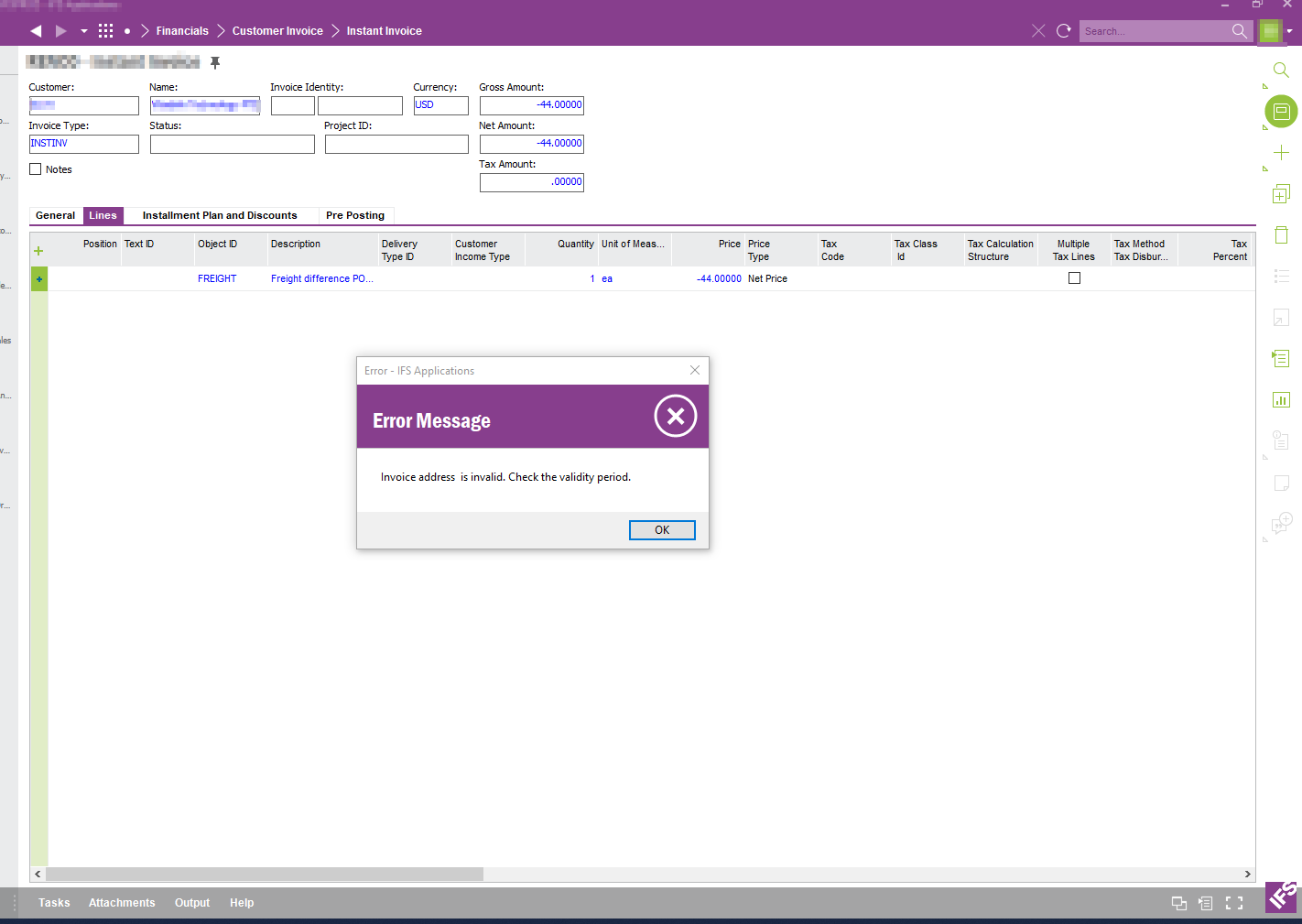

In attempting to create an instant invoice, I am getting an error that the invoice address is invalid and to check the validity period. This occurs upon trying to save the invoice.
Does anyone have any information on this issue?
Thank you!
Best answer by Ieva Rituma
In the General Tab of the invoice you can check which customer address is used. Navigate to the customer record and check the address, it looks like it’s expired but still set as the default (or only) address for the type of document.
Enter your E-mail address. We'll send you an e-mail with instructions to reset your password.