Question

Clear Balance in Accounting Currency on Manual SI

  • August 28, 2026
  • 2 replies
  • 8 views

Forum|alt.badge.img+9

Hello,


I’m hoping someone has experience with this issue. I’ve tried everything can think of.


Issue:

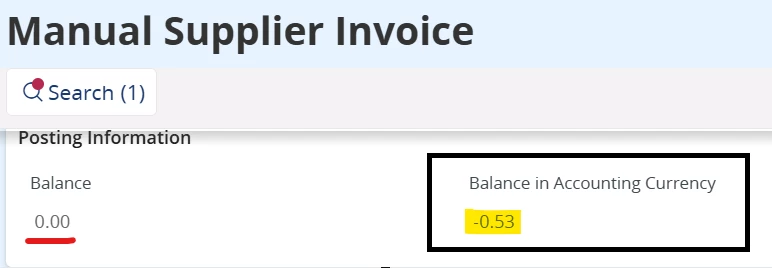
On my SI - the supplier/PO currency amount balances perfectly but there is a balance showing in Accounting Currency on the invoice.

The PO Receipts and the SI are in the same accounting period and are using the currency rate. All the receipt transactions match the pricing on the SI exactly.

If I do a Price Adjustment - it changes the Balance from $0 so the SI remains unbalanced.


How do I clear this?


Thank you very much!

2 replies

Forum|alt.badge.img+13
  • Hero (Partner)
  • August 28, 2026

This appears to be a straightforward case of an Invoice Voucher Difference in Accounting Currency.

Based on the screenshot, the invoice is balanced in transaction currency (Balance = 0.00) but still shows a Balance in Accounting Currency of -0.53, which indicates an exchange rate or currency rounding difference during voucher creation.

I recommend reviewing the company setup under:

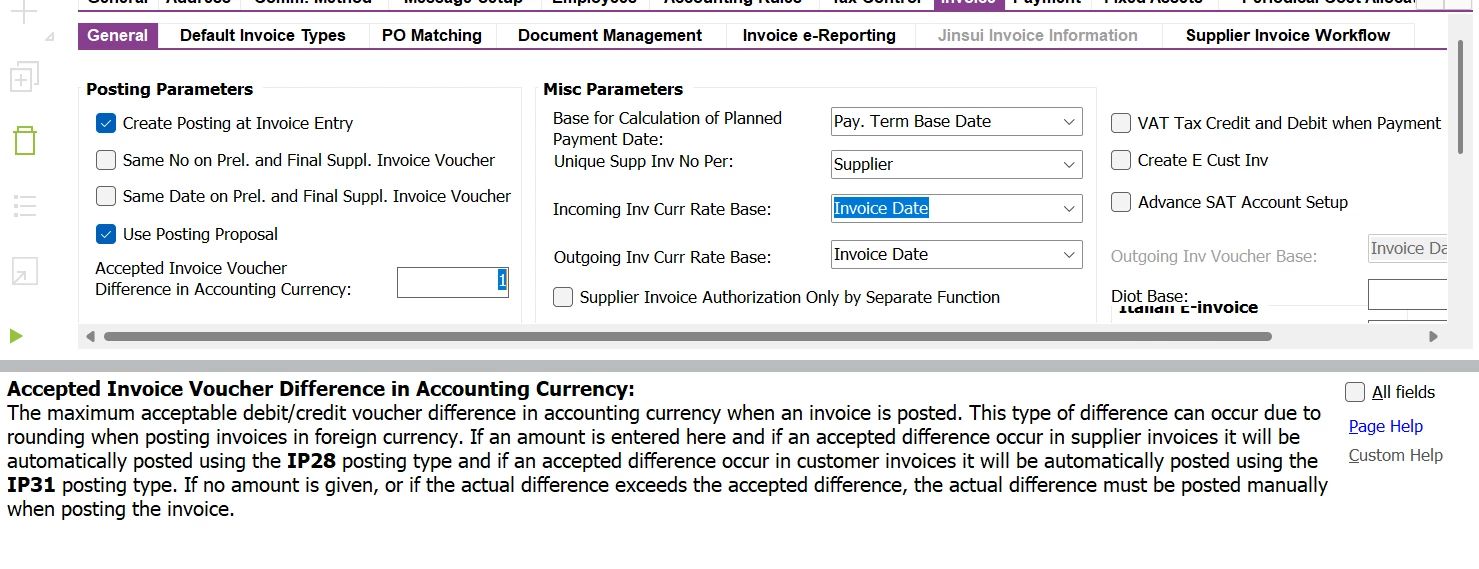
Application Base Setup → Enterprise → Company → Company → Invoice tab → General

Specifically, verify the value configured for "Accepted Invoice Voucher Difference in Accounting Currency".

If the configured tolerance is insufficient, or if no value has been defined, update it to an appropriate amount based on the company's policy. During final invoice posting, IFS will then automatically post the accounting currency difference within the configured tolerance, allowing the invoice voucher to be balanced and posted successfully.

The screenshot clearly shows a remaining accounting currency difference of -0.53, which should be resolved by increasing the accepted invoice voucher difference threshold, provided this amount falls within the organization's approved tolerance limits.


Forum|alt.badge.img+9
  • Author
  • Sidekick (Customer)
  • August 31, 2026

Thanks Mukesh. That was the first thing I tried. Even though the tolerance was set higher, I still get the message below when trying to post the invoice.