Solved

Aurena - Supplier Offset

  • Jan 18, 2022 11:55 AM UTC
  • 2 replies
  • 341 views

Forum|alt.badge.img+5

Hi,

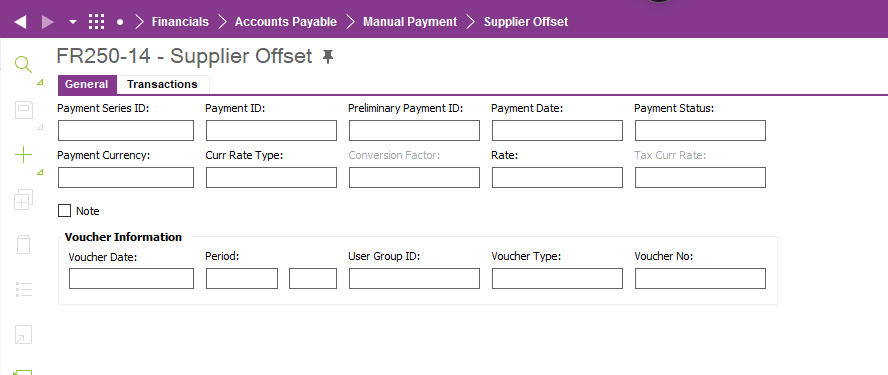
Does anyone know what is the equivalent screen of the below screen in Aurena?
Thanks

Ghita

Best answer by Nancy Fink

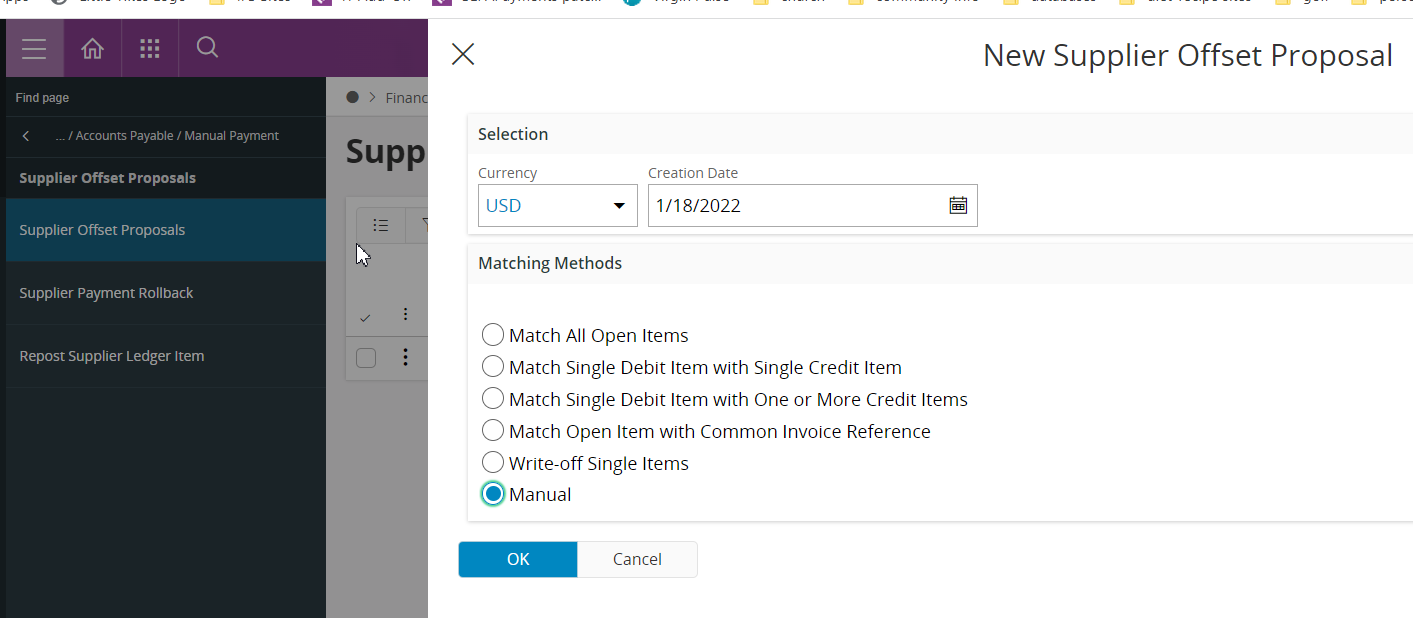
You need to use the supplier offset proposal -- in screen click new proposal and then use the manual
 

View original
This topic has been closed for replies.

2 replies

Forum|alt.badge.img+14
  • Superhero (Employee)
  • Answer
  • Jan 18, 2022 12:04 PM UTC

You need to use the supplier offset proposal -- in screen click new proposal and then use the manual


Ieva Rituma
Superhero (Employee)
Forum|alt.badge.img+16
  • Superhero (Employee)
  • Jan 18, 2022 12:04 PM UTC

Supplier offsets can be performed from 2 places

  1. Either mixed payment  which is the manual option (by entering a 0 value payment line and matching it with the debit and credit transactions).
  2. Or it can be done through supplier offset proposals, which is a more automated option (although rows can be added there manually also by selecting the manual  matching method):


Selecting the manual method is the same as using Supplier Offset window so there is no need for a separate window. 


Another reason for using Offset proposal window was to limit user access to the process. Now the same can be achieved in Aurena through limiting user groups which can perform each transaction type.