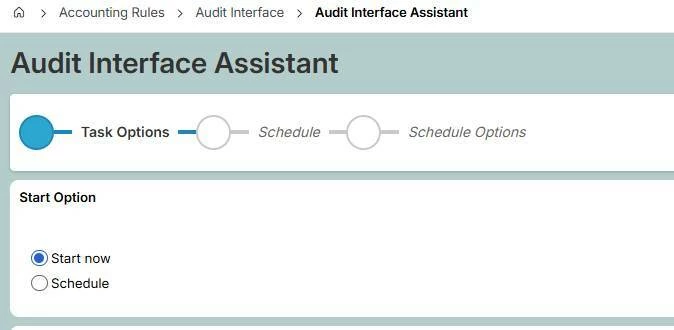
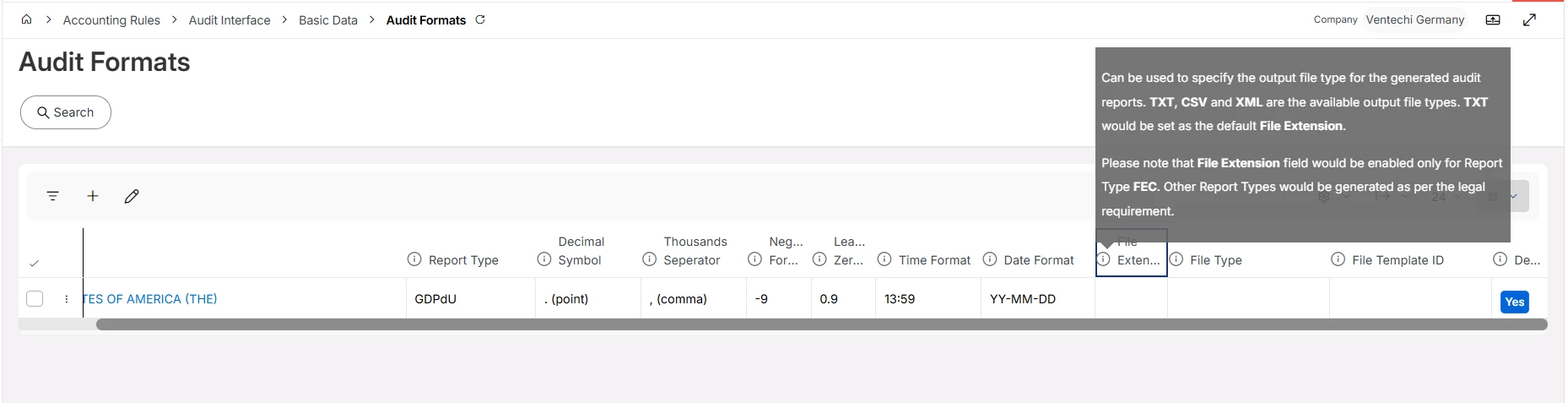
I get an error message when attempting to create a GDPdU file via the "Audit Interface Assistant" in IFS Cloud.
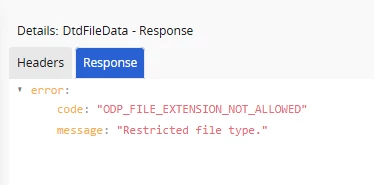
Error message: Restricted file type
The text file exported successfully, but the XML file did not.
What is wrong and what can I do?
Thank you.
Best answer by Heins
Hi @Link,
you adding the missing file extension “DTD” to the allowed values.
Go to Solution Manager/Setup/System Parameters, search “Allowed File Extensions except which are specified in DOCMAN and Media Extension” and add the file extension in the list.
you adding the missing file extension “DTD” to the allowed values.
Go to Solution Manager/Setup/System Parameters, search “Allowed File Extensions except which are specified in DOCMAN and Media Extension” and add the file extension in the list.