Solved

23R2 - Work Task/Scheduling Information - Appointment Mode

  • Dec 28, 2023 2:24 PM UTC
  • 4 replies
  • 228 views

Forum|alt.badge.img+10

Hi All,

Does anyone know how to set a value to ‘Appointment Mode’?
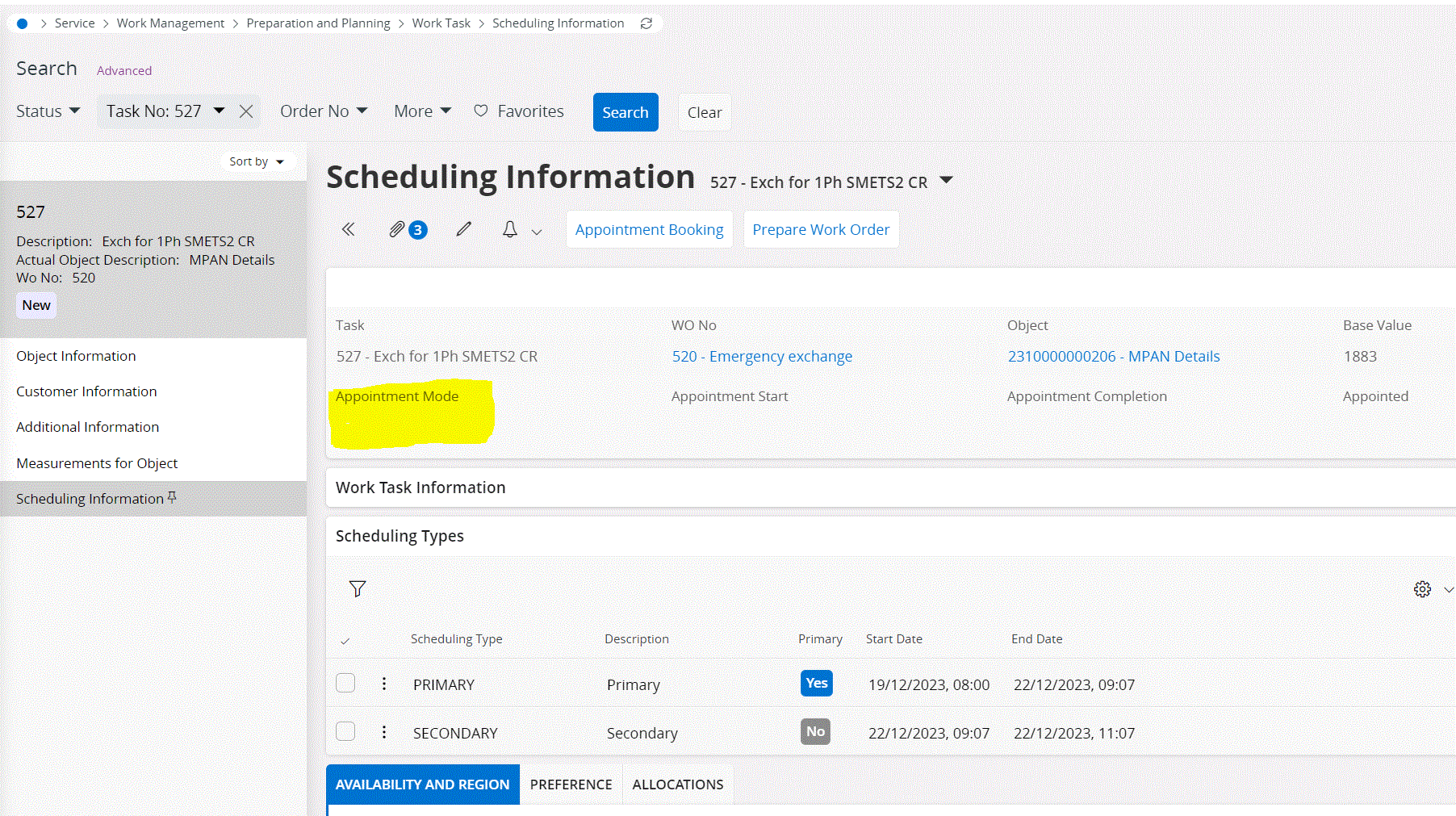
 

Looks like this is a new feature in 23R2. 

Best answer by ajnsse

Thanks @anmise ,

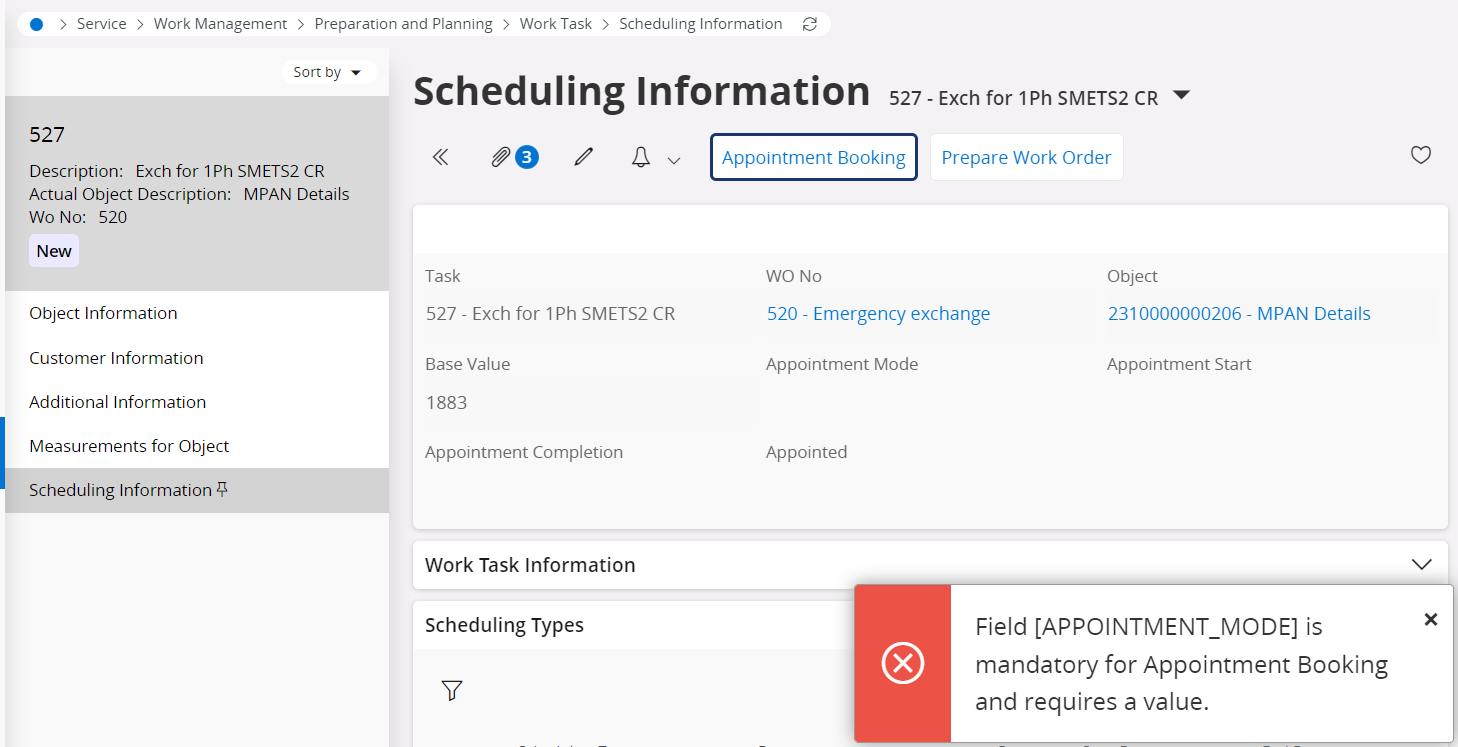
When I try to book appointment, it gives me below error.
My question is where to set up the basic data in order to get rid of this error?
 

Hi!

You would have to first setup Appointment Template Items, an Appointment Template (this is where you specify the appointment mode). 

After that you will need to connect the appointment template towards the scheduling activity type you are planning to book appointments for.

View original

4 replies

  • Superhero (Employee)
  • Dec 28, 2023 2:45 PM UTC

Hi All,

Does anyone know how to set a value to ‘Appointment Mode’?
 

Looks like this is a new feature in 23R2. 

It will be set when you book an appointment. The Appointment Templates hold the mode, either Appointment to Start or Appointment to Complete.


Forum|alt.badge.img+10
  • Author
  • Sidekick (Partner)
  • Dec 28, 2023 3:11 PM UTC

Thanks @anmise ,

When I try to book appointment, it gives me below error.
My question is where to set up the basic data in order to get rid of this error?


Forum|alt.badge.img+9
  • Hero (Employee)
  • Answer
  • Dec 29, 2023 9:58 AM UTC

Thanks @anmise ,

When I try to book appointment, it gives me below error.
My question is where to set up the basic data in order to get rid of this error?


Hi!

You would have to first setup Appointment Template Items, an Appointment Template (this is where you specify the appointment mode). 

After that you will need to connect the appointment template towards the scheduling activity type you are planning to book appointments for.


Forum|alt.badge.img+10
  • Author
  • Sidekick (Partner)
  • Jan 2, 2024 12:38 PM UTC

Thanks @ajnsse,

We were able to configure this.

Best regards
GaSoGB