Hi @Susanne Eriksson
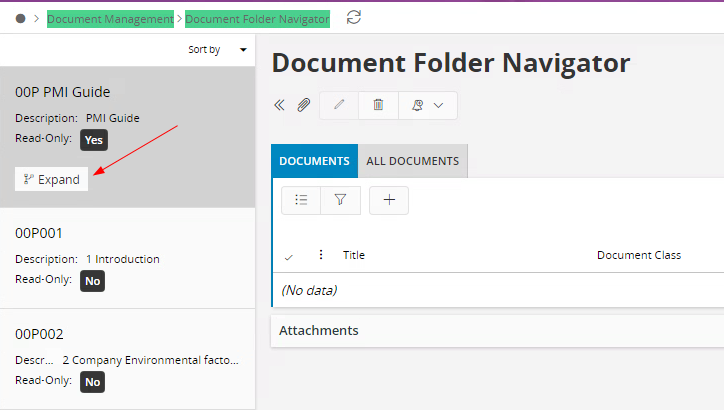
Upon copying the full URL directly from the Document Folder Navigator window, noticed that it includes additional parameters that define the tree structure.
After updating the link list's navigation URL to include these parameters, the issue was resolved. The folder now loads in expanded mode, just as it does when access directly from the navigator.
-
Open the Document Folder Navigator window.
-
Copy the entire URL from the address bar.
-
In the link list configuration, remove everything before page/ in the copied URL (page/DocumentFolderNavigator/DocFolderPage;….to the end of URL of Document Folder Navigator window)
-
Paste the remaining portion into the link list's URL field.