In the Business Opportunity sub-view References, the Sales Quotation table is showing cells Description and Reference2. We can’t find these original cells in Sales Quotation view.
What are these References cells intended use?
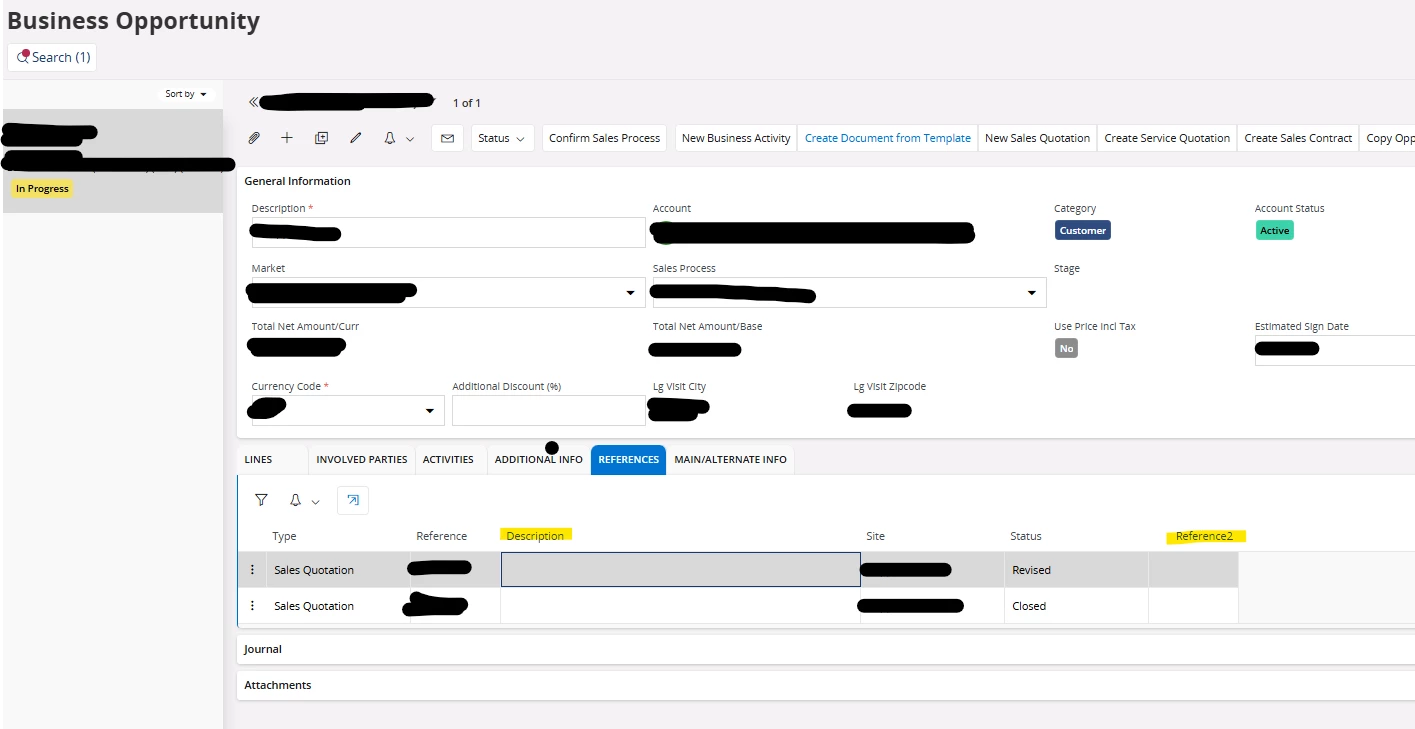

In the Business Opportunity sub-view References, the Sales Quotation table is showing cells Description and Reference2. We can’t find these original cells in Sales Quotation view.
What are these References cells intended use?
Best answer by Annjse
Hi
The References tab is a common view which can show different types of references. All columns are not used by all reference types. Sales Quotation does not have a description so that’s why this column is empty when the opportunity is linked to a sales quotation. If you create e.g. a service quotation, the description and ref2 columns will show the description and the revision from the associated quotation.
Best Regards,
Anna
Enter your E-mail address. We'll send you an e-mail with instructions to reset your password.