Hi ,
In cloud 25r1 does anyone know why the SHIP option does not come for inventory parts in RECEIPTS screen but appears for NO part lines?
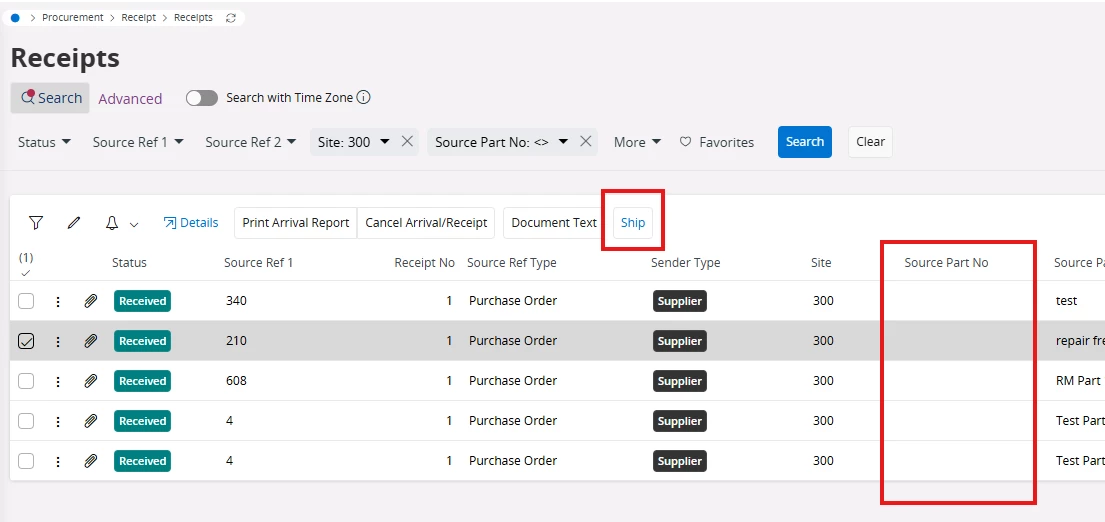
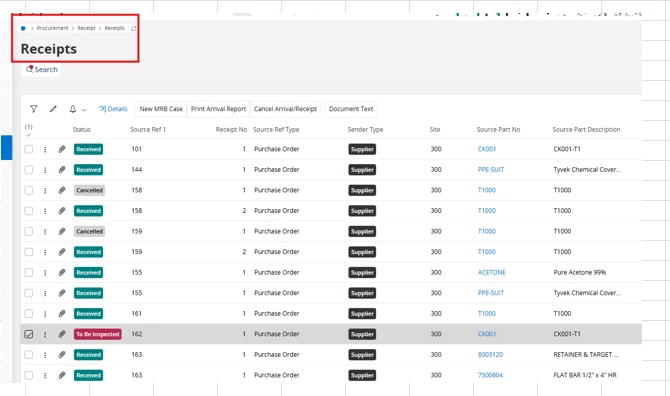
The option only shows in Detail screen

Hi ,
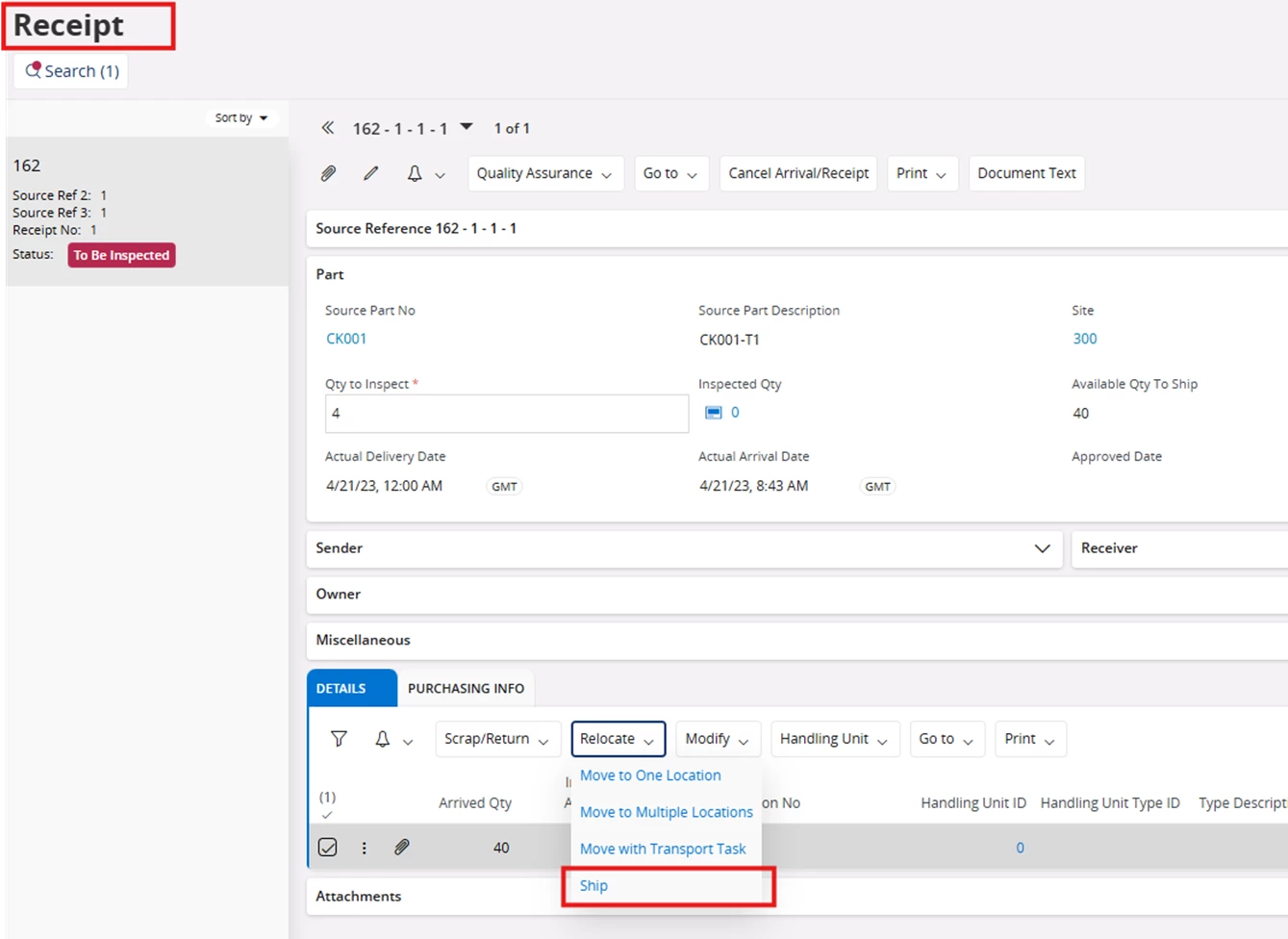
In cloud 25r1 does anyone know why the SHIP option does not come for inventory parts in RECEIPTS screen but appears for NO part lines?
The option only shows in Detail screen
Best answer by Fredrik Johansson LKP
Hi,
For inventory parts you can do bulk ship via the Move into Stock page.
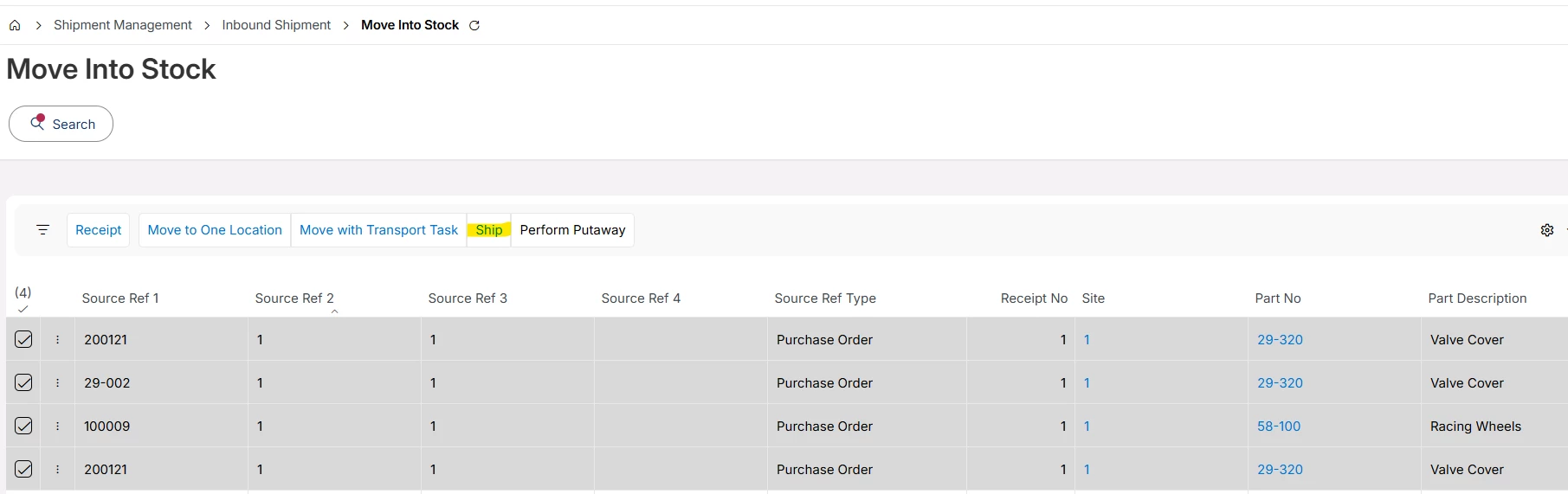
However there is no way of combining Non-Inventory Part and Inventory Part in the same view to trigger bulk ship. I think it would be nice enhancement to add the Ship command in the Receipts screen for Inventory Parts as well. For inventory part it will take all the records from the Details tab in that case.
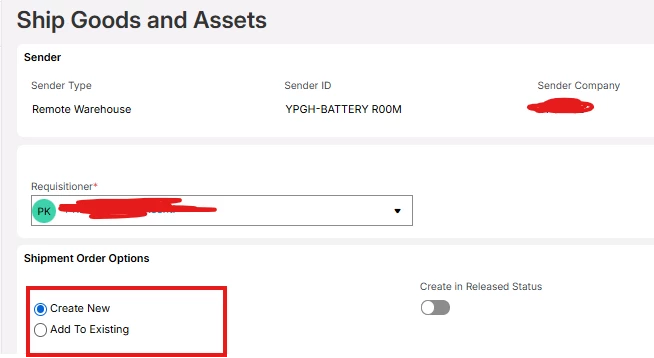
In IFS Cloud 25R2, the ship goods and asset assistant has been approved to be able to connect to an already existing Shipment Order as well. That could be a way forward in case the requirement is to combine Non-Inventory Part with Inventory Part.
Best Regards
Fredrik
Enter your E-mail address. We'll send you an e-mail with instructions to reset your password.