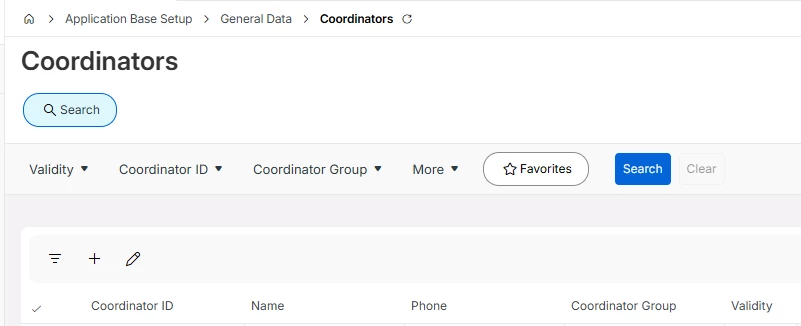
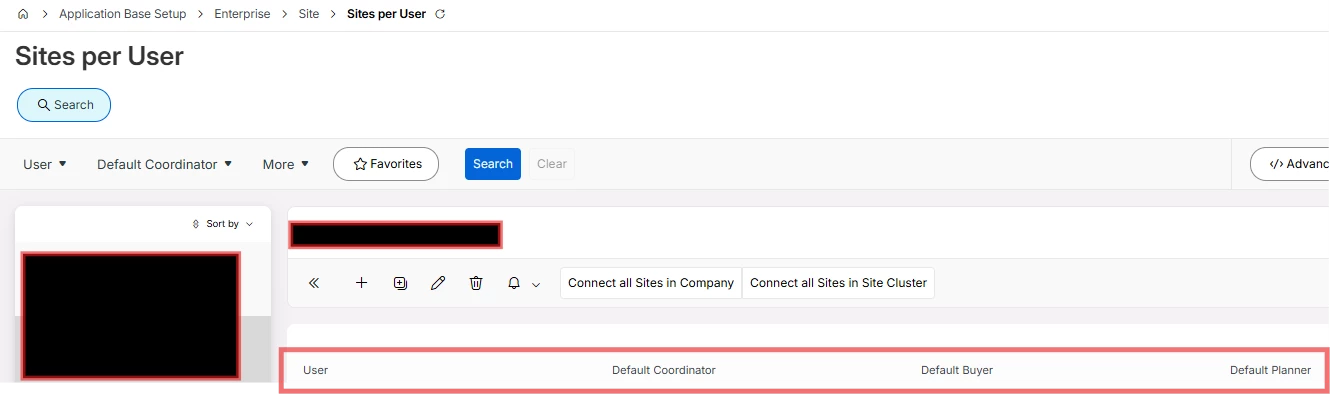
In IFS Cloud 25R2, we are working with Service Requests and Request Work Tasks and have encountered an issue related to the Coordinator field.
Currently, the system appears to require a Default Coordinator defined at the user level. If this is not set, we receive an error when generating the Invoice Preview.
Our questions are:
-
Where is the Coordinator officially defined and maintained for Service Requests / Request Work Tasks
-
What is the recommended approach if we need to process a Service Request using a different Coordinator than the user’s default if we cannot specify a different other than the default?
Any guidance or clarification on standard behavior vs recommended setup would be greatly appreciated.
Thanks in advance!