Solved

Warehouse mobile access Error

  • Mar 18, 2025 3:50 PM UTC
  • 7 replies
  • 87 views

Forum|alt.badge.img+10

Hi,


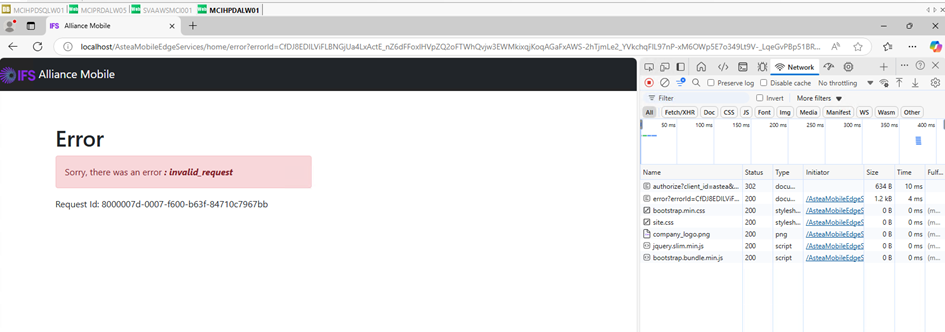
When we try to access the Warehouse mobile app (http://localhost/AsteaMobileEdgeServices/), we have an error. 
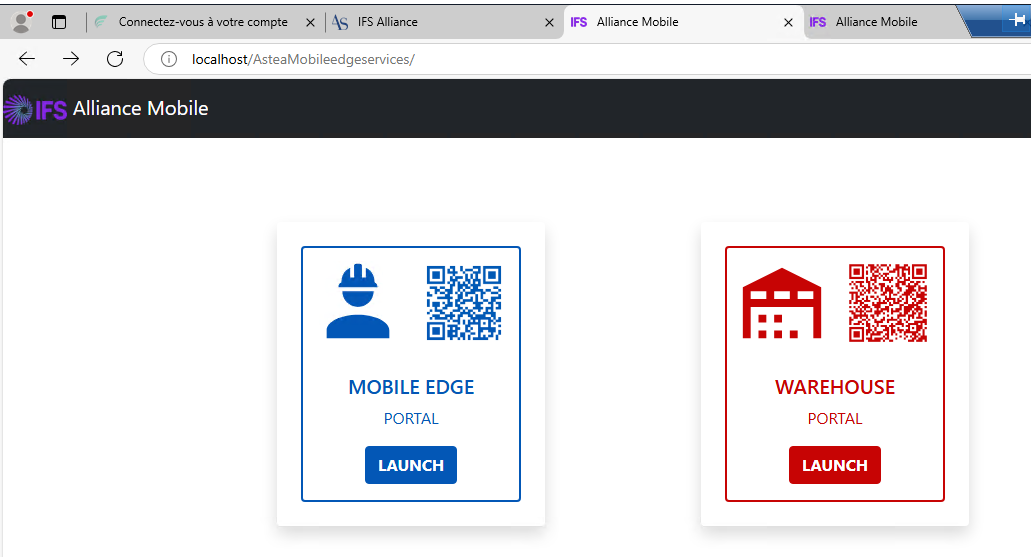
 

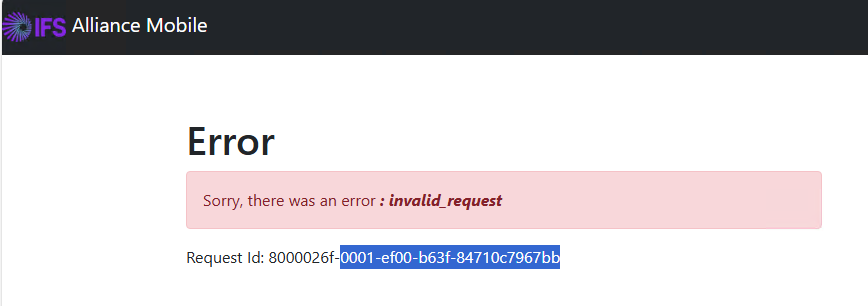
We have installed the Evaluation Licences, but still have the following error message : 
 

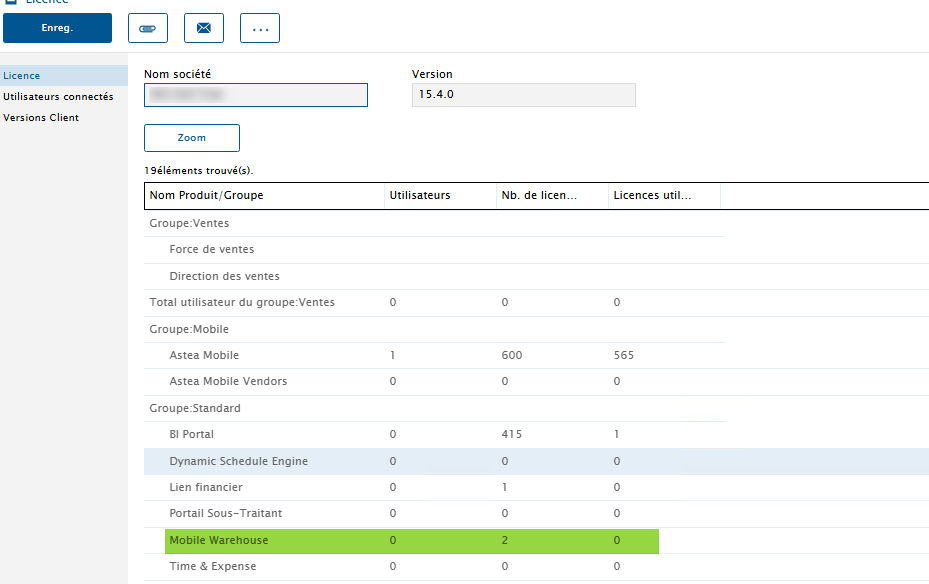
In the Licence Module, I can see clearly we have 2 licences, and 0 used :
 

What can be wrong ? 

Thanks

Best answer by Reid Gilbert

Hi Laurence,
This will need to be researched further...I suspect it may be an issue with the installation executable.  I logged a support ticket for this in ServiceNow, thanks.
Reid

View original

7 replies

Phil Seifert
Ultimate Hero (Employee)
Forum|alt.badge.img+24
  • Ultimate Hero (Employee)
  • Mar 18, 2025 3:57 PM UTC

This looks more like an installation issue than the licensing.  You should review the IIS traffic to see what kinds of messages/transactions are occurring.


Reid Gilbert
Superhero (Employee)
Forum|alt.badge.img+15
  • Superhero (Employee)
  • Mar 18, 2025 4:01 PM UTC

Hi Laurence,
If you launch it directly via the following URL in a Chrome browser window do you get any additional details on the error?  (it doesn’t look like a license issue to me, I suspect there may be something wrong with the actual installation):

http://localhost/AsteaMobileEdgeServices/Warehouse/

Launch the Developer Tools and then click on the Network tab and see if there are any error entries captured in there, thanks.
Reid


Forum|alt.badge.img+10
  • Author
  • Sidekick (Partner)
  • Mar 18, 2025 4:07 PM UTC

Do you mean Log Viewer Reid ? If yes, I couldn’t find anything related to this error.


Forum|alt.badge.img+10
  • Author
  • Sidekick (Partner)
  • Mar 18, 2025 4:14 PM UTC

Sure, We’ve done that, and here is the screenshot. 


Forum|alt.badge.img+10
  • Author
  • Sidekick (Partner)
  • Mar 19, 2025 10:26 AM UTC

Hi Reid, 

Any idea ? 

We (as a partner) have the exact same error on our DEMO environment. Potentially something is bad in the License key or configuration. How can we move forward  ?

Thank


Reid Gilbert
Superhero (Employee)
Forum|alt.badge.img+15
  • Superhero (Employee)
  • Answer
  • Mar 19, 2025 12:30 PM UTC

Hi Laurence,
This will need to be researched further...I suspect it may be an issue with the installation executable.  I logged a support ticket for this in ServiceNow, thanks.
Reid


Reid Gilbert
Superhero (Employee)
Forum|alt.badge.img+15
  • Superhero (Employee)
  • Mar 19, 2025 2:42 PM UTC

Hi Laurence,
As a workaround in the meantime try making the following change to your Program Files\Alliance Mobile Edge\AsteaMobileEdgeServices\appsettings.json file (make a backup of the current version beforehand), then scroll down to the bottom of the file and update the Identity Clients section RedirectUris and PostLogoutRedirectUris entries as follows...copy and paste the entire entries and then replace the section highlighted in yellow with the fully qualified domain name for your current environment:

        "RedirectUris": [
          "http://YourFQDNServerNameGoesHere/AsteaMobileEdgeServices/Warehouse/auth/callback/"
        ],
        "PostLogoutRedirectUris": [
          "http://YourFQDNServerNameGoesHere/AsteaMobileEdgeServices/Warehouse/"
        ],

Be sure to do an IISRESET on the server afterwards and then launch the application in a new Chrome tab, this solved the problem on my local environment.  Also test it through the Publisher link (it won’t work through localhost once you enter the FQDN entries).
Thanks,
Reid