Does anyone know how to remove the non working hours from dispatch console , so that the working hours has some more space ?
This is in SU5
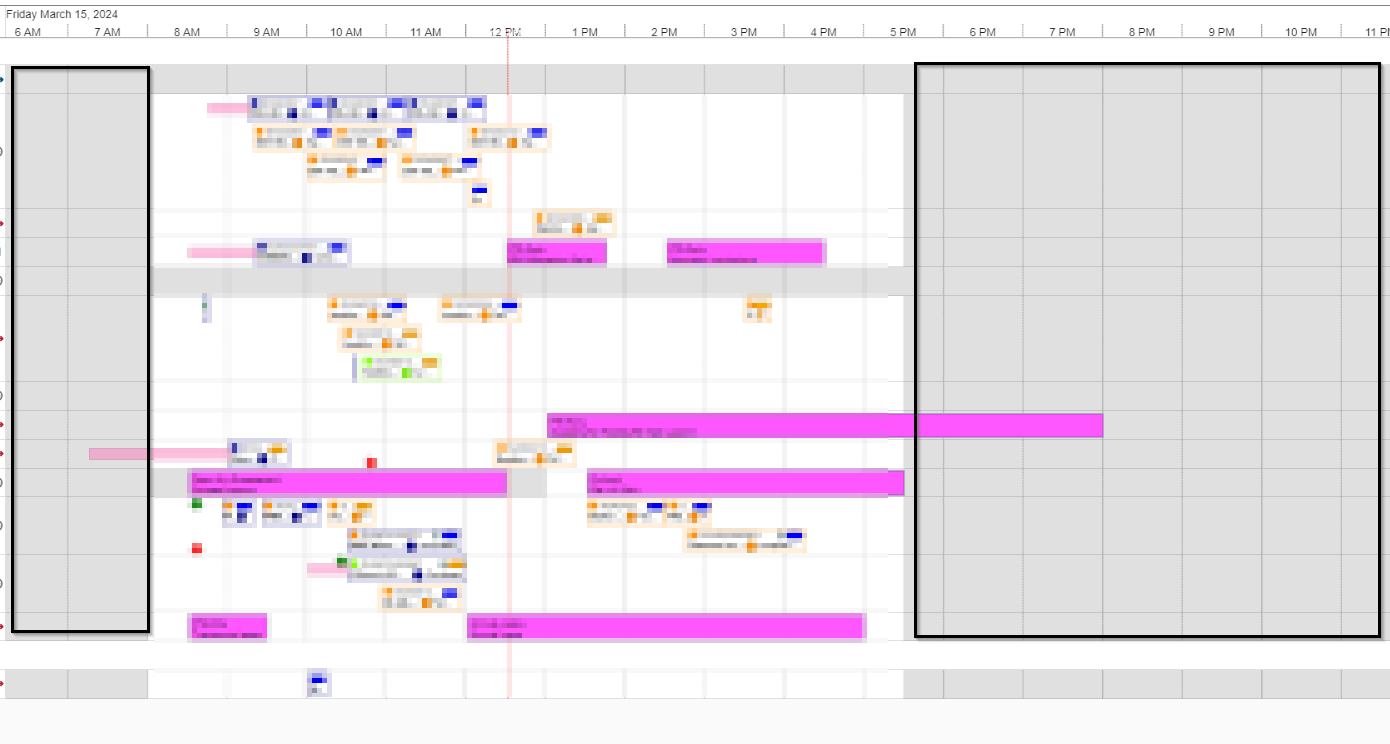
Thanks

 +7
+7Does anyone know how to remove the non working hours from dispatch console , so that the working hours has some more space ?
This is in SU5
Thanks
Best answer by Phil Seifert
Hi,
There is not an option to display only the work week.
Using the Astea Browser Dispatch Console (not web employee portal), what you can do (it looks like you are already doing it a bit) is use the zoom slider in the upper right to change the granularity of the display itself once you have chosen to select day view.
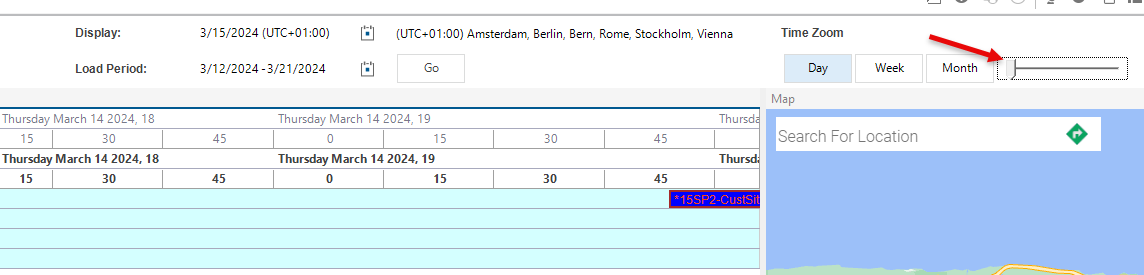
I was able to display to the 15 minute intervals for more precision as shown above.
Enter your E-mail address. We'll send you an e-mail with instructions to reset your password.