Question

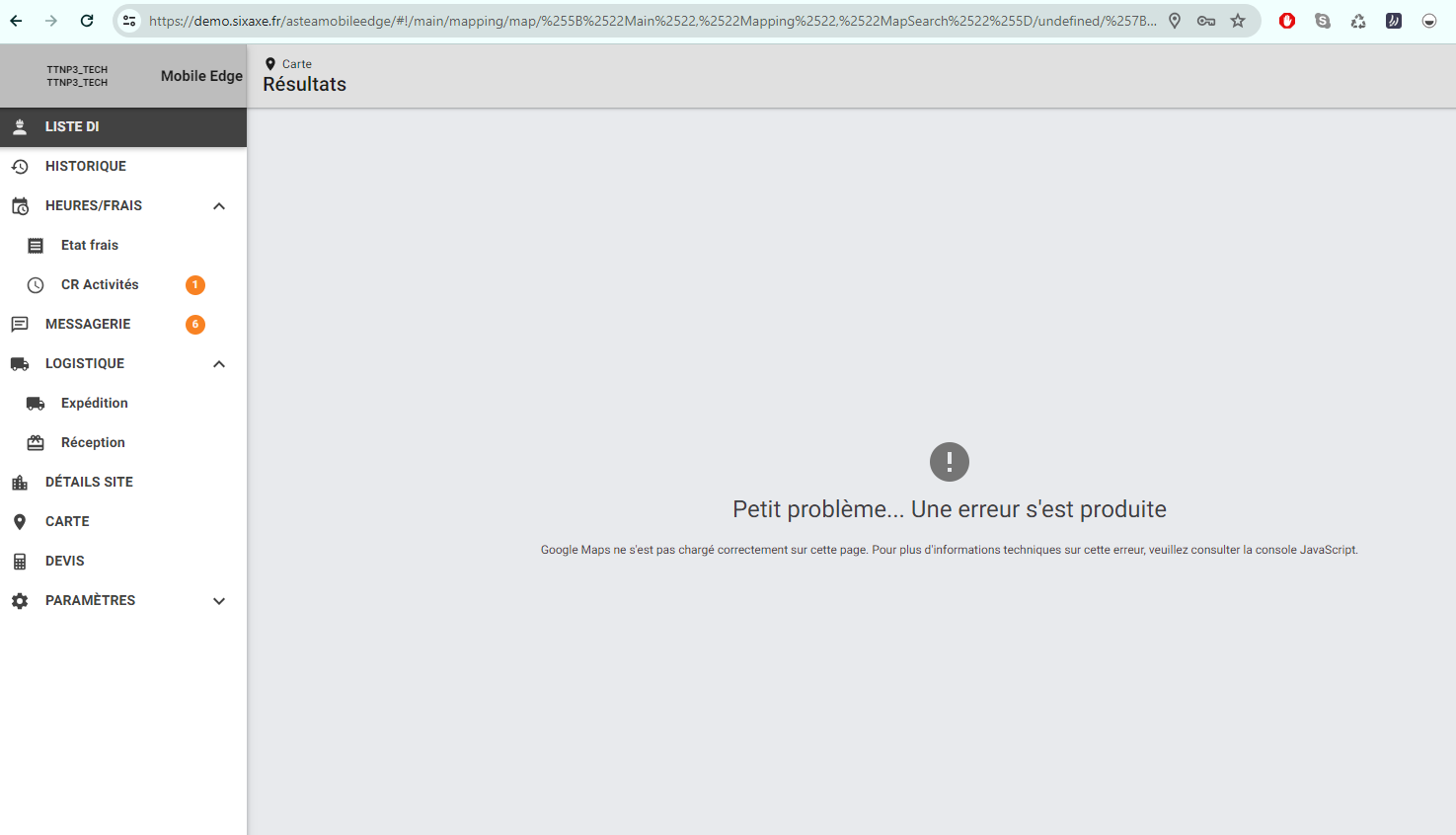
Google maps did not load correctly on this page - Mobile App

  • July 23, 2024
  • 3 replies
  • 65 views

Forum|alt.badge.img+10

Hi,


One of our customer’s technician has an error on his mobile phone ALLIANCE application, when he tries to display the map.

He selects his parameters and then clic on the glass : 

The error message is “google maps did not load correctly on this page.”.

Phone is a Samsung. Version 15.4.12.0

Any suggestion ?

Thanks

3 replies

Reid Gilbert
Superhero (Employee)
Forum|alt.badge.img+15
  • Superhero (Employee)
  • July 23, 2024

Are you able to recreate it on your QA environment if you restore a DB backup and log in as the same mobile technician?

Are any other techs at the same customer site running on similar Android devices?  Does the map module work for those techs?

Try going to the Comm Diagnostics module and scroll down to the bottom of the screen and enable the “Enable Logs” toggle shown there…then navigate back to the Map module and launch it and see if you get any red text popup windows to appear on the mobile device at that time.

If it’s just this one user have them log out/click on Reinitialize/log back in and see if the issue still persists.
Thanks,
Reid


Forum|alt.badge.img+10
  • Author
  • Sidekick (Partner)
  • July 29, 2024

Hi Reid,


Unfortunately, due to vacation, I can’t get a restored DB to test that on QAC. 

I’ve asked tech to reinitialize his app.

I’m waiting for his answer.

Thank you Reid.


athobie
Sidekick (Partner)
Forum|alt.badge.img+11
  • Sidekick (Partner)
  • August 12, 2024

Hi @Reid Gilbert @Laurence DEBRIE

Internally we have the same issue in our demo environment since the 08/07. 
I use a Browser and and an Azure cloud.
I enable logs but no message appears
 

Regards

anthony