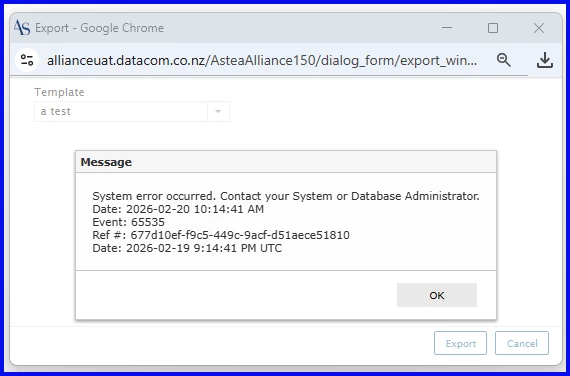
I’m trying to create an export template but I cannot seem to add criteria successfully. The module I want to use with the export contains thousands of entries so adding the criteria is essential. The export template does not seem to use the search results on the screen which happens when you use the straight “export” function. Running every different option to try and get the criteria, with brackets, without brackets, using “ “ , using = vs IS , all seem to result in a system error. The plain, un filtered template works just fine as per the pic. It’s just the criteria that trips me up, any help or ideas is welcome