Hi,
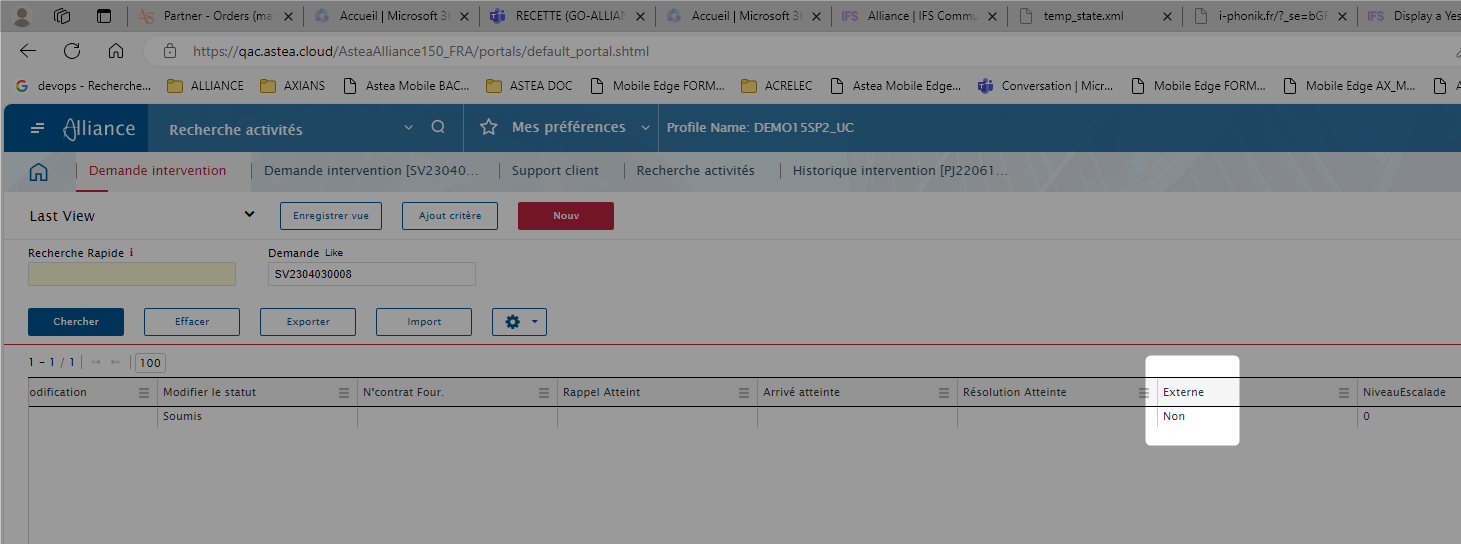
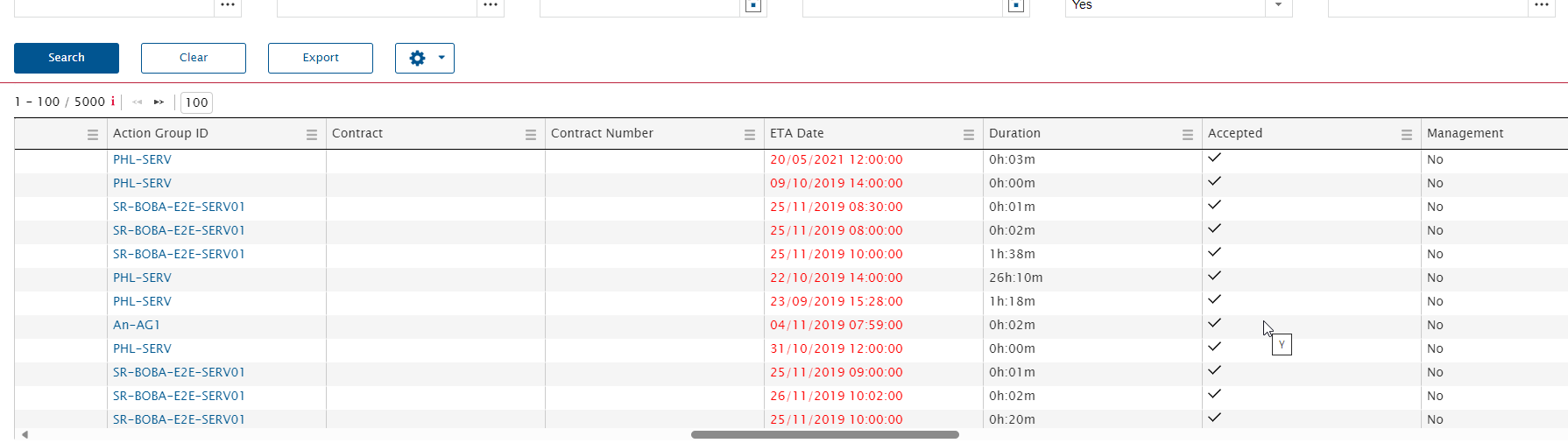
I wonder how we can set the way a Y/N value is displayed on the scroller.
For instance in Activity Tracking module, if field “Accepted” is Yes, it is display ticked whereas if Management is true, “Yes” is displayed ( no if false).
.

Hi,
I wonder how we can set the way a Y/N value is displayed on the scroller.
For instance in Activity Tracking module, if field “Accepted” is Yes, it is display ticked whereas if Management is true, “Yes” is displayed ( no if false).
.
Best answer by Phil Seifert
Hi Laurence,
I received the following response from R&D:
We don’t have such list. Many Web applications display V in such cases and not Yes/No. However, I have to agree with the customer that in the same module we have to have consistent representation. If required, we can change this in the Activity tracking module, so both columns have the same representation.
Given this response, please log a ticket to at least make the Activity Tracking module consistent. The change should be to use a check mark instead of yes/no, y/n or oui/non for such columns. This makes it consistent and more readablle.
Enter your E-mail address. We'll send you an e-mail with instructions to reset your password.