Solved

Dispatch Console : City in the Schedule board

  • June 12, 2024
  • 1 reply
  • 60 views

athobie
Sidekick (Partner)
Forum|alt.badge.img+11

Hi,

I would like to know if we can modify the fields in the schedule board on the web dispatch console.

Today I don’t have the city, I would like to have it. Is it possible to change the fields displayed on each activity block
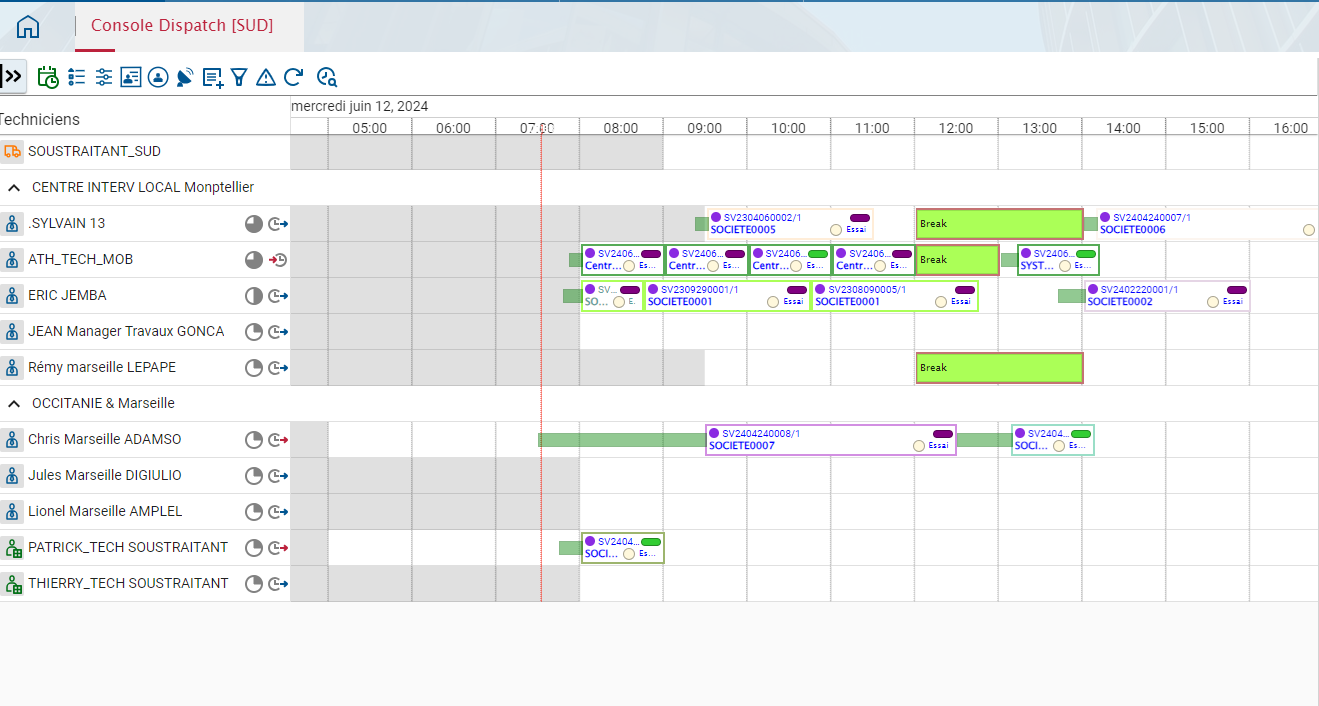
In the smart dispatch console we have the city
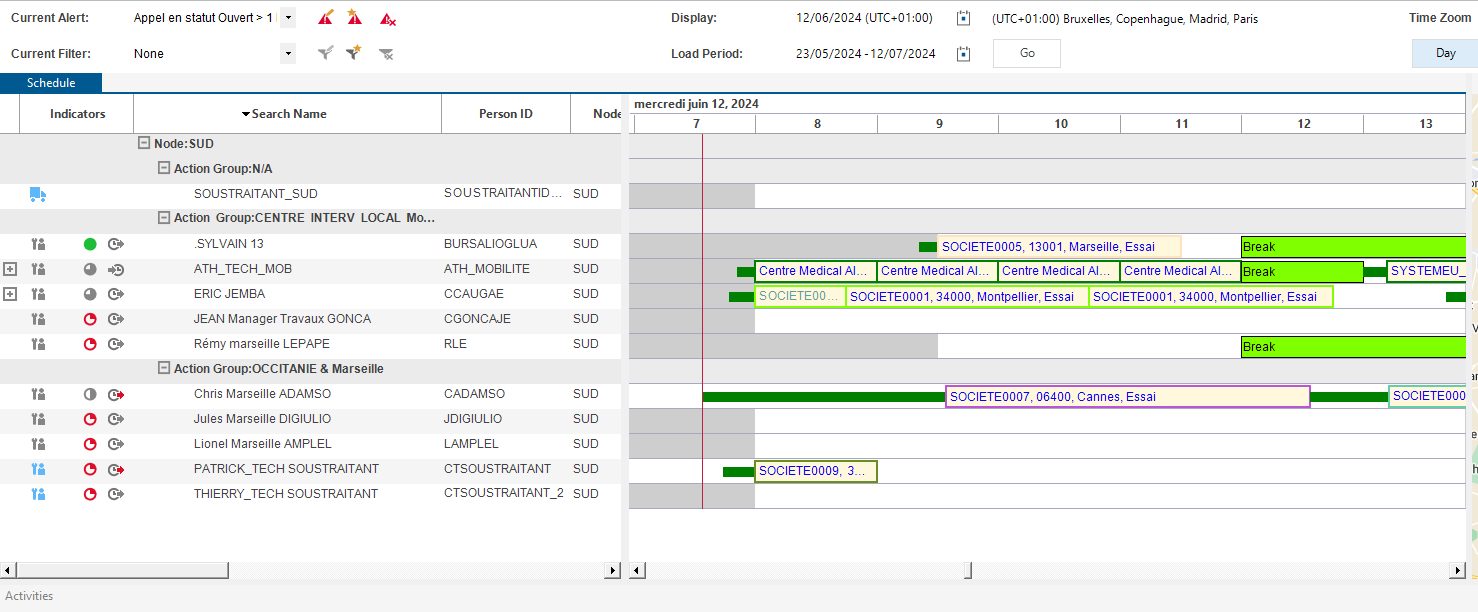


Thanks and regards

anthony​​​​​​​

Best answer by Phil Seifert

Hi Anthony,

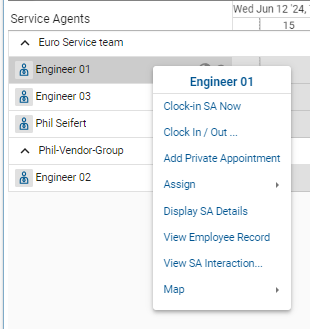
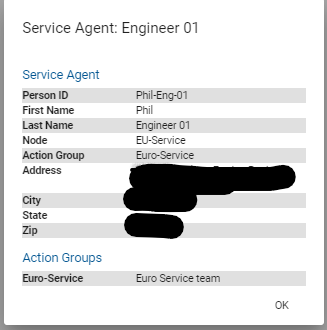
There is not a method to display the city of the engineer at the top level similar to the Astea Browser Dispatch Console but you can use the Display SA Details in the right-mouse context menu.


This will bring up the following screen:

(address blacked out for privacy)


1 reply

Phil Seifert
Ultimate Hero (Employee)
Forum|alt.badge.img+24
  • Ultimate Hero (Employee)
  • Answer
  • June 12, 2024

Hi Anthony,

There is not a method to display the city of the engineer at the top level similar to the Astea Browser Dispatch Console but you can use the Display SA Details in the right-mouse context menu.


This will bring up the following screen:

(address blacked out for privacy)