


Alliance issues reported with Google Chrome 158.0.8127.37

  • Nov 18, 2026 1:52 PM UTC
  • 3 replies
  • 33 views

Reid Gilbert
Superhero (Employee)
Forum|alt.badge.img+15

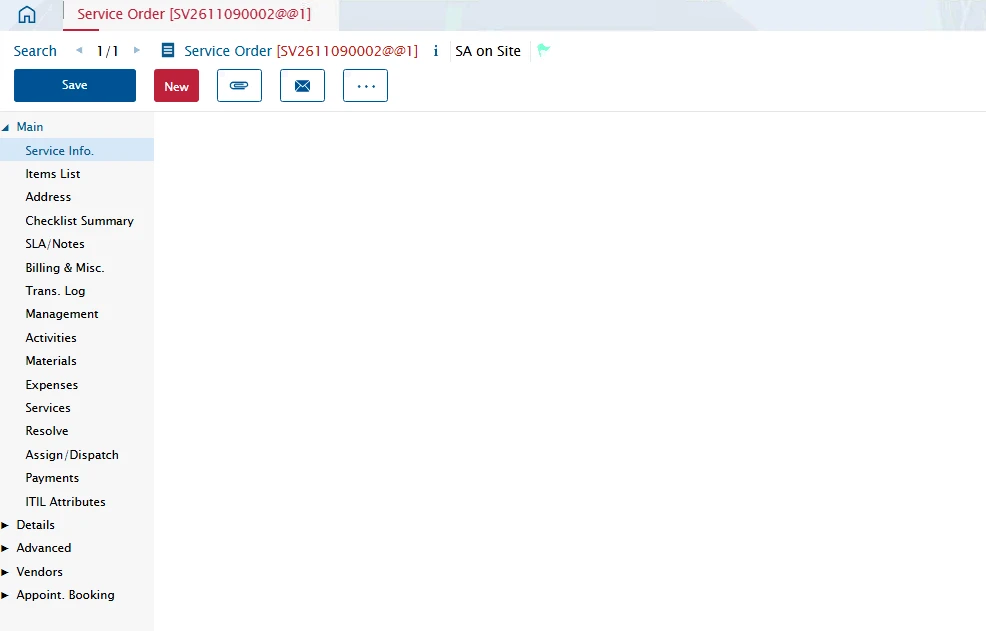
White screen issues have been reported on the latest version of the Google Chrome browser (V158.0.8127.37) in the Astea Alliance application.  Please instruct your users to hold off on upgrading their browser to this version at this time, the workaround is to run the application in a Microsoft Edge browser instead:
 

Thanks,
Reid

3 replies

Forum|alt.badge.img+10

Hi Reid,

Thank you for this alert. However, some customers are reporting that they are forced (with no other choice) to use Chrome and cannot prevent the update.

Do you have any idea when this issue will be resolved?

Thanks


Forum|alt.badge.img+11

Google Chrome has started removing native XSLT support as of Chrome 158 (November 17, 2026). However, you can temporarily re-enable it using a Chrome Enterprise policy.

  1. Open a command prompt and run the following command:
reg add "HKLM\SOFTWARE\Policies\Google\Chrome" /v XSLTEnabled /t REG_DWORD /d 1 /f
  1. Completely close and restart chrome.
  2. Navigate to chrome://policy
  3. Click Reload policies and confirm you see the following policy:
    SLTEnabled
    Value: 1
    Status: OK

Forum|alt.badge.img+12
  • Hero (Partner)
  • Nov 18, 2026 4:34 PM UTC

Hi Andrew,

I have read some posts mentioning Chrome's Origin Trial as another possible solution. Unlike a GPO, it is configured on the server side, so it would work for all users without changing each workstation's configuration.

Have you considered this option?

Rgds

Christophe